Jan 22, 2025
“Publish now” action for scheduled drafts
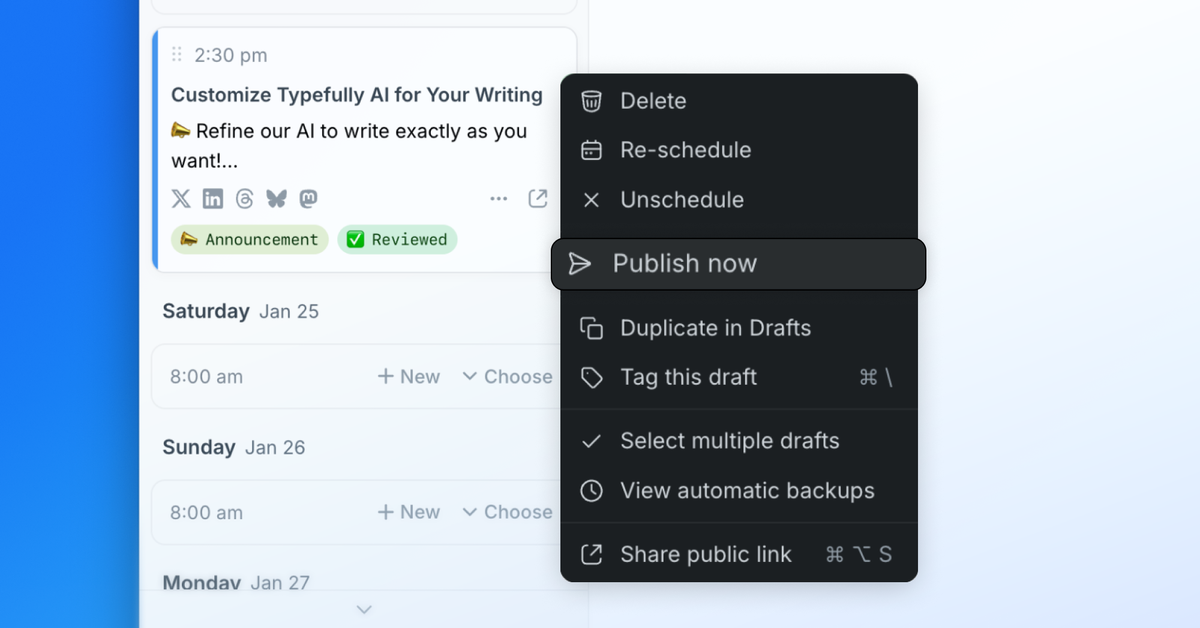
Sometimes we change our minds about scheduled posts and prefer to publish right away.
We've made this easier with the new “Publish now” action in the scheduled drafts options dropdown menu.
Just click and confirm, and the draft will be published right away.
Jan 8, 2025
Higher Quality Image Uploads
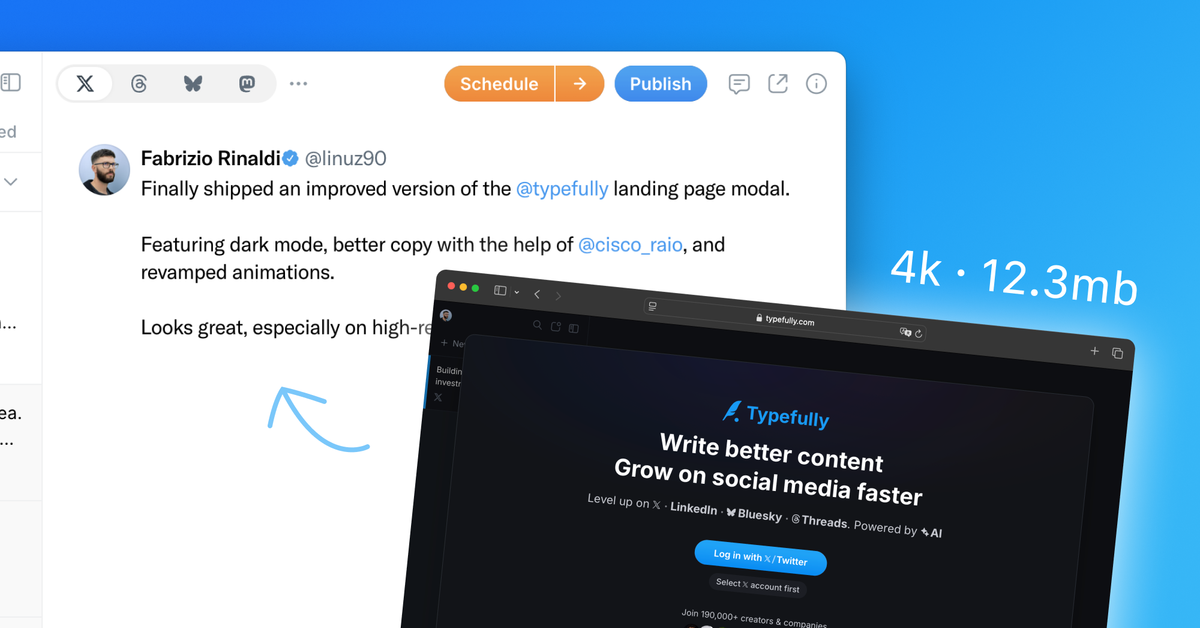
Paid users can now upload images up to 20MB and Typefully will resize them automatically to match the destination platform limits.
You no longer need to resize images and screenshots in another tool to meet the previous 5MB upload limit — which still applies to free users.
Nov 21, 2024
Publish and Schedule on Bluesky
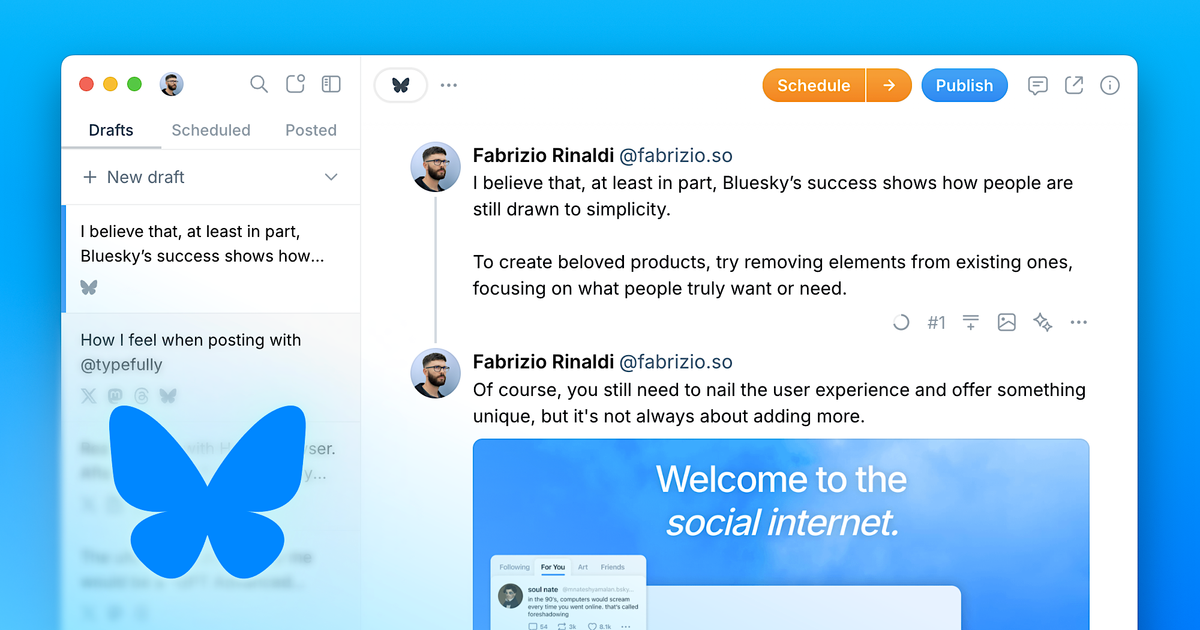
Bluesky support is now available for all free and paid users 🦋
Bluesky is quickly rising in popularity, and now you can schedule and publish your content there with a single-click from Typefully.
We already support images, GIFs, and video attachments too, with more features on the way — and of course you can use our powerful AI rewrites on your Bluesky drafts.
To get started, go to your Accounts settings or click on the draft top platforms picker to connect your Bluesky account.
You still need to log in to Typefully with your 𝕏 account, but we're working hard to add more options soon.
Oct 16, 2024
Attach Longer Videos to Your 𝕏 Posts
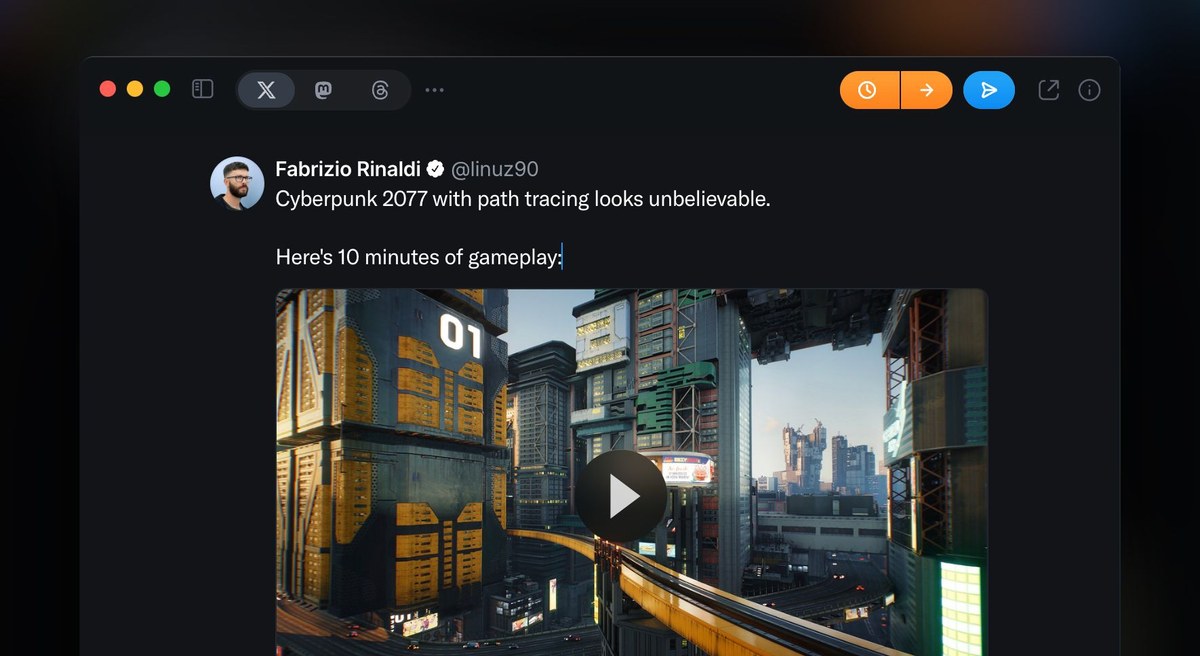
You can now use Typefully to schedule and publish videos up to 10 minutes, even if you don’t have an 𝕏 Premium subscription.
We’ve been working with the 𝕏 Dev team and the limit has now been raised from 2 minutes to 10 minutes.
Video content is more and more important, so this is a great way to get more engagement.
To find out more about video length limits on 𝕏, check this article.
Oct 9, 2024
Better Analytics with Weekly and Monthly Grouping
We have introduced weekly and monthly grouping to X Analytics on Typefully.
This new feature transforms how you view your follower growth, impressions, engagement rate, and more — providing a clearer perspective on how these metrics develop over extended periods.
Learn more about X Analytics on Typefully here.
Sep 17, 2024
Better Auto-Retweets for X Posts
We have improved Auto-Retweets for your X posts to make them easier to configure and setup.
Easily decide when each retweet happens to maximize engagement:
- After a specific number of hours or days
- After a specific number of days but at a different time
Learn more about Auto-Retweets here.
Sep 2, 2024
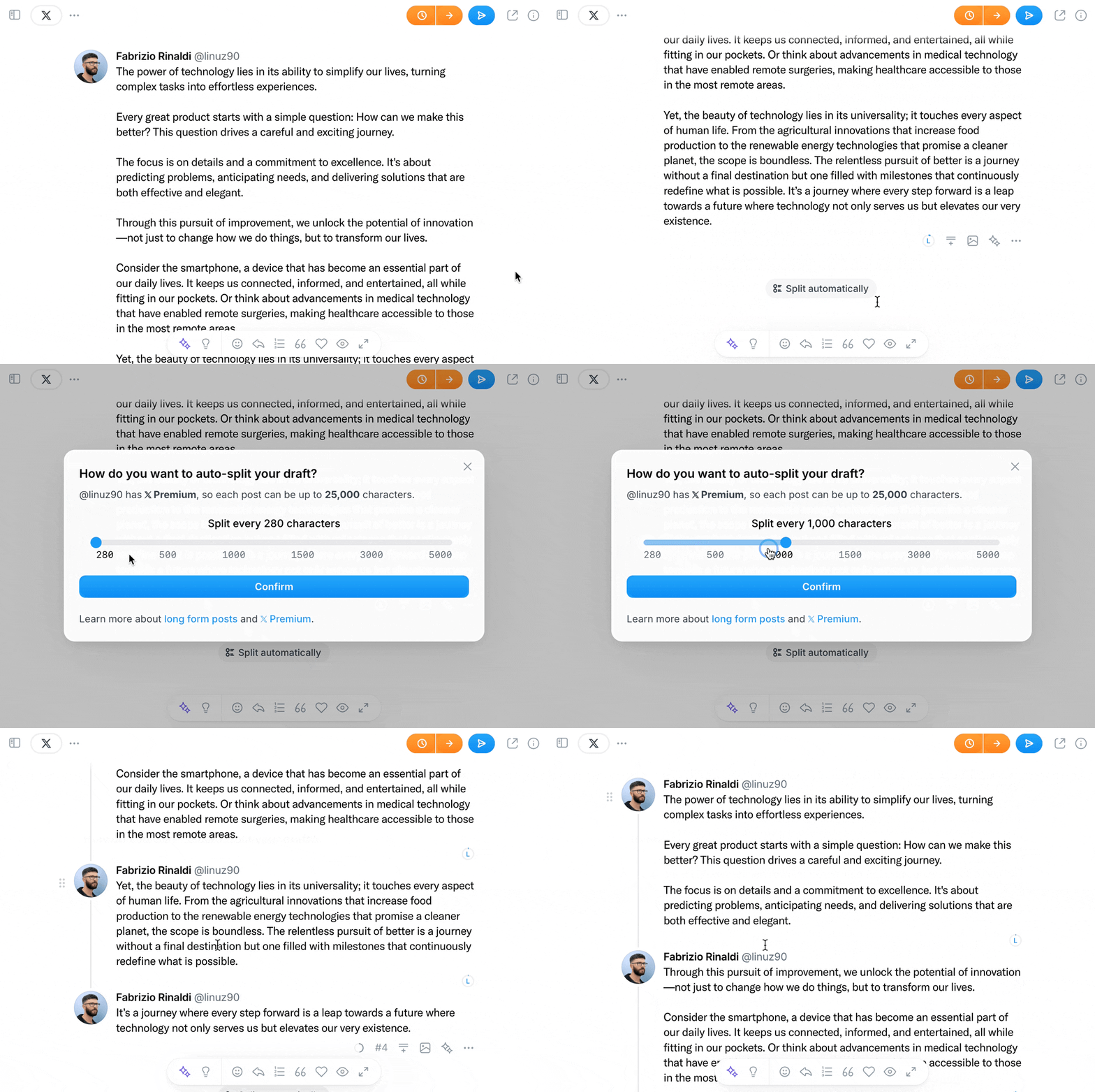
Better thread auto-split for 𝕏 drafts
We’ve revamped the text auto-split for 𝕏 drafts, so you can choose what the maximum length of each post should be when writing a 𝕏/Twitter thread.
Since 𝕏 Premium subscribers can post up to 25,000 characters, this gives you more freedom to auto-split any text you paste in Typefully according to the destination account type.
You can learn more about Long Form support in Typefully here.
Aug 27, 2024
Threads by Meta integration now in beta
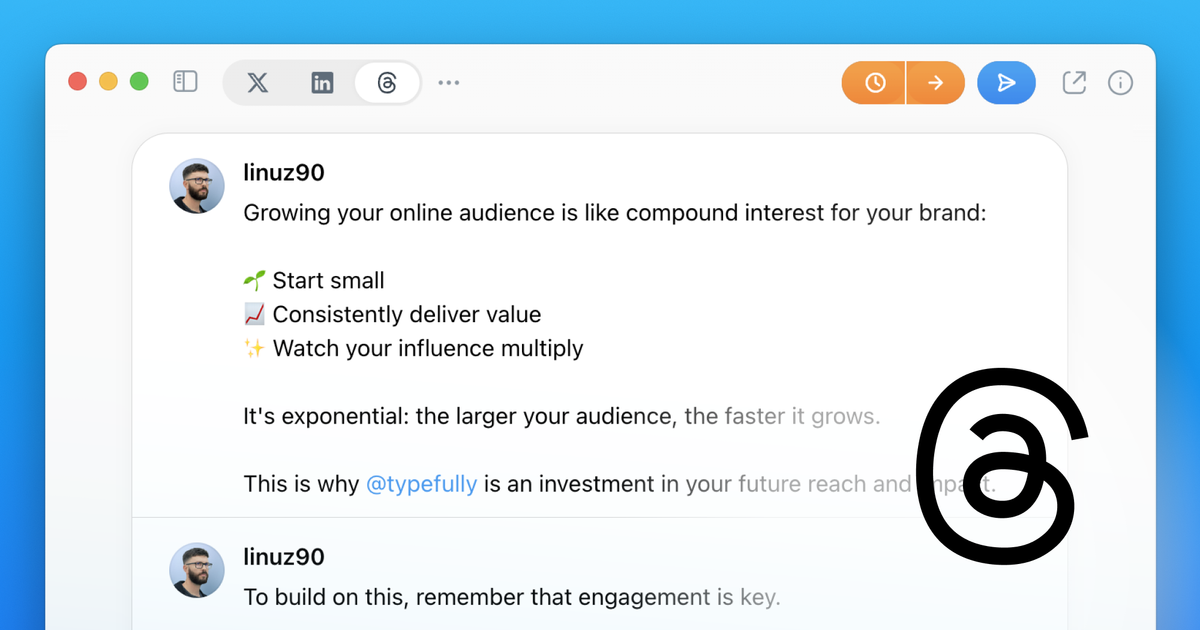
We're excited to announce support for a new, fast-growing platform on Typefully: Threads by Meta.
The integration is currently in beta, so please be aware of some limitations and occasional hiccups while we put the finishing touches on it.
You can now connect a Threads account for cross-posting or create standalone Threads drafts, and use our beloved features like AI Rewrites and rich media support.
If you're subscribed to at least the Creator plan, visit your account settings to connect your Threads account and get started.
To provide feedback or report any issues, click on "Help" and then "Contact Us" in the bottom left corner of Typefully.
Aug 16, 2024
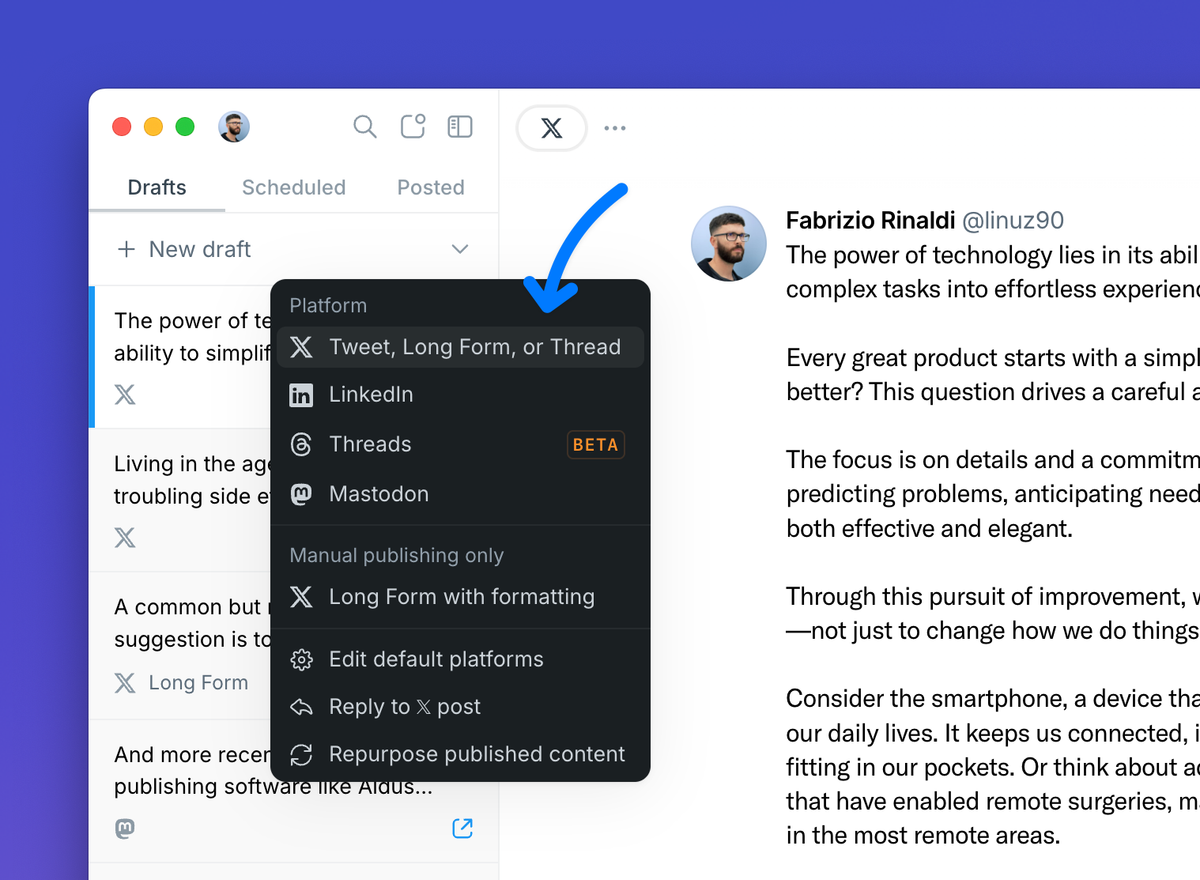
Publish and Schedule Long Form Posts
Long Form posts are a great way for 𝕏 Premium subscribers to engage with their audience on 𝕏, without being limited by character count.
We already support writing long form posts in Typefully, but today we're finally enabling publishing & scheduling long form posts too, thanks to the newly released 𝕏 API.
Simply create a new 𝕏 draft and enjoy the new 4,000 character limit if you're an 𝕏 Premium subscriber.
Jul 1, 2024
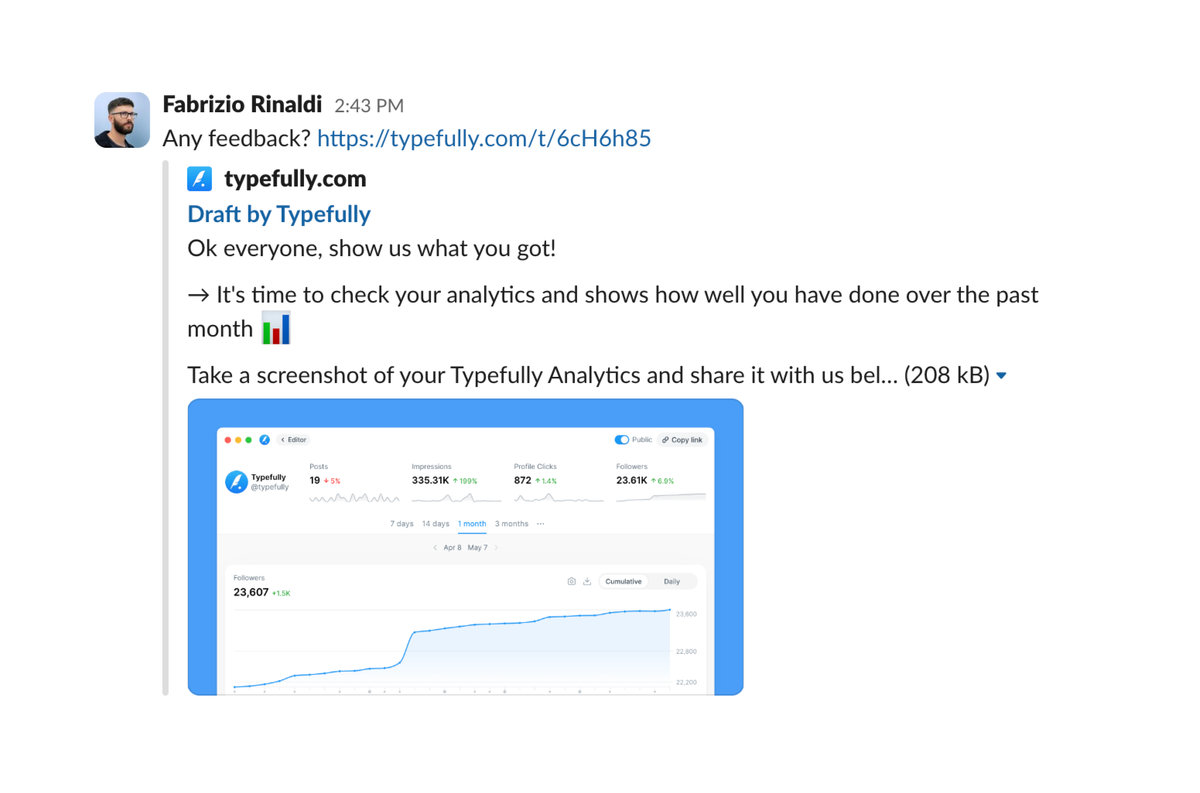
Better Shared Drafts Previews
Previews of shared drafts are more accurate when shared on Slack, Notion, and other websites.
Also, we now take the first image of the draft and show it in the preview, so it's more representative of its content.
Sharing drafts is easy and free, just take a look at this help article to get started.
Jun 14, 2024
Smarter Typefully AI with GPT-4o
Typefully AI, our own AI writing assistant, is now powered by GPT-4o.
GPT-4o is OpenAI's latest model and it's smarter and faster than previous models.
You can now use it in our most popular rewriting prompts (e.g. make it punchier) as well as when you write your own custom prompts in Typefully.
To try it, click the sparkle ✨ button in the our editor, or press ⌘ J on Mac or ctrl J on Windows.
May 16, 2024
Better copy/paste from GDocs & Notion
Text formatting is now better respected when copying/pasting content from Google Docs or Notion to Typefully.
1) Bold and *italic* text is preserved when you paste into a long-form draft. 2) Bullet points from lists you copy/paste are fully preserved. 3) Newlines and paragraphs are kept as in the original doc as much as possible.
This improvement is also valid when pasting from other popular websites.
Apr 24, 2024
Realistic Post Preview for LinkedIn
You can now preview your LinkedIn posts with perfect accuracy.
Click on "Publish" or "Schedule" and then click on "Preview" (next to the LinkedIn toggle) to see this new Realistic Preview. This gives you a precise idea of how the post will look on LinkedIn.
The post is collapsed by default (as shown on LinkedIn) with the "See more..." button available to expand it.
To optimize your posts for mobile, click on the "Mobile" toggle in the top right corner to see how it looks like on people's phones.
Apr 10, 2024
Smarter Prompts for Typefully AI
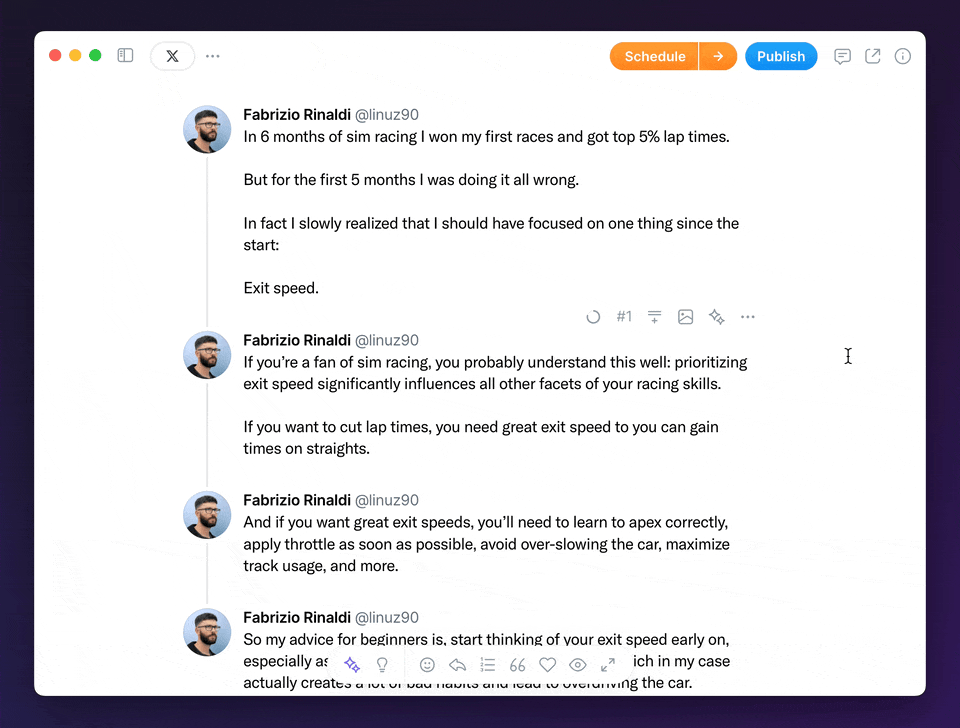
You can now give more complex custom instructions to Typefully AI, because we're now using GPT-4 Turbo to process them:
Apr 8, 2024
AI rewriting on all platforms ✨
Our powerful Typefully AI is now available on all platforms 🎉
This update allows the finally use our AI rewriting on 𝕏, LinkedIn, and Mastodon drafts.
You can select any text to rewrite, improve grammar, condense, make it punchier, and much more.
Apr 5, 2024
Drag & Drop on Calendar View
Managing your content calendar just became a lot easier.
You can now drag & drop scheduled drafts on the 📆 Calendar view.
- Move drafts around to different times to distribute your content
- Drag & drop a draft over another one to swap them
Pro Tip: we recommend posting 3-5x a week for better results.
Mar 18, 2024
Calendar View
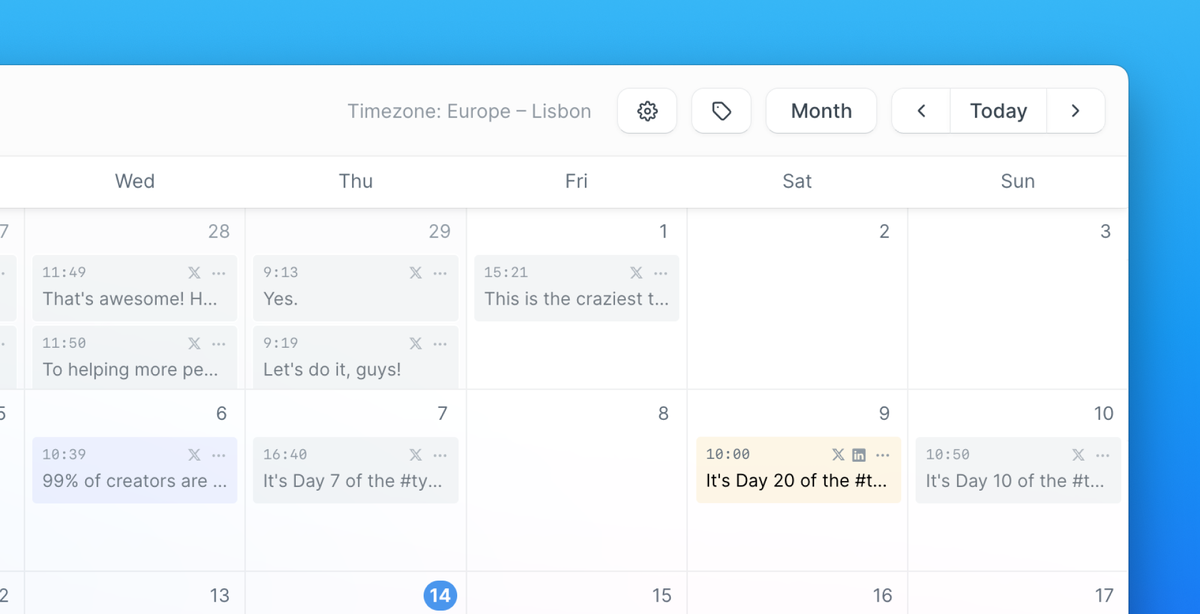
View your published and scheduled drafts on a beautiful 📆 Calendar view.
Here are some of its features:
- Weekly and Monthly views
- Quickly schedule in your free slots and repurpose your drafts
- Quick access to schedule settings
- View your tags, and filter drafts by tags
- Fast navigation with keyboard shortcuts
More features like drag & drop for the schedule drafts are coming in the future.
Feb 8, 2024
Quickly Adjust Scheduled Time
You can now quickly change the scheduled time for your posts from the Schedule interface. It's much faster than having to reschedule the post completely.
Jan 8, 2024
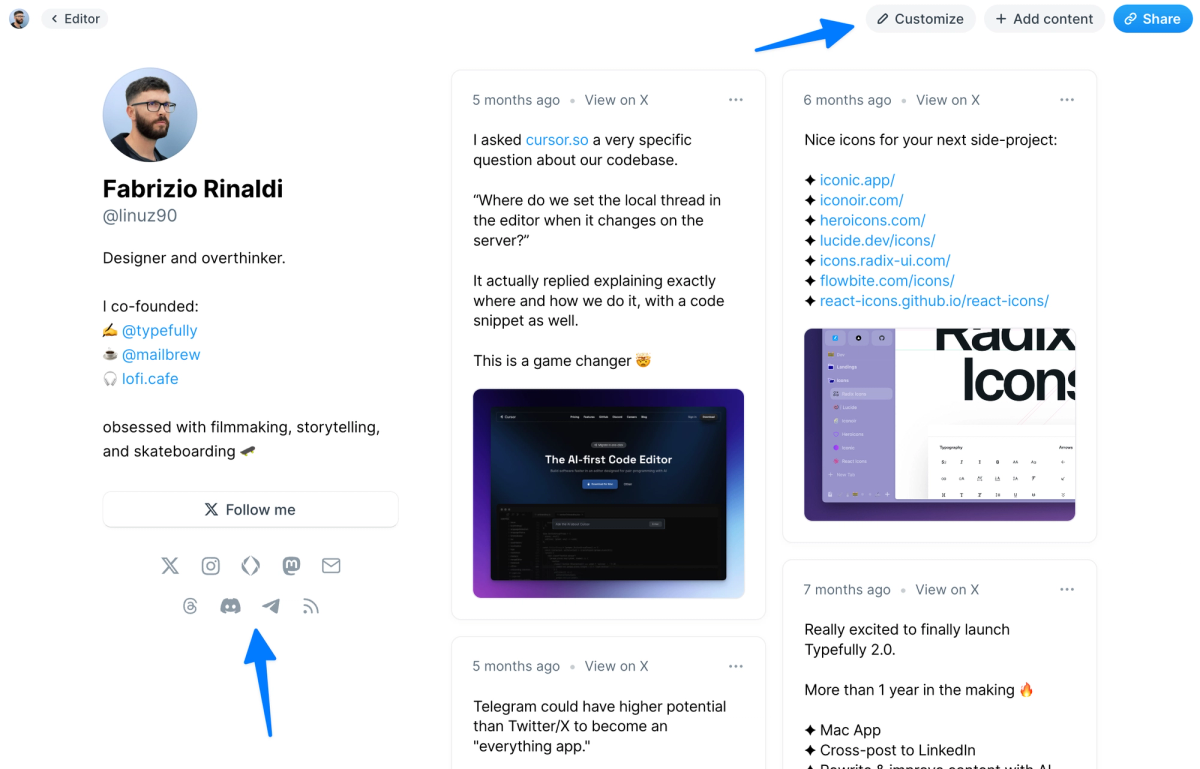
Discord and Telegram Profile Links
Click "Customize" in the top right corner of your Typefully profile page to add Discord and Telegram links.
Your Typefully profile is a great way to make sure your posts are truly yours, by giving them standalone pages that are also indexed on Search engines. Learn more here.
Jan 3, 2024
Emoji Picker
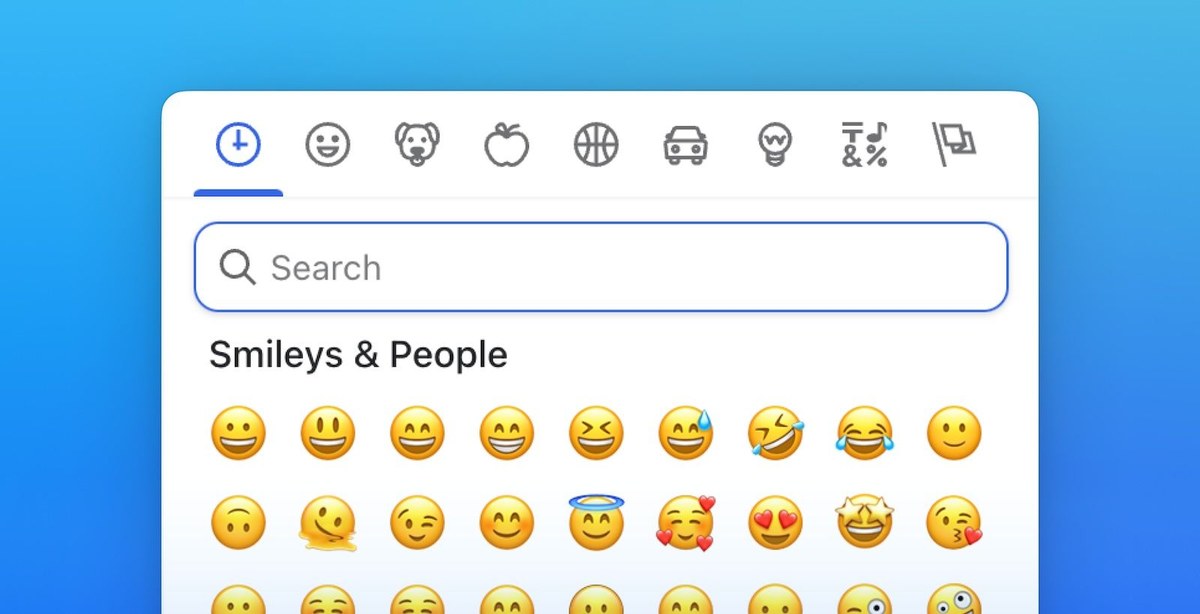
Browse and add emoji to your drafts with our new Emoji Picker.
You could already type ":" and write an emoji alias to add emoji, but we've now added a convenient picker in the editor bottom toolbar.
Here's how it looks: