Dec 14, 2023
Write 𝕏 Long Form Posts with Typefully
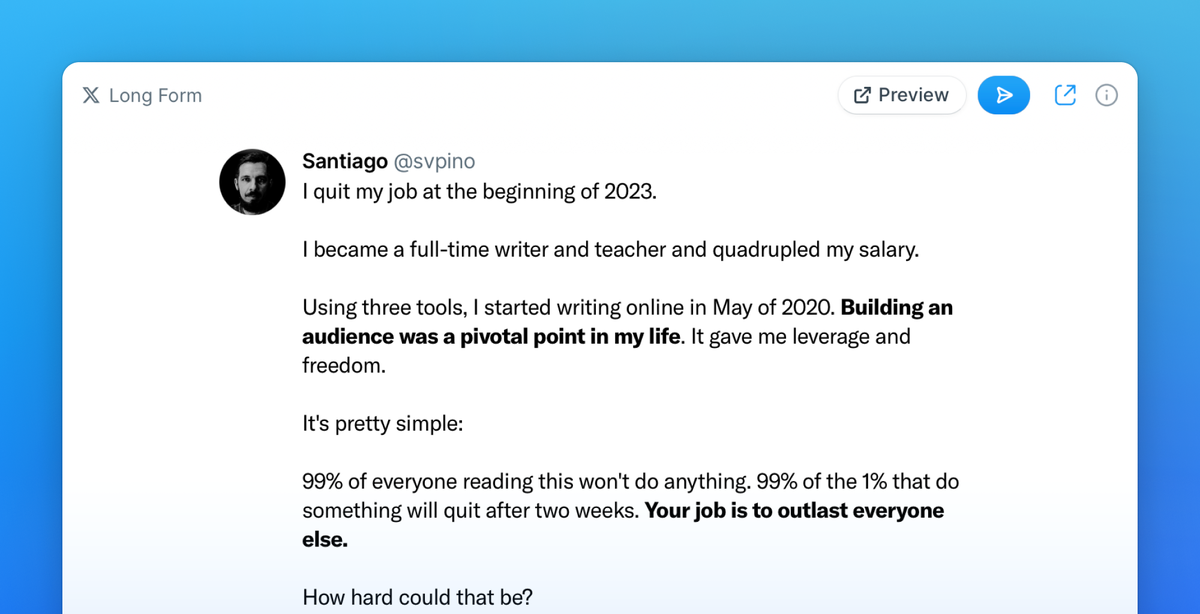
Long form posts are a great new way for 𝕏 Premium subscribers to engage with your audience on 𝕏, without being limited by character count.
You can finally write 𝕏 long form posts in Typefully.
We can't support publishing and scheduling yet, but there’s a workaround: you can in fact copy the long form text from Typefully to manually post in on 𝕏.
As soon as 𝕏 adds long form support to their API, you'll be able to schedule and publish directly from Typefully.
Nov 13, 2023
New Platform: Mastodon
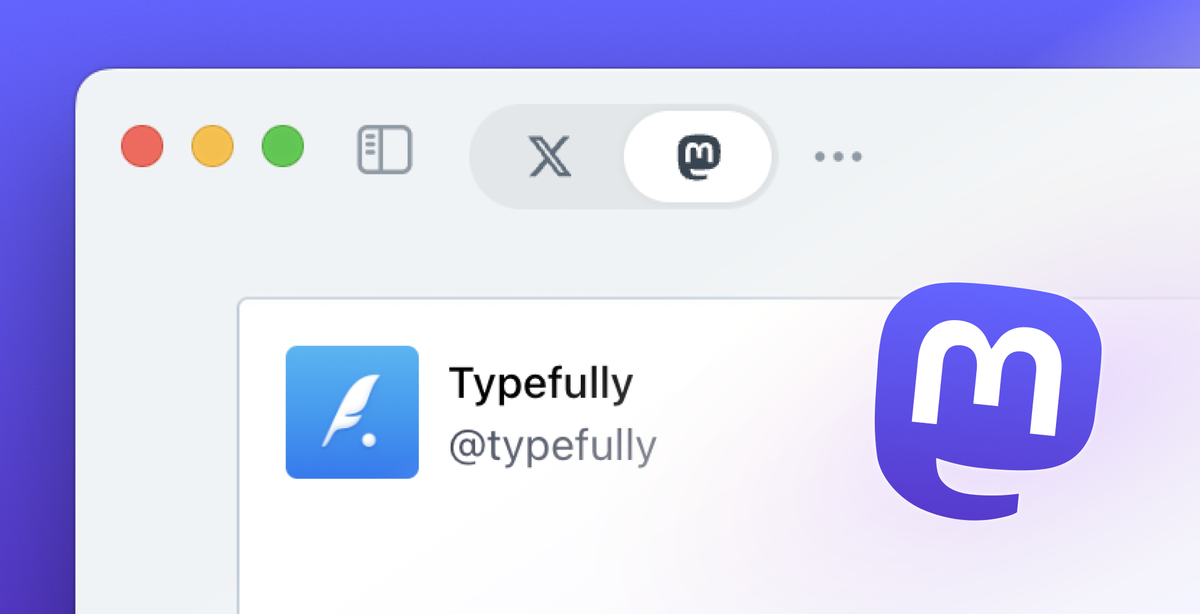
You can now write, publish, and schedule Mastodon drafts.
This is the third platform supported in Typefully, after 𝕏 and LinkedIn. However, what makes this update particularly important is that it includes a complete revamp of Typefully's editor and core functionality, paving the way to add more platforms soon.
Mastodon support, just like LinkedIn, is part of our Creator plan.
Sep 15, 2023
Create LinkedIn Drafts
Typefully allows you to publish on 𝕏 / Twitter and LinkedIn, but until now you had to always create an 𝕏 draft first, and then also pick LinkedIn as a destination.
You can now directly create a LinkedIn draft by clicking on the new drop-down menu in the "New draft" button.
You need to be at least on the Creator plan to connect a LinkedIn account.
Sep 14, 2023
Emojify Your Posts with AI
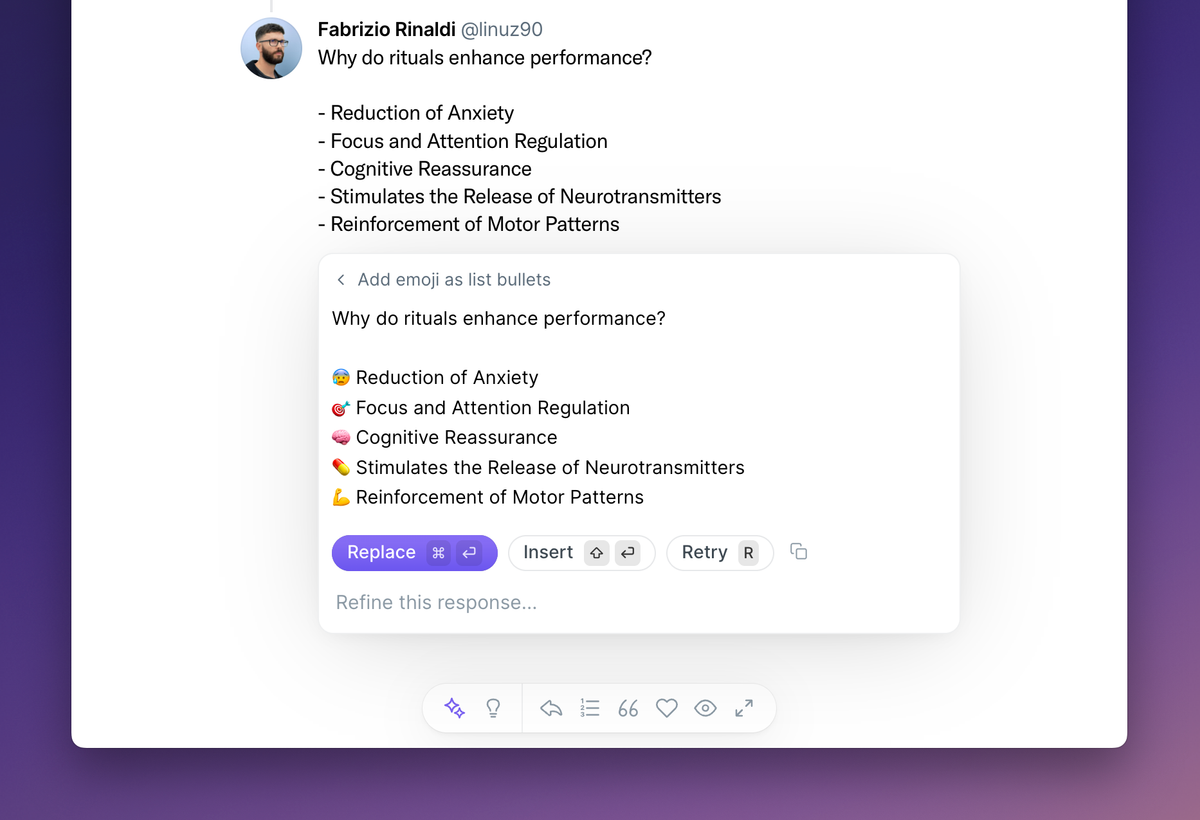
As you may know, Typefully has a smart AI assistant called Vesper with a variety of rewrite modes. You can click on the ✨ icon on your posts or press Command + J (or Ctrl + J on Windows) to open it.
We've added new commands to quickly add emoji to your posts, so you can save a few minutes. Just search for "emoji" on Vesper to try them.
Aug 28, 2023
Tags and Metadata
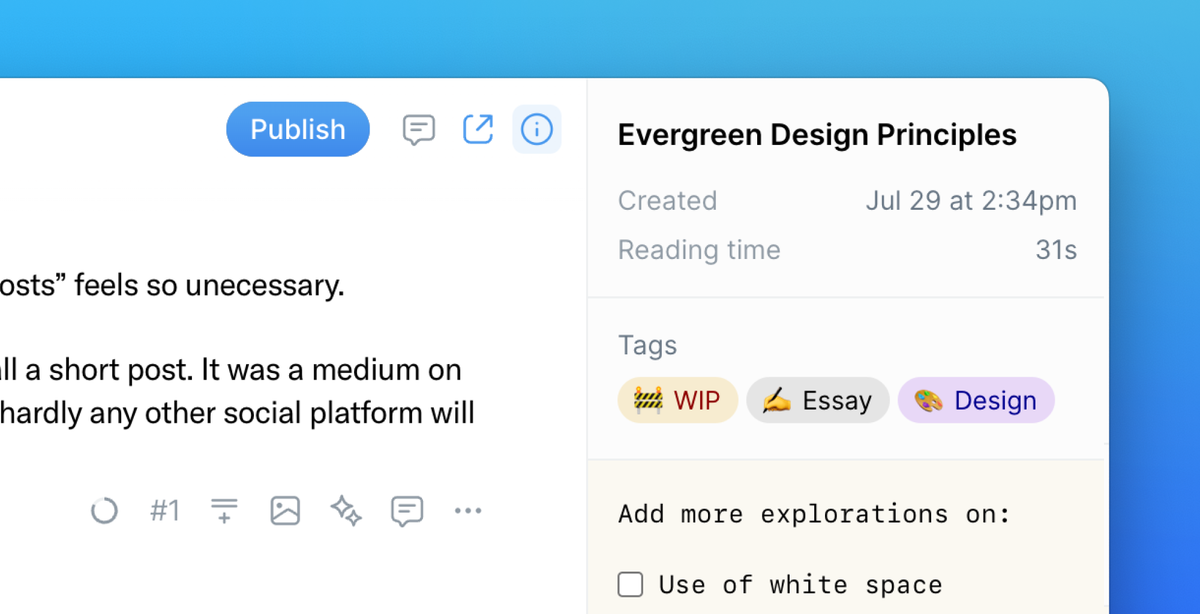
Typefully has added new ways to organize and enrich your drafts. Now you can add tags, internal titles, and even write in a scratchpad for each draft.
Tags are part of the Creator plan. You can also easily filter and search drafts by tag via the Command Bar - which you can invoke via the usual Ctrl/Cmd+K shortcut.
Aug 28, 2023
Download Analytics Data as CSV
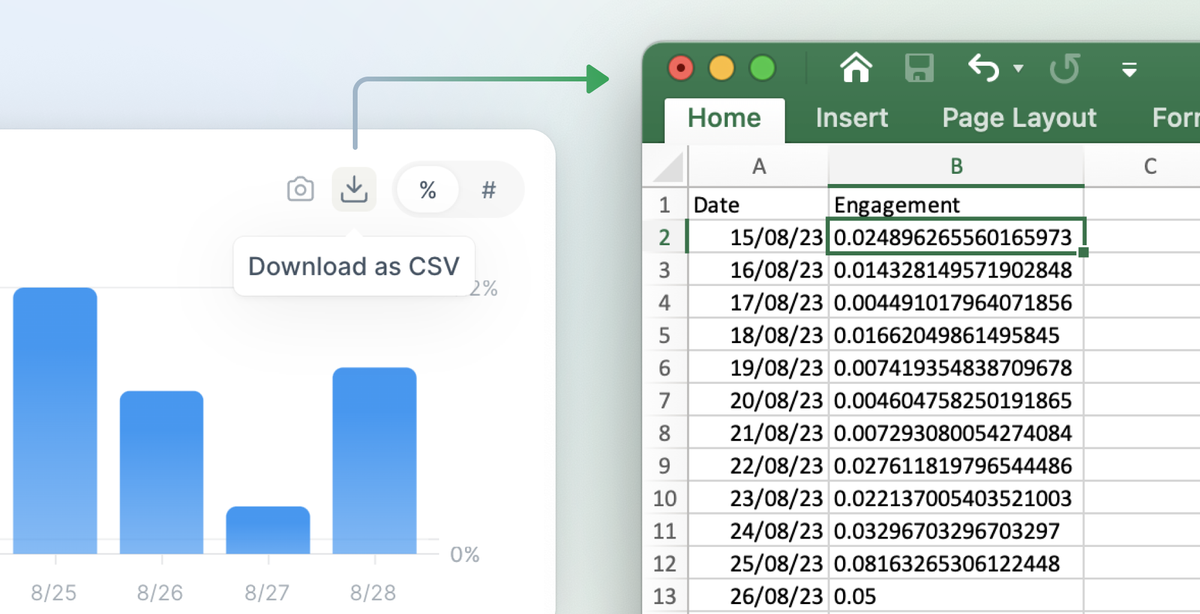
If you're on the Creator plan or higher, you can now download data from any Analytics chart as a CSV file.
This new feature empowers creators to analyze metrics more effectively and double down on their best performing content.

Jul 20, 2023
Boost your engagement with Auto-DMs
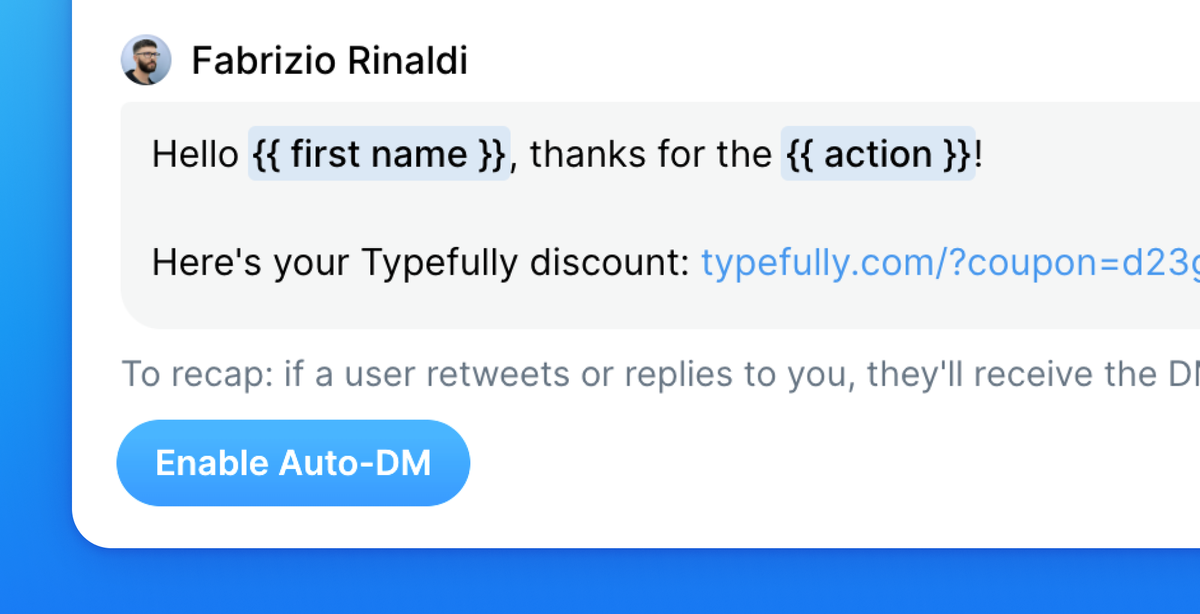
The wait is over. Today we're finally introducing Auto-DMs.
Easily create giveaways, send content to your community, and boost engagement on your tweets. Creators who tried the beta have gained hundreds of followers.
Auto-DMs are part of our Creator plan, and you can learn more about them in the Help Page.
To get started, click on the publish button on any draft and activate your first campaign.
Jun 30, 2023
New Mac App Shortcuts
We've added new keyboard shortcuts in our Mac app to make it easier to switch drafts and accounts.
- Switch drafts with
⌘ ⌥ ←and⌘ ⌥ → - Change account with
⌘ ⌥ ↓and⌘ ⌥ ↑
Discover more shortcuts on our help page.
Jun 13, 2023
Publish Standalone LinkedIn Posts
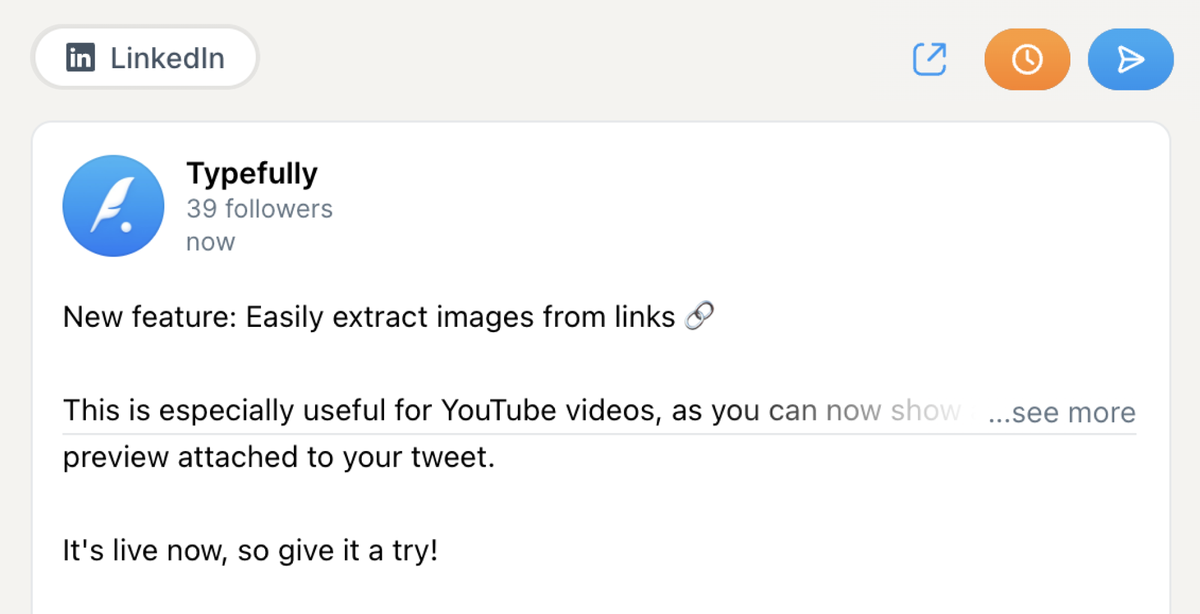
When we first introduced LinkedIn support, it was only in the form of cross-posting.
You can now write and publish standalone LinkedIn posts too, by simply disabling the Twitter version of your draft.
Jun 6, 2023
Extract Images from Links
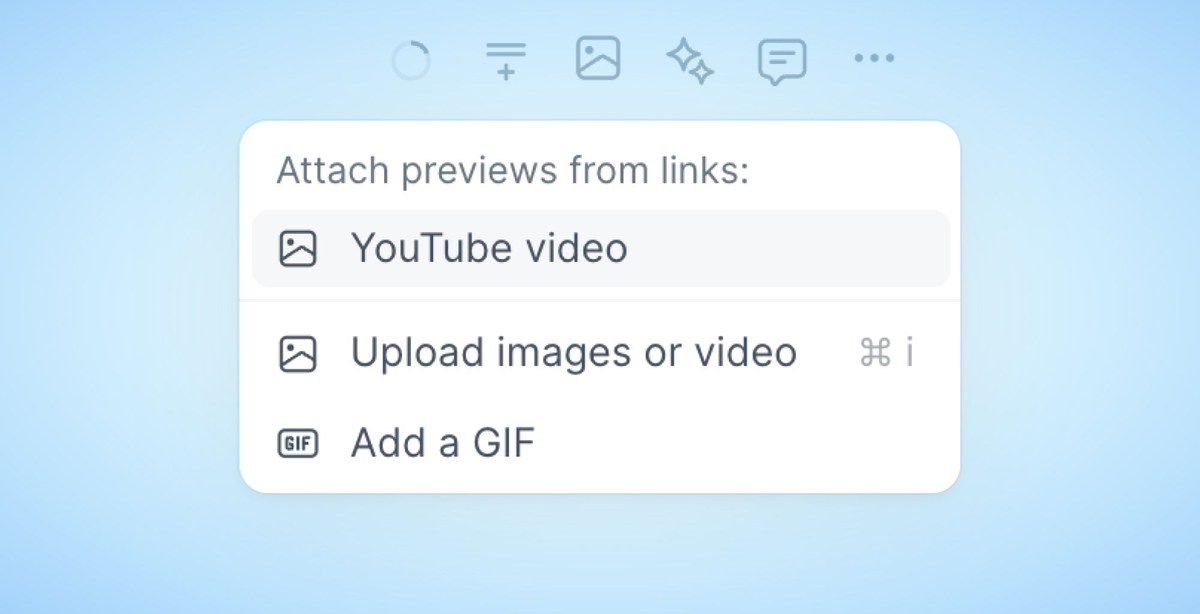
Easily extract images from links in the text of your tweet.
This is especially useful for YouTube videos, as you can now show a nice preview attached to your tweet.
May 30, 2023
Thread Finisher Templates
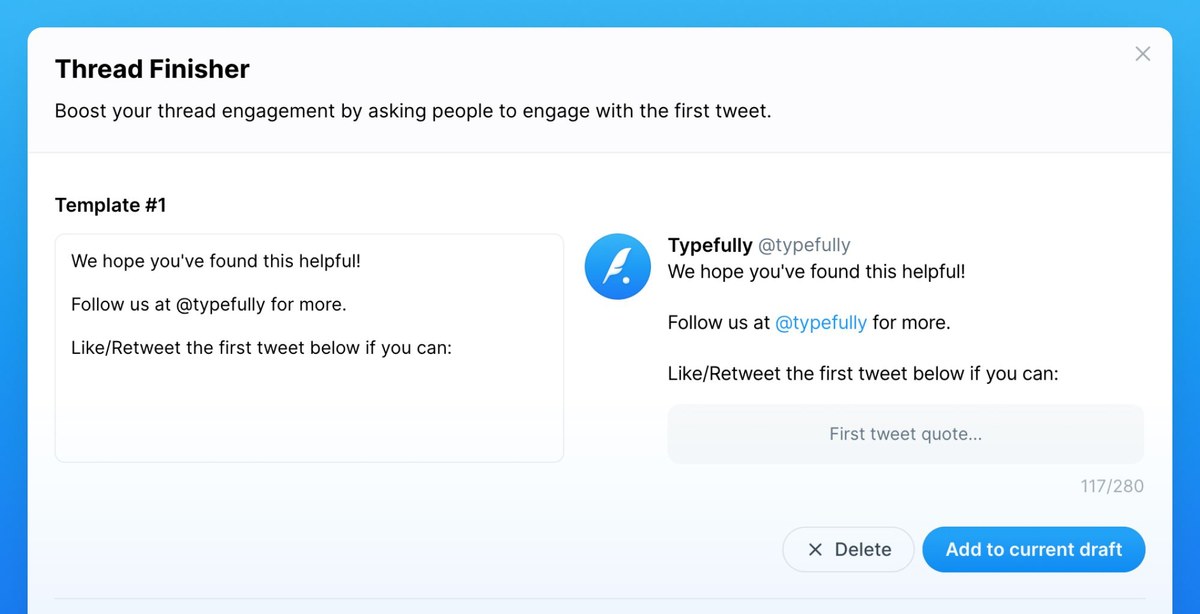
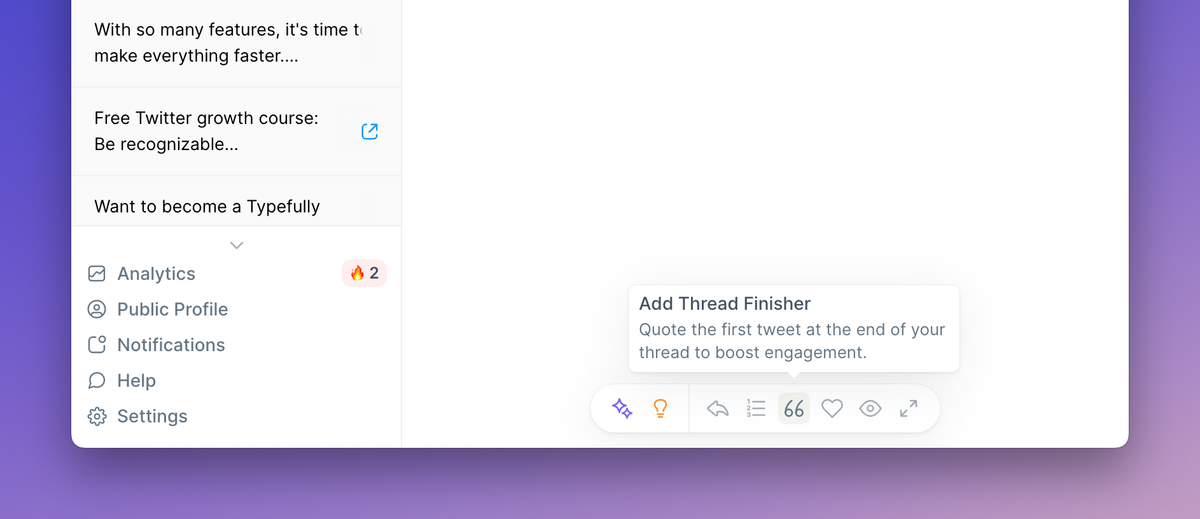
Easily boost your thread's engagement by quoting the first tweet at the end.
You can now create as many templates as you want:
May 22, 2023
Tag Users in Photos

If a tweet contains pictures, click on "Tag People" under it to tag any user.
Users are notified when they're tagged in a picture, so it's a great way to mention users without taking up precious characters of your tweets.
May 5, 2023
Typefully for Mac

We've built a beautiful Mac app to help you focus on your content, without the distraction of your browser tabs.
You can download it here.

Mar 14, 2023
Polls
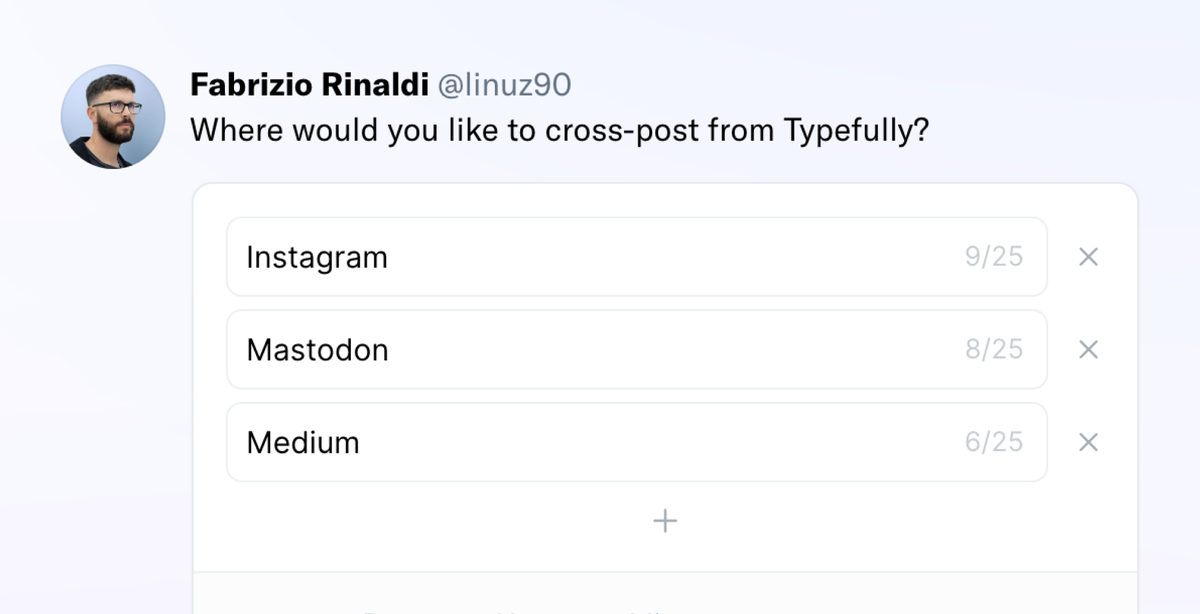
You can now create and post polls on Twitter via Typefully.
Conduct surveys, gather opinions, and get to know your audience better. Simply click on the new Polls option on any tweet to get started, and add up to four options.
Mar 8, 2023
Publish to LinkedIn
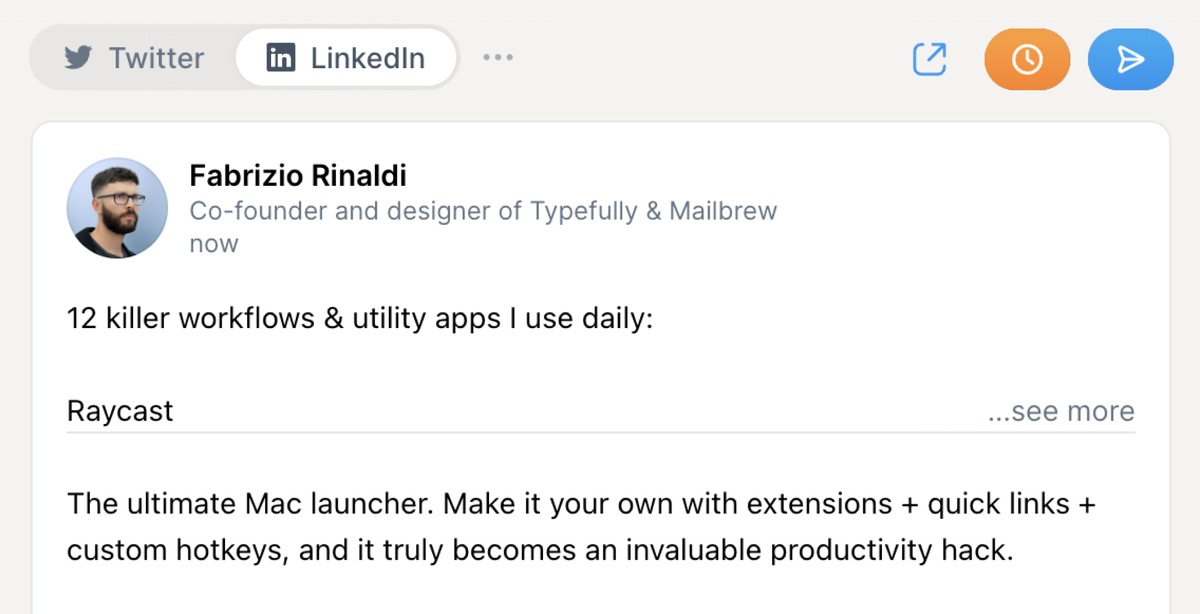
These days it's essential for creators to expand their audience reach beyond just Twitter.
One way to achieve this is by publishing content on LinkedIn to tap into a vast network of professionals and grow your audience faster.
With Typefully, it's easy to publish your content on LinkedIn. Connect your LinkedIn account and cross-post your tweet and threads on LinkedIn. That's it.
This new integration is part of our paid Creator plan.
Feb 22, 2023
Repurpose published posts
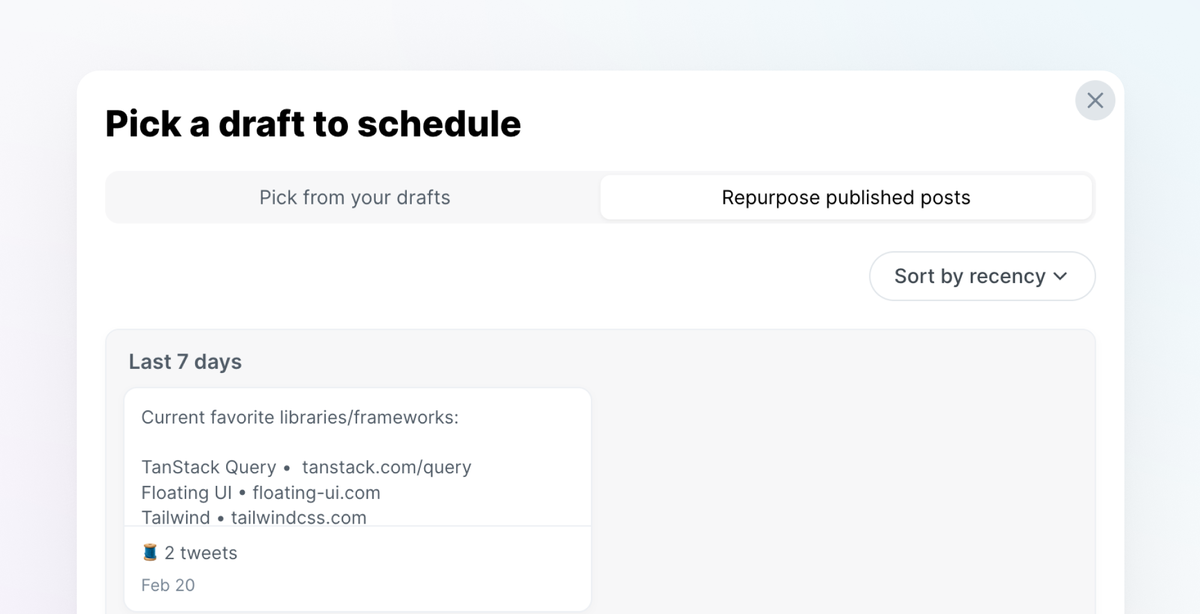
Creating a great content queue is much easier if you can tap into your published content.
It's now easy to repurpose your published posts: just click on "Pick" in an empty queue slot, and then check out the new "Repurpose published posts" tab.
Jan 17, 2023
Notifications
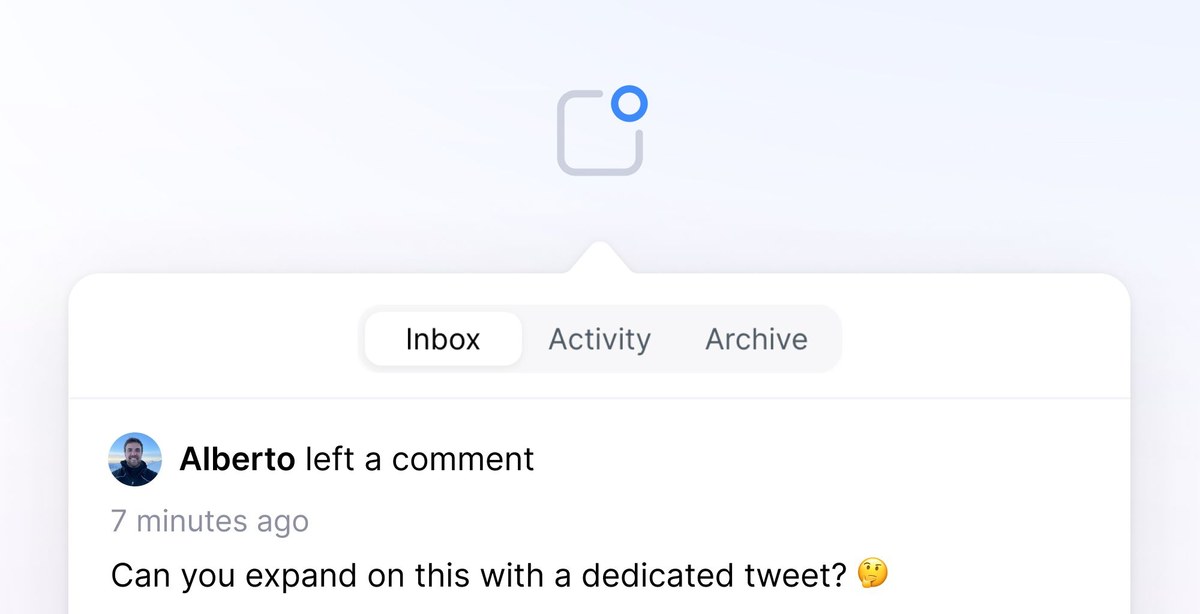
Typefully now sends you email notifications about important activity on your account.
For example, you’ll be notified about:
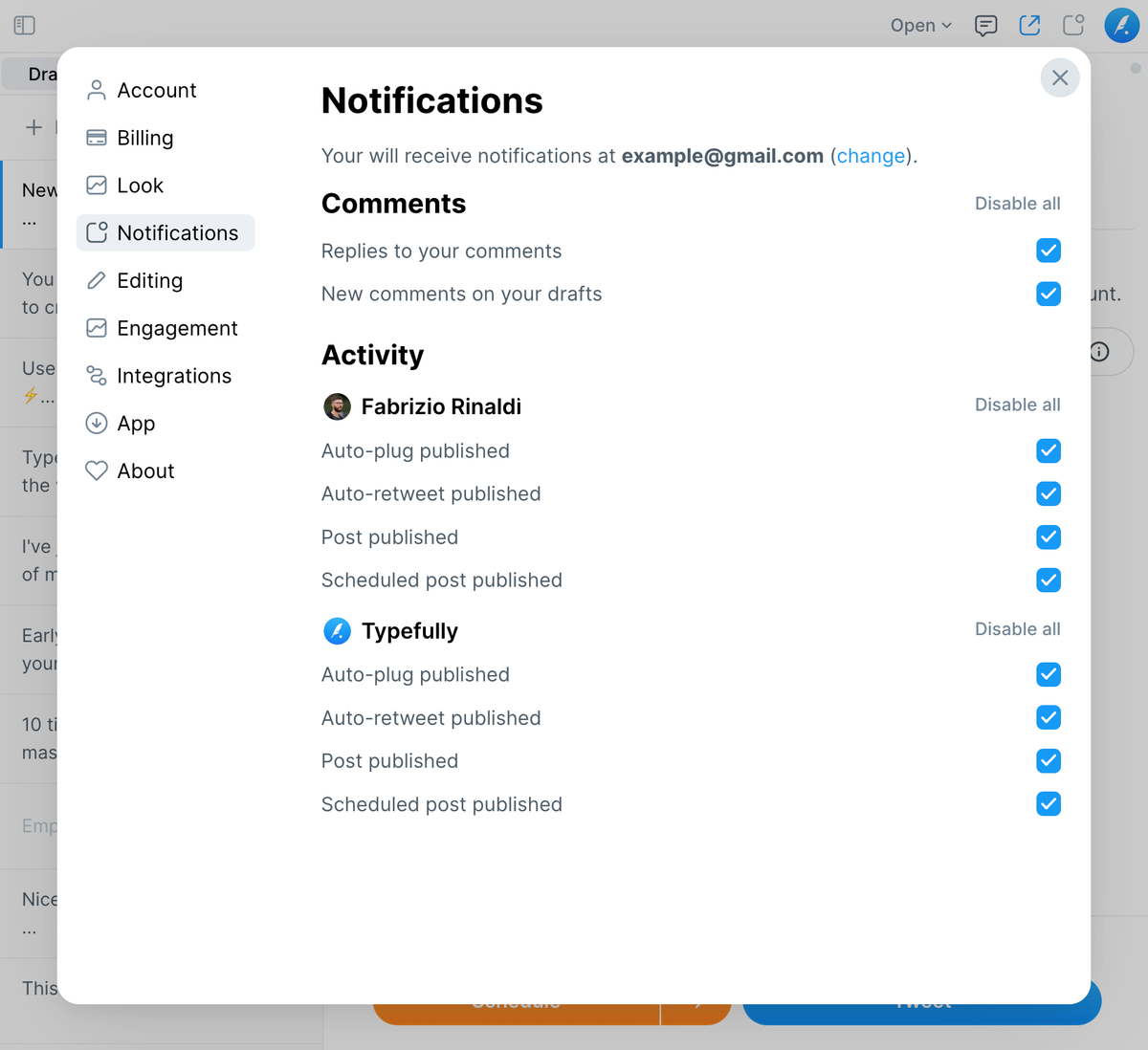
💬 New comments and replies 📆 Newly published content (especially useful for teams) 🔃 Engagement activities, like auto-retweets
You can find notifications in the in-app menu, and customize what you receive via email in the Notification settings.
What this means for teams
The new notifications give teammates more visibility on what gets published and when.
In the example below, Fabrizio enabled email notifications even for tweets and threads that are published on the Typefully account, which in part of a team.
Jan 2, 2023
Delete Multiple Drafts
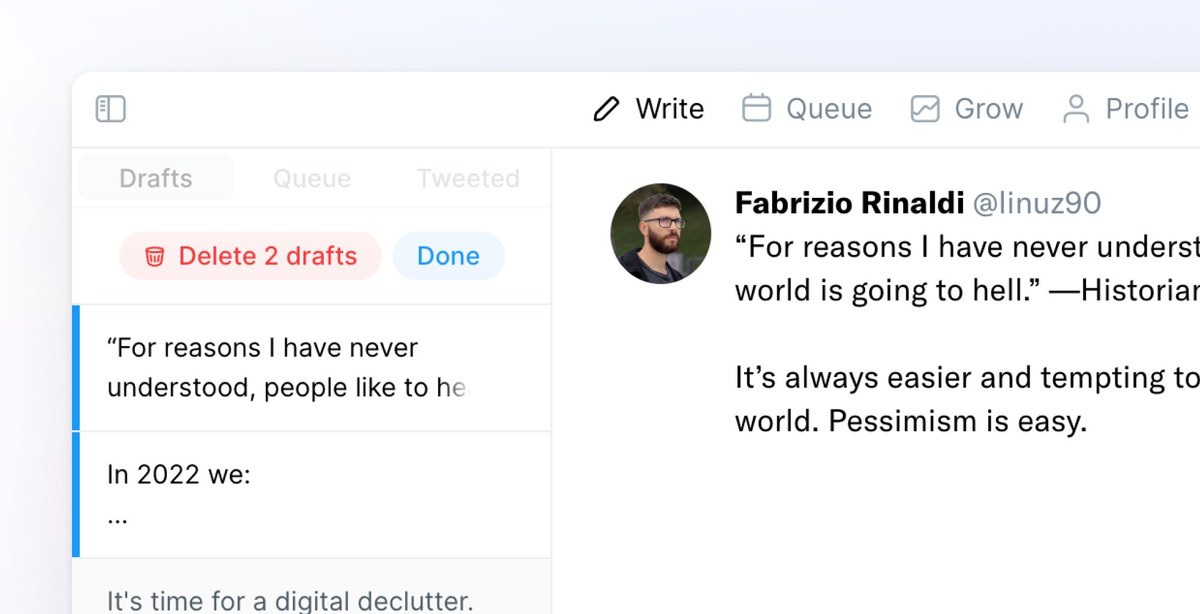
Select and delete multiple drafts in the editor sidebar. This makes it much easier to clean up your drafts and remove old content.
Nov 23, 2022
Drag & Drop in the Queue

Easily rearrange your content schedule by dragging and dropping your tweets and threads.
You can drag any scheduled post in a free slot, or drag it over a different post to swap their orders. This is also a very convenient way to make space in your content queue for new content.
Nov 16, 2022
Vesper, your AI Writing Assistant

Vesper is a new smart AI writing partner inside Typefully that can:
- Rewrite your tweets in different styles and correct mistakes
- Continue writing when you're stuck
- Give comments with feedback improve your tweets
It works right inside the editor you're familiar with:
Feeling stuck? 💭
Ask Vesper for inspiration, and it will add more text for you:
Sometimes you feel like something is off 🤔
Ask Vesper for feedback 💬 — just like with a teammate, friend, or professional editor: