Apr 24, 2024
Realistic Post Preview for LinkedIn
You can now preview your LinkedIn posts with perfect accuracy.
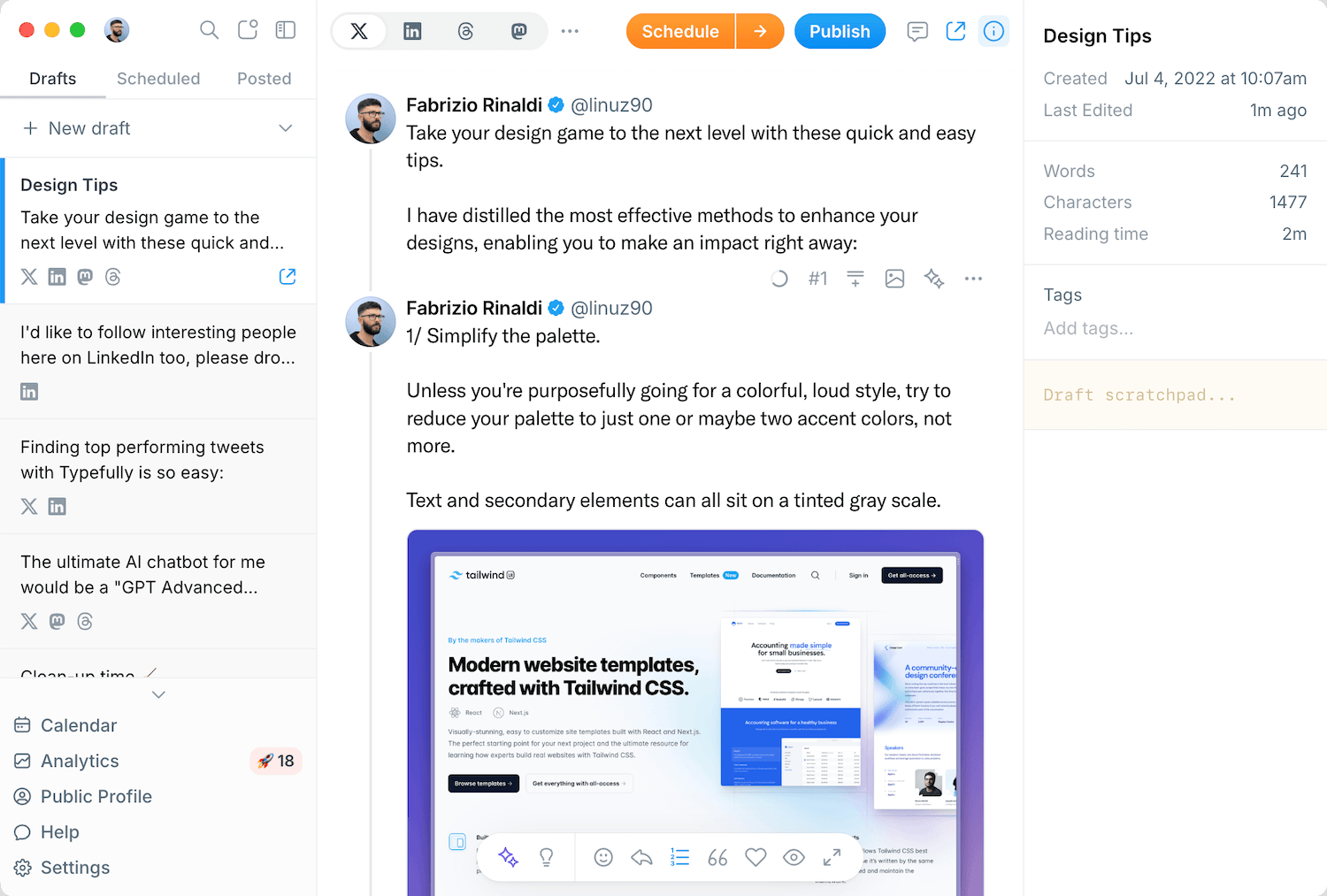
Click on "Publish" or "Schedule" and then click on "Preview" (next to the LinkedIn toggle) to see this new Realistic Preview. This gives you a precise idea of how the post will look on LinkedIn.
The post is collapsed by default (as shown on LinkedIn) with the "See more..." button available to expand it.
To optimize your posts for mobile, click on the "Mobile" toggle in the top right corner to see how it looks like on people's phones.
Recent updates

Easier Bluesky Sign-In, Now with Custom PDS Support
Oct 26
Connect Bluesky by approving Typefully on Bluesky's own sign-in page. No app pa…
Address Feedback with Typefully's Assistant
Oct 20
The Writing Assistant can now revise your draft based on your team's comments, …
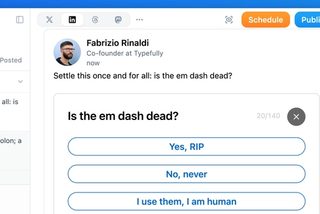
Polls on LinkedIn, Threads, and Mastodon
Oct 12
You can now add polls to your LinkedIn, Threads, and Mastodon posts, not just X…
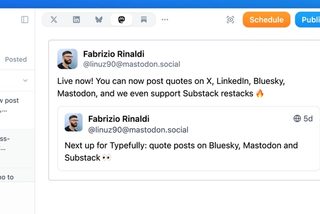
Quote Posts on Bluesky, Mastodon, and Substack
Oct 9
You can now quote posts on Bluesky, Mastodon, and Substack Notes, alongside X a…
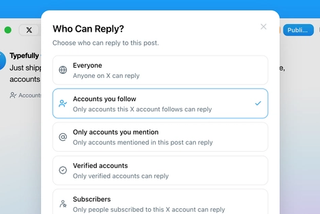
Choose Who Can Reply to Your X Posts
Sep 20
Choose who can reply to X posts published through Typefully: everyone, accounts…
Join 10,000+ customers to grow on 𝕏, LinkedIn, Bluesky and Threads.
Level up your content with AI and boost engagement 🚀
Join 10,000+ customers