Sep 20
Choose Who Can Reply to Your X Posts
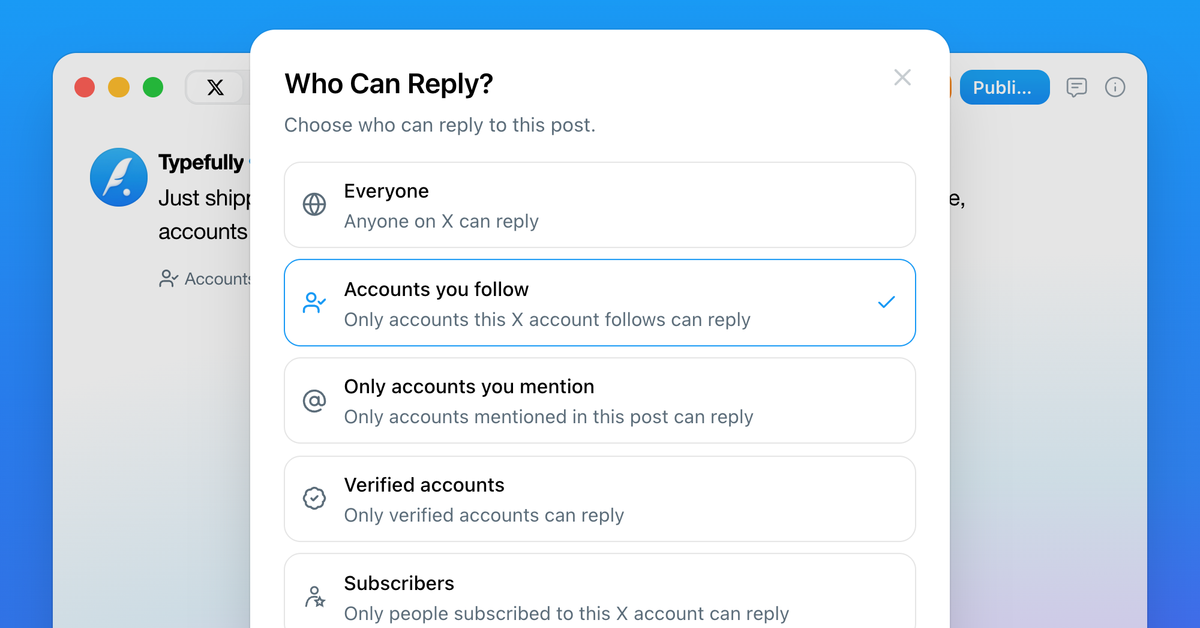
You can now choose who can reply to X posts published with Typefully.
Keep replies open to everyone, or limit them to accounts you follow, accounts you mention, verified accounts, or subscribers.
Use the new reply settings before publishing to decide what kind of conversation you want around each post.
Recent updates
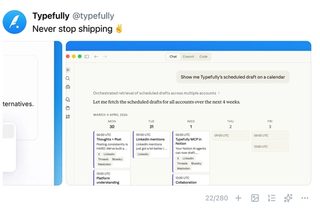
Add Up to 20 Photos and Videos per X Post
Nov 18
X posts now take up to 20 photos, videos, and GIFs, and previews show them the …
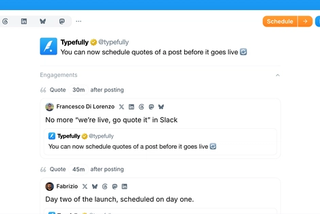
Schedule Quotes of Your Posts Before They Go Live
Nov 18
Plan quotes of a post before it’s published, from any account in your workspace.
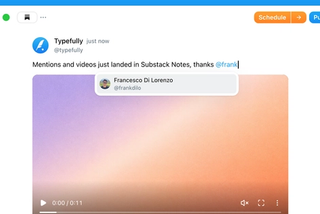
Videos and Mentions in Substack Notes
Oct 28
Substack Notes in Typefully now support mentions and video. Tag people as you t…

Easier Bluesky Sign-In, Now with Custom PDS Support
Oct 26
Connect Bluesky by approving Typefully on Bluesky's own sign-in page. No app pa…
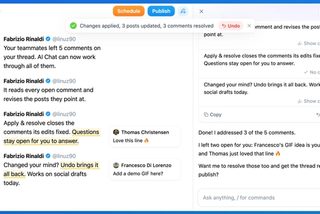
Address Feedback with Typefully's Assistant
Oct 20
The Writing Assistant can now revise your draft based on your team's comments, …
Join 10,000+ customers to grow on 𝕏, LinkedIn, Bluesky and Threads.
Level up your content with AI and boost engagement 🚀
Join 10,000+ customers