Oct 20
Address Feedback with Typefully's Assistant
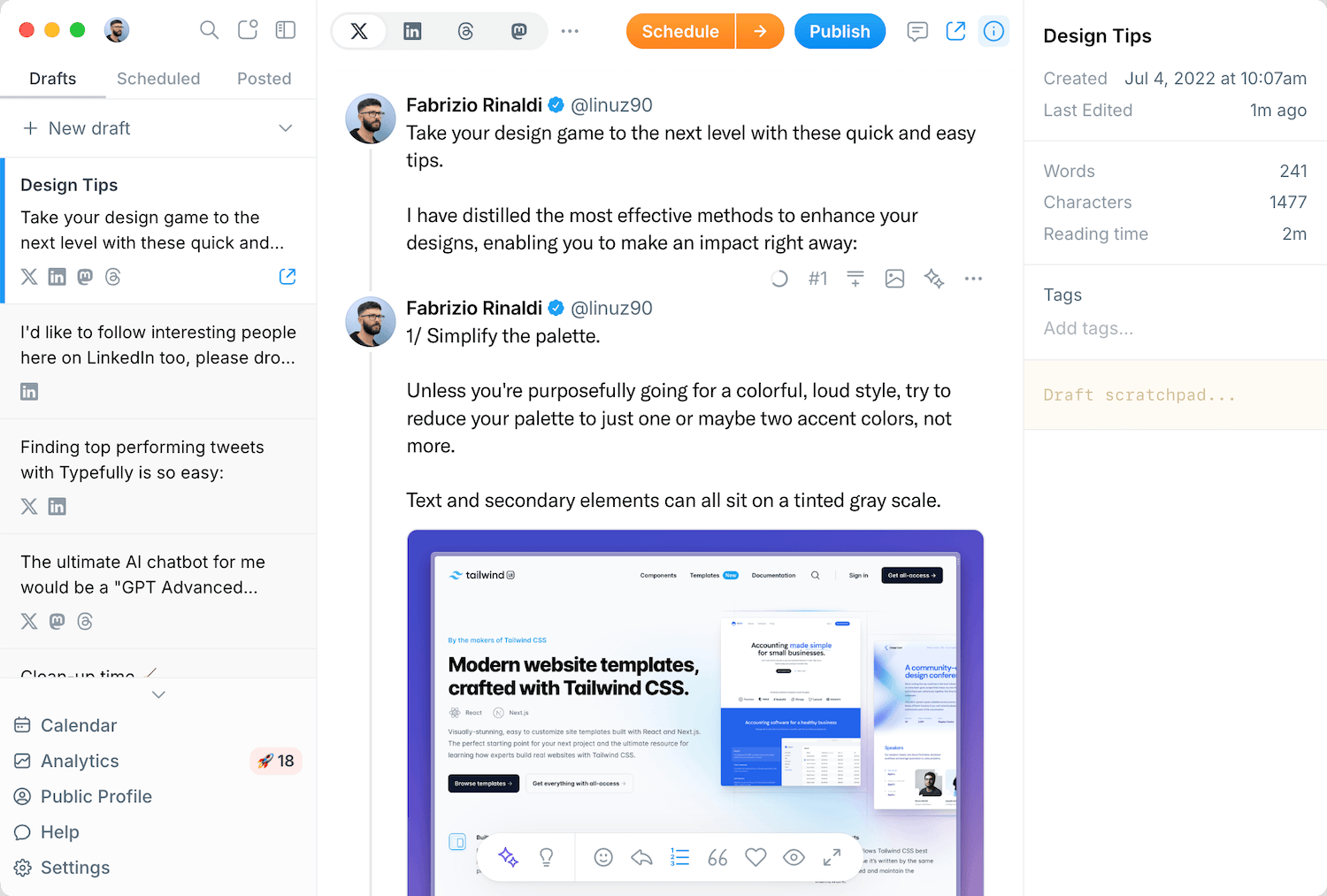
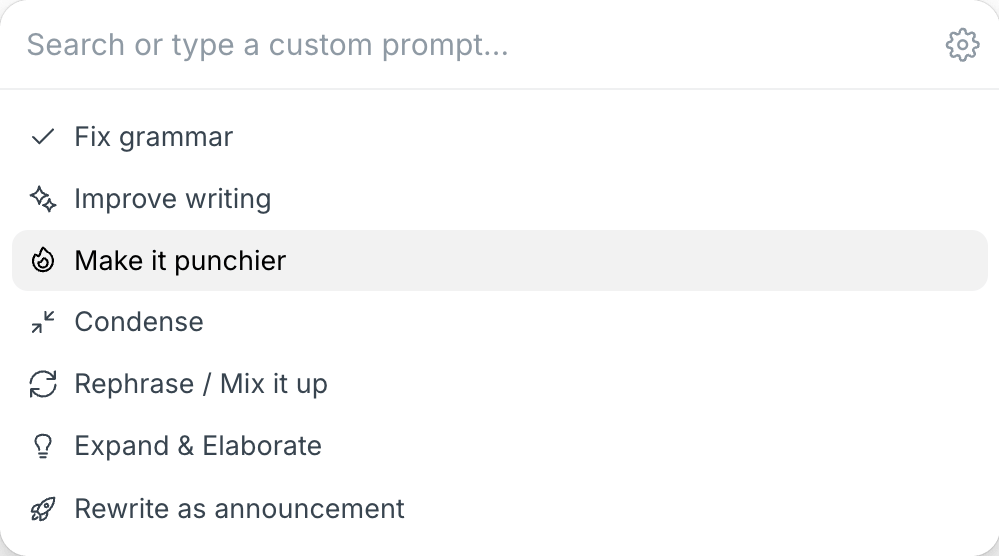
Typefully’s AI Writing Assistant can now work through the comments your team leaves on a draft.
Open a draft with comments and click Address comments in the Writing Assistant sidebar. It reads every open comment together, revises the posts they point at, and tells you which comments it left for you, like questions only you can answer.
When the edits look right, click Apply & resolve. Typefully updates your draft and resolves the comments those edits addressed.
Changed your mind? Undo brings back your original text and reopens every comment.
You can also ask the Writing Assistant to resolve specific comments, like "resolve Thomas's comments."
Recent updates
Videos and Mentions in Substack Notes
Oct 28
Substack Notes in Typefully now support mentions and video. Tag people as you t…

Easier Bluesky Sign-In, Now with Custom PDS Support
Oct 26
Connect Bluesky by approving Typefully on Bluesky's own sign-in page. No app pa…
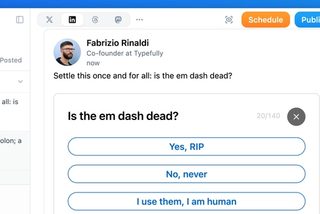
Polls on LinkedIn, Threads, and Mastodon
Oct 12
You can now add polls to your LinkedIn, Threads, and Mastodon posts, not just X…
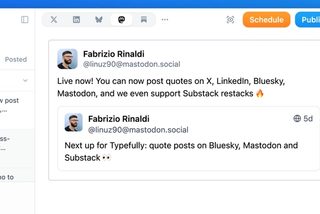
Quote Posts on Bluesky, Mastodon, and Substack
Oct 9
You can now quote posts on Bluesky, Mastodon, and Substack Notes, alongside X a…
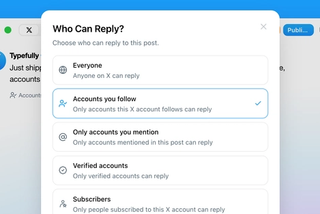
Choose Who Can Reply to Your X Posts
Sep 20
Choose who can reply to X posts published through Typefully: everyone, accounts…
Join 10,000+ customers to grow on 𝕏, LinkedIn, Bluesky and Threads.
Level up your content with AI and boost engagement 🚀
Join 10,000+ customers