6h ago
Schedule Quotes of Your Posts Before They Go Live
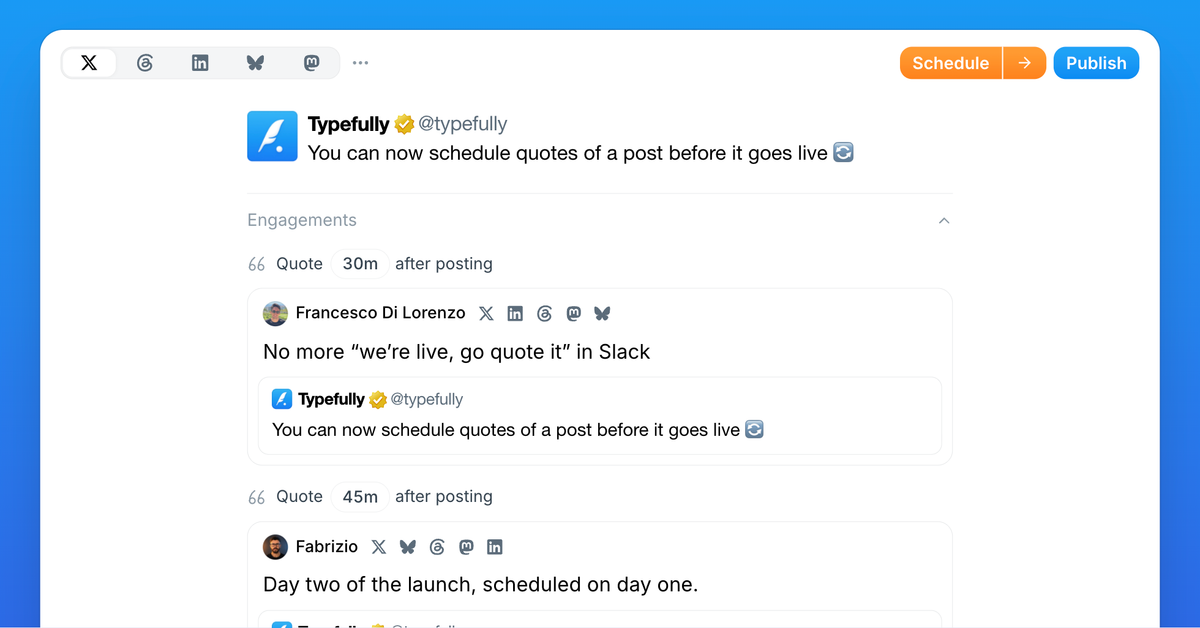
You can now plan quotes of a post before that post is published, across any of your accounts.
Open a draft, click Quote in the toolbar at the bottom of the editor (Repost on LinkedIn), and choose which social set it comes from. Write your quote and set the delay, like "Quote 30m after posting." When your post goes live, the quote follows on schedule, quoting it.
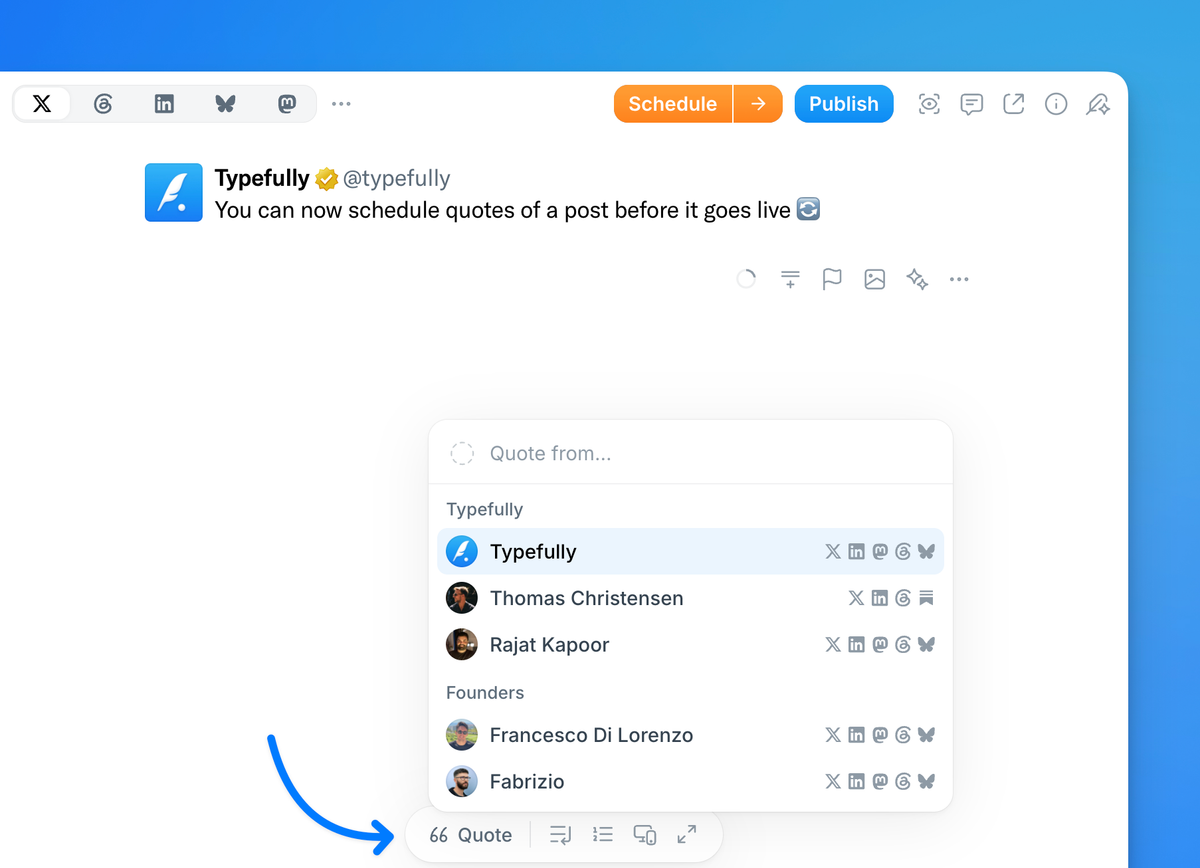
Your whole team, one launch. Quotes can come from any social set in your workspace. Announce from the brand account, and the founders can schedule their quotes from their own accounts right away. No more "we're live, go quote it" messages.
Quotes follow their post. Reschedule the post and its quotes move with it. Publish it early and they follow at their delays. Delete it and the quotes are kept as posts of their own.
See it all in one place. Every post lists its quotes underneath. On the calendar, hover a post and its quotes light up, linked to it.
You can also paste a link to a Typefully draft into a new post to quote it.
Works on X, LinkedIn, Threads, Bluesky, Mastodon and Substack. On Threads, quotes come from the same social set as the post.
Recent updates
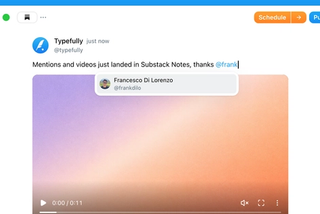
Videos and Mentions in Substack Notes
Oct 28
Substack Notes in Typefully now support mentions and video. Tag people as you t…

Easier Bluesky Sign-In, Now with Custom PDS Support
Oct 26
Connect Bluesky by approving Typefully on Bluesky's own sign-in page. No app pa…
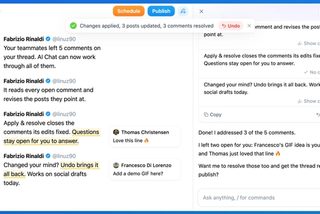
Address Feedback with Typefully's Assistant
Oct 20
The Writing Assistant can now revise your draft based on your team's comments, …
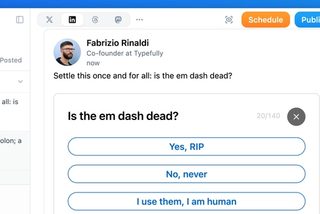
Polls on LinkedIn, Threads, and Mastodon
Oct 12
You can now add polls to your LinkedIn, Threads, and Mastodon posts, not just X…
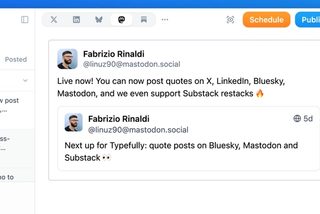
Quote Posts on Bluesky, Mastodon, and Substack
Oct 9
You can now quote posts on Bluesky, Mastodon, and Substack Notes, alongside X a…
Join 10,000+ customers to grow on 𝕏, LinkedIn, Bluesky and Threads.
Level up your content with AI and boost engagement 🚀
Join 10,000+ customers