Feb 13
Reorder Media in Drafts
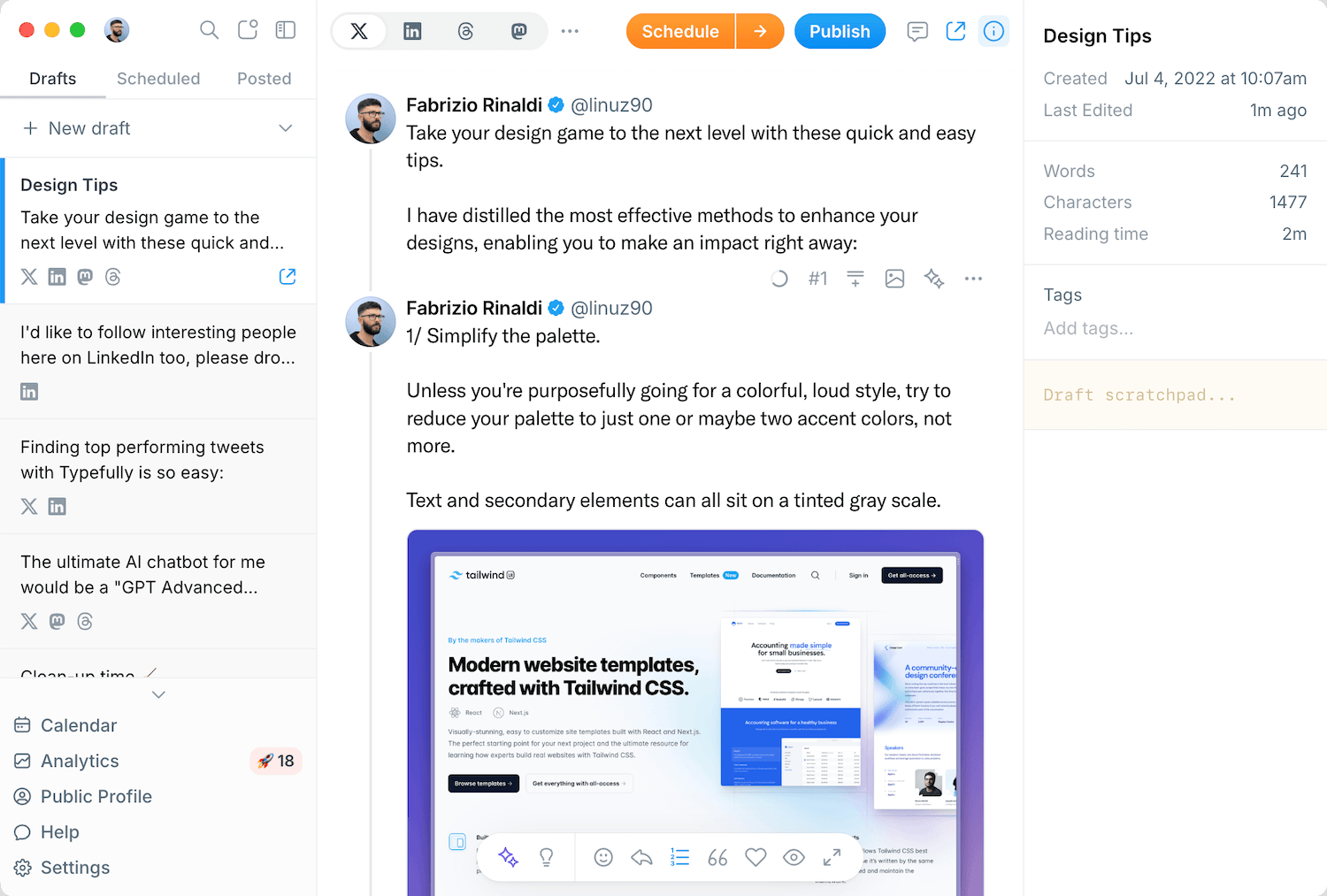
You can now drag and drop to reorder media in your posts, making it easy to get the perfect sequence without deleting and re-uploading.
Previously, if you wanted to change the order of multiple images or videos in a post, you had to delete them and re-upload in the right order. The same applied to threads, moving an image from one post to another meant deleting and re-uploading.
Now you can simply drag media elements to rearrange them within a post or move them between tweets in a thread. No more tedious workarounds.
This feature is available now for all users.
Recent updates
Polls on LinkedIn, Threads, and Mastodon
Oct 12
You can now add polls to your LinkedIn, Threads, and Mastodon posts, not just X…
Quote Posts on Bluesky, Mastodon, and Substack
Oct 9
You can now quote posts on Bluesky, Mastodon, and Substack Notes, alongside X a…
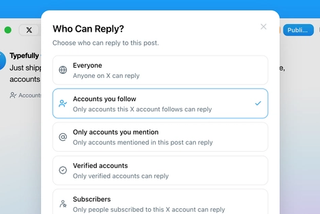
Choose Who Can Reply to Your X Posts
Sep 20
Choose who can reply to X posts published through Typefully: everyone, accounts…
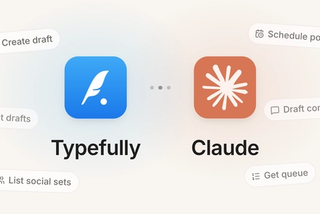
Typefully Is Now an Official Claude Connector
Sep 18
Connect Typefully to Claude, then draft, schedule, and work across every social…

1080p Video Publishing on X
Sep 17
High-res videos posted to X through Typefully now publish at 1080p instead of g…
Join 10,000+ customers to grow on 𝕏, LinkedIn, Bluesky and Threads.
Level up your content with AI and boost engagement 🚀
Join 10,000+ customers