Jan 23, 2025
Publish a LinkedIn Comment with Your Post
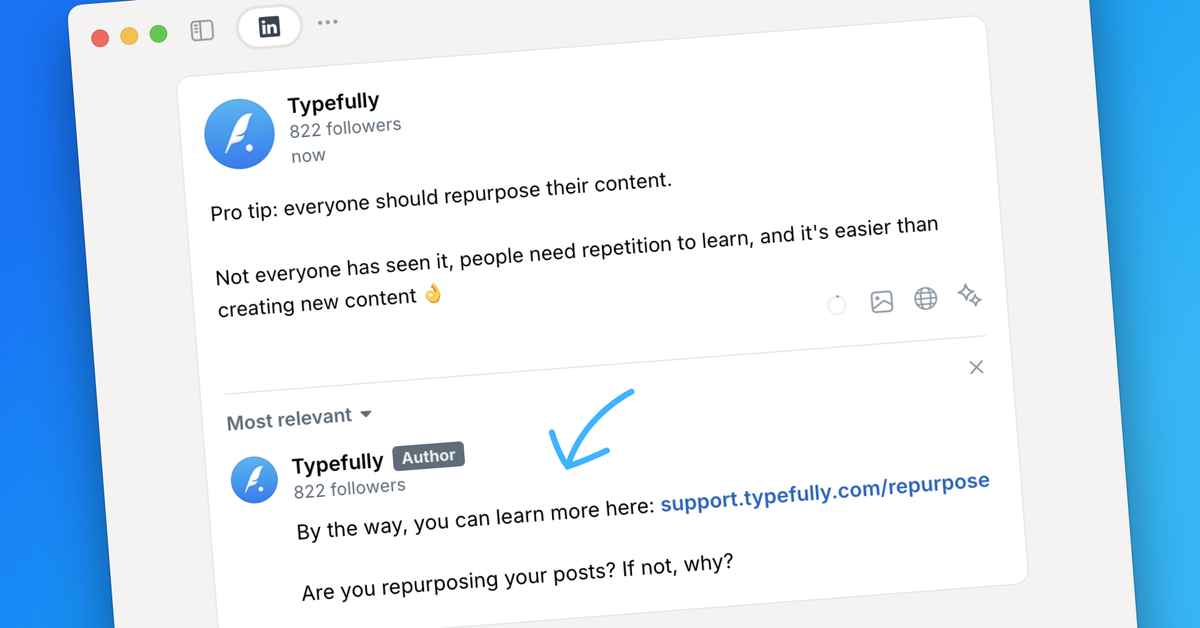
You can now boost engagement by adding a comment to your LinkedIn post, right from Typefully.
Simply click “Add LinkedIn comment” under your draft, and your comment will go live automatically when the post is published.
This feature will help you drive engagement by kickstarting the conversation, but it's also important if you want to include a link in your post: in fact, moving links to the first comment reduces the risk of being downranked by LinkedIn's algorithm.
Our editor provides a realistic preview for your comment, ensuring it appears exactly as intended when published.
Recent updates
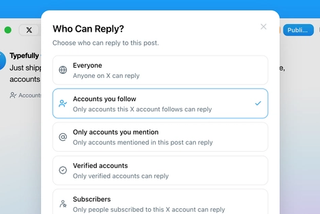
Choose Who Can Reply to Your X Posts
Sep 20
Choose who can reply to X posts published through Typefully: everyone, accounts…
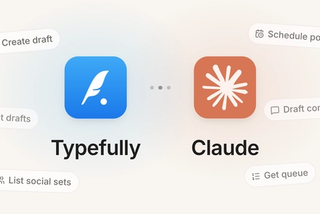
Typefully Is Now an Official Claude Connector
Sep 18
Connect Typefully to Claude, then draft, schedule, and work across every social…

1080p Video Publishing on X
Sep 17
High-res videos posted to X through Typefully now publish at 1080p instead of g…
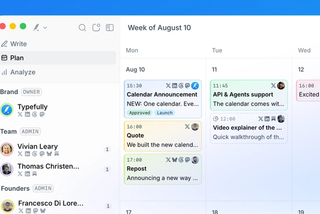
New Calendar for Teams and Planned Drafts
Aug 5
Plan posts in the content calendar across every social media account in your co…
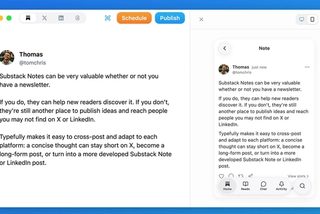
Publish and Schedule Substack Notes
Jul 27
Create and schedule Substack Notes from Typefully alongside the rest of your so…
Join 10,000+ customers to grow on 𝕏, LinkedIn, Bluesky and Threads.
Level up your content with AI and boost engagement 🚀
Join 10,000+ customers