Jun 1
Notify Slack Channels on Publish
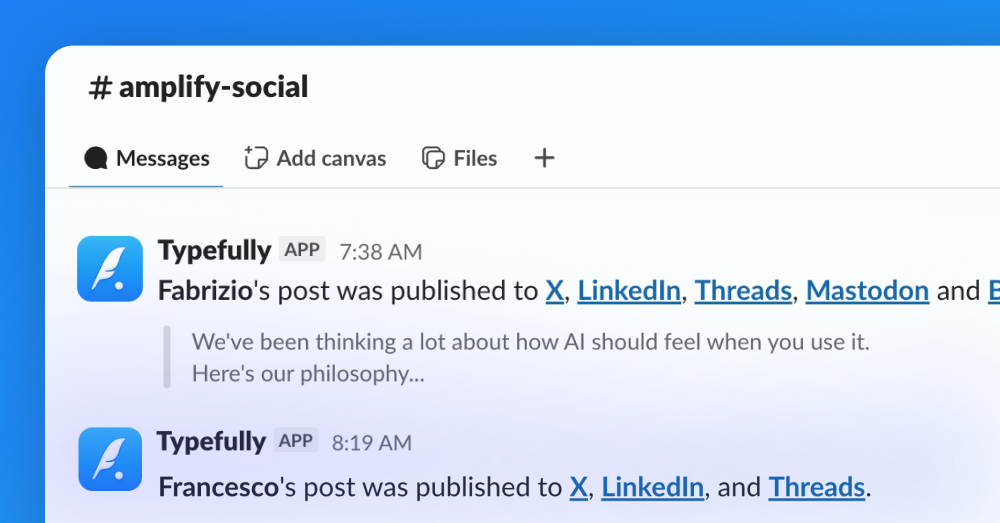
You can now notify a Slack channel when posts go live, so your team can react, reshare, and amplify the moment they're published.
Early engagement builds reach. It shouldn't depend on someone remembering to paste the link in #social.
It's available on any plan that supports Teams, and here’s how to set it up:
- Connect Slack in Team settings (available on any plan that support Teams).
- Pick a channel to notify — one per team, or a different channel for each social set.
- Notifications are on by default. Skip on individual drafts when a post isn't for the team.
You can also get started in the dedicated settings page here.
Recent updates
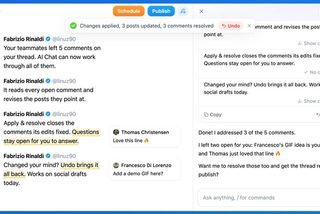
Address Feedback with Typefully's Assistant
Oct 20
The Writing Assistant can now revise your draft based on your team's comments, …
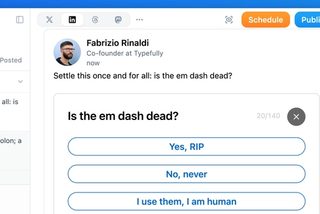
Polls on LinkedIn, Threads, and Mastodon
Oct 12
You can now add polls to your LinkedIn, Threads, and Mastodon posts, not just X…
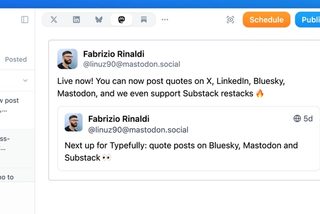
Quote Posts on Bluesky, Mastodon, and Substack
Oct 9
You can now quote posts on Bluesky, Mastodon, and Substack Notes, alongside X a…
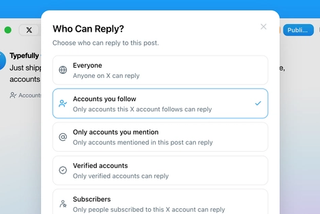
Choose Who Can Reply to Your X Posts
Sep 20
Choose who can reply to X posts published through Typefully: everyone, accounts…
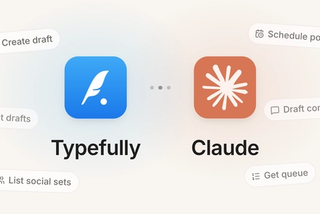
Typefully Is Now an Official Claude Connector
Sep 18
Connect Typefully to Claude, then draft, schedule, and work across every social…
Join 10,000+ customers to grow on 𝕏, LinkedIn, Bluesky and Threads.
Level up your content with AI and boost engagement 🚀
Join 10,000+ customers