Sep 9, 2025
More Accurate Realistic Previews for X and LinkedIn
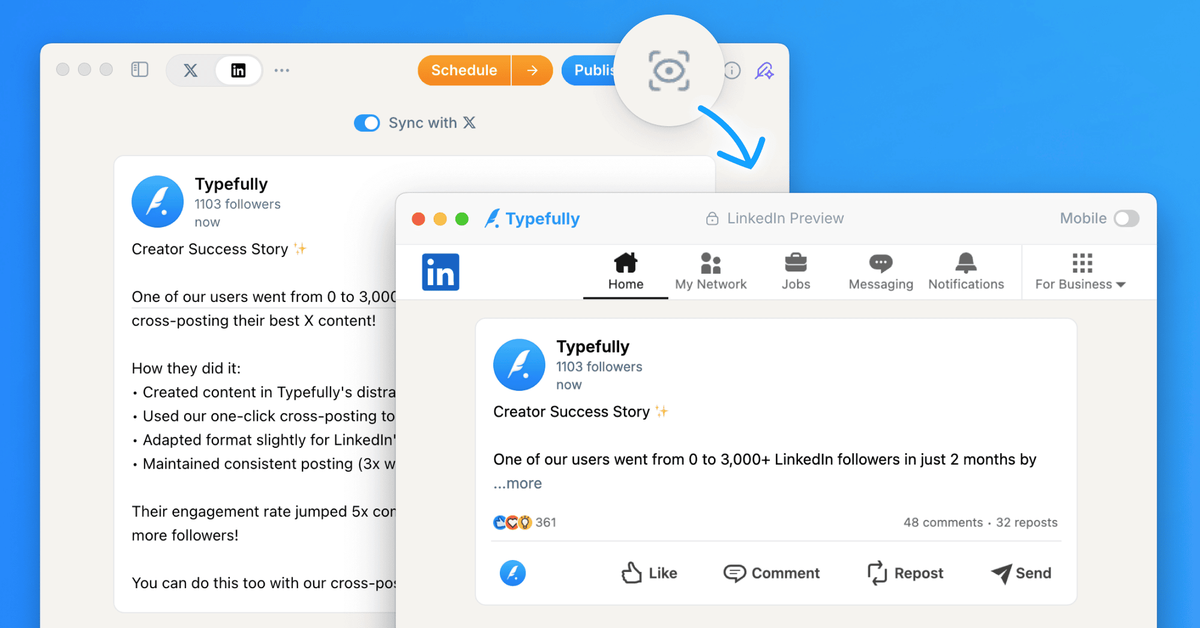
We've enhanced our Realistic Preview feature to more accurately show how your posts will appear on social platforms.
For X posts, we now precisely calculate when a post is considered "Long Form" and show the exact "Show more" cutoff as it would appear natively.
For LinkedIn posts, we accurately display how many lines of text are shown before the "…more" behavior is triggered.
You can access Realistic Preview by clicking the icon near the publishing buttons or using the keyboard shortcut Cmd+K (or Ctrl+K on Windows) and searching for "Realistic Preview".
Recent updates
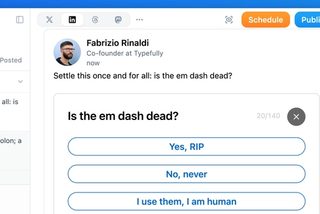
Polls on LinkedIn, Threads, and Mastodon
Oct 12
You can now add polls to your LinkedIn, Threads, and Mastodon posts, not just X…
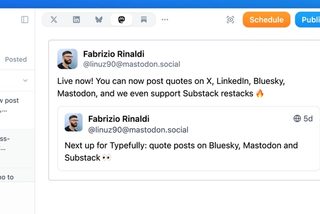
Quote Posts on Bluesky, Mastodon, and Substack
Oct 9
You can now quote posts on Bluesky, Mastodon, and Substack Notes, alongside X a…
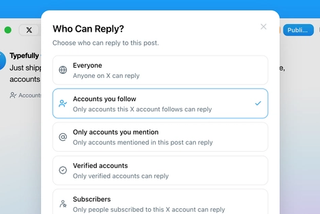
Choose Who Can Reply to Your X Posts
Sep 20
Choose who can reply to X posts published through Typefully: everyone, accounts…
Typefully Is Now an Official Claude Connector
Sep 18
Connect Typefully to Claude, then draft, schedule, and work across every social…

1080p Video Publishing on X
Sep 17
High-res videos posted to X through Typefully now publish at 1080p instead of g…
Join 10,000+ customers to grow on 𝕏, LinkedIn, Bluesky and Threads.
Level up your content with AI and boost engagement 🚀
Join 10,000+ customers