Feb 9, 2022
iOS shortcut and Raycast support

This one is for power users.
You can now create new drafts with a URL parameter, like this: https://typefully.com/?new={your content here}.
The content will become the text of a new draft. It has to be URL-encoded, and if we find 4 empty newlines, we'll split the text into separate tweets too.
iOS Shortcut
The first use case we've found is an iOS Shortcut to start a new Typefully draft. It's really useful when you start writing on Twitter and you want to continue in Typefully.
You can try the shortcut here, and check out this video demo too.
Raycast Quick Link
For the Raycast users out there, you can create a Quick Link to start a new Typefully draft from anywhere. Here's how to set it up:
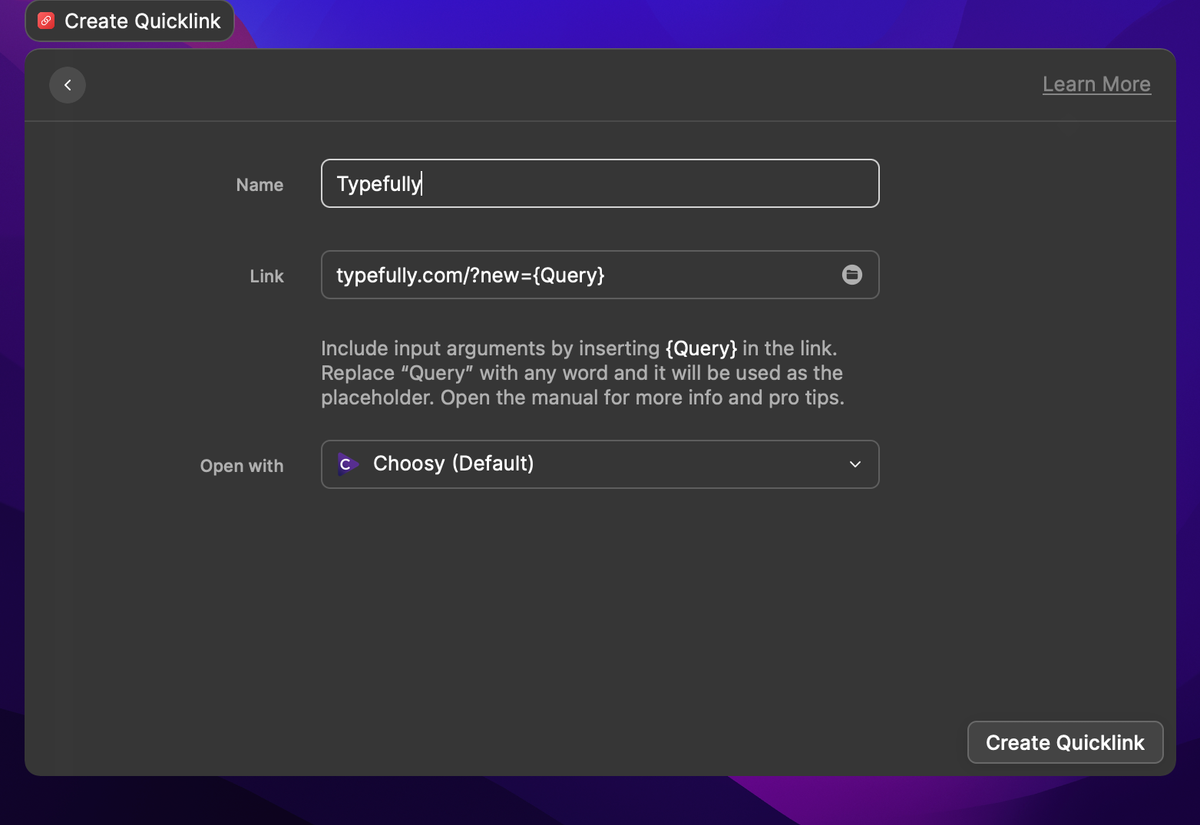
And here's a video demo.
Recent updates
Videos and Mentions in Substack Notes
Oct 28
Substack Notes in Typefully now support mentions and video. Tag people as you t…

Easier Bluesky Sign-In, Now with Custom PDS Support
Oct 26
Connect Bluesky by approving Typefully on Bluesky's own sign-in page. No app pa…
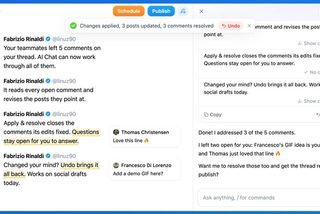
Address Feedback with Typefully's Assistant
Oct 20
The Writing Assistant can now revise your draft based on your team's comments, …
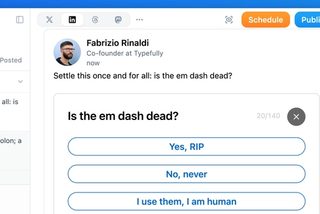
Polls on LinkedIn, Threads, and Mastodon
Oct 12
You can now add polls to your LinkedIn, Threads, and Mastodon posts, not just X…
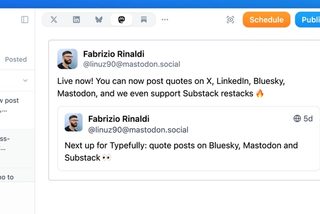
Quote Posts on Bluesky, Mastodon, and Substack
Oct 9
You can now quote posts on Bluesky, Mastodon, and Substack Notes, alongside X a…
Join 10,000+ customers to grow on 𝕏, LinkedIn, Bluesky and Threads.
Level up your content with AI and boost engagement 🚀
Join 10,000+ customers