Apr 23, 2025
Improved Drafts Search
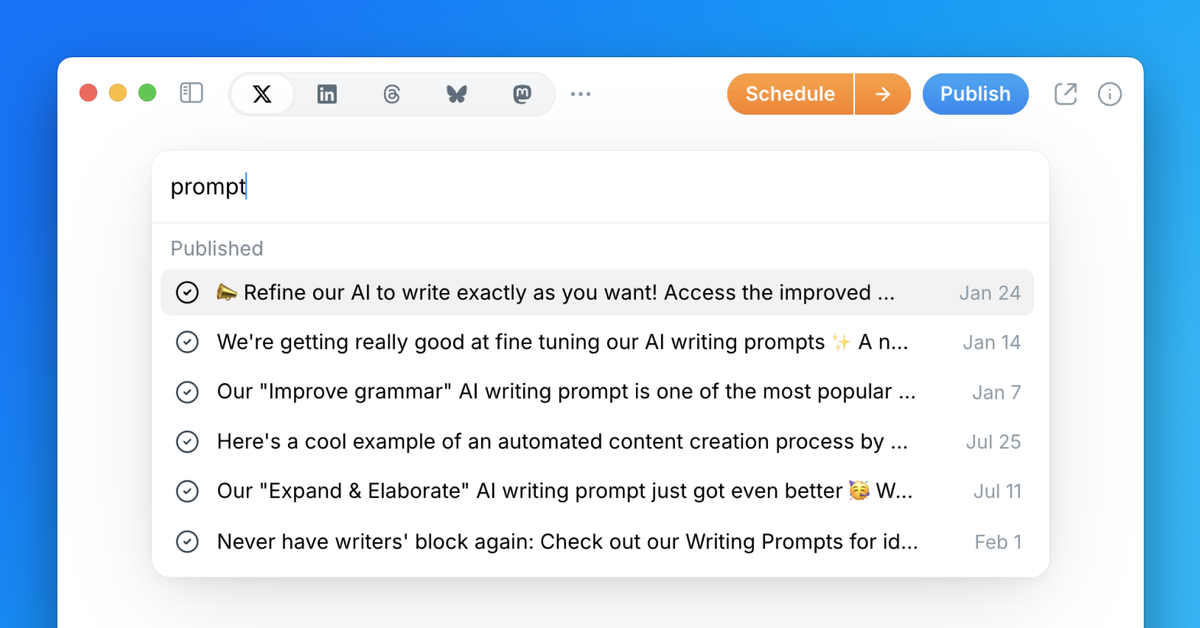
We've significantly improved our drafts search functionality, making it easier than ever to find any content you've created.
The search now looks through both the title and full text of all your drafts, delivering much more accurate results when you use the command bar — learn more about setting a draft title here.
To search your drafts, simply click the 🔍 button in the top right corner of Typefully's UI, or press ⌘ K (or Ctrl K on Windows) to open the Command Bar, then start typing. Your relevant drafts will appear quickly.
You'll also find a dedicated "Search Drafts" item in the Command Bar to ensure only drafts results appear when typing your query.
Recent updates
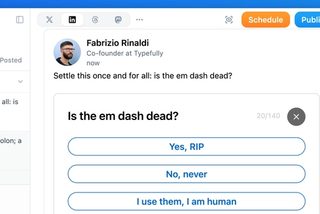
Polls on LinkedIn, Threads, and Mastodon
Oct 12
You can now add polls to your LinkedIn, Threads, and Mastodon posts, not just X…
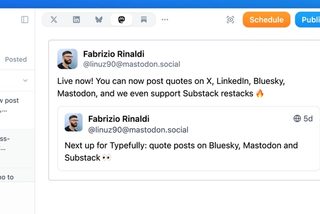
Quote Posts on Bluesky, Mastodon, and Substack
Oct 9
You can now quote posts on Bluesky, Mastodon, and Substack Notes, alongside X a…
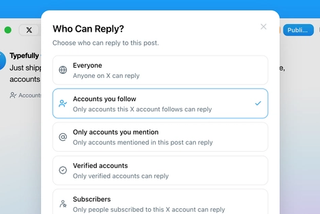
Choose Who Can Reply to Your X Posts
Sep 20
Choose who can reply to X posts published through Typefully: everyone, accounts…
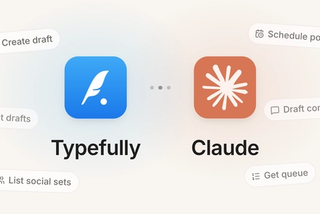
Typefully Is Now an Official Claude Connector
Sep 18
Connect Typefully to Claude, then draft, schedule, and work across every social…

1080p Video Publishing on X
Sep 17
High-res videos posted to X through Typefully now publish at 1080p instead of g…
Join 10,000+ customers to grow on 𝕏, LinkedIn, Bluesky and Threads.
Level up your content with AI and boost engagement 🚀
Join 10,000+ customers