Jan 13
Control Your X Community Posts Audience
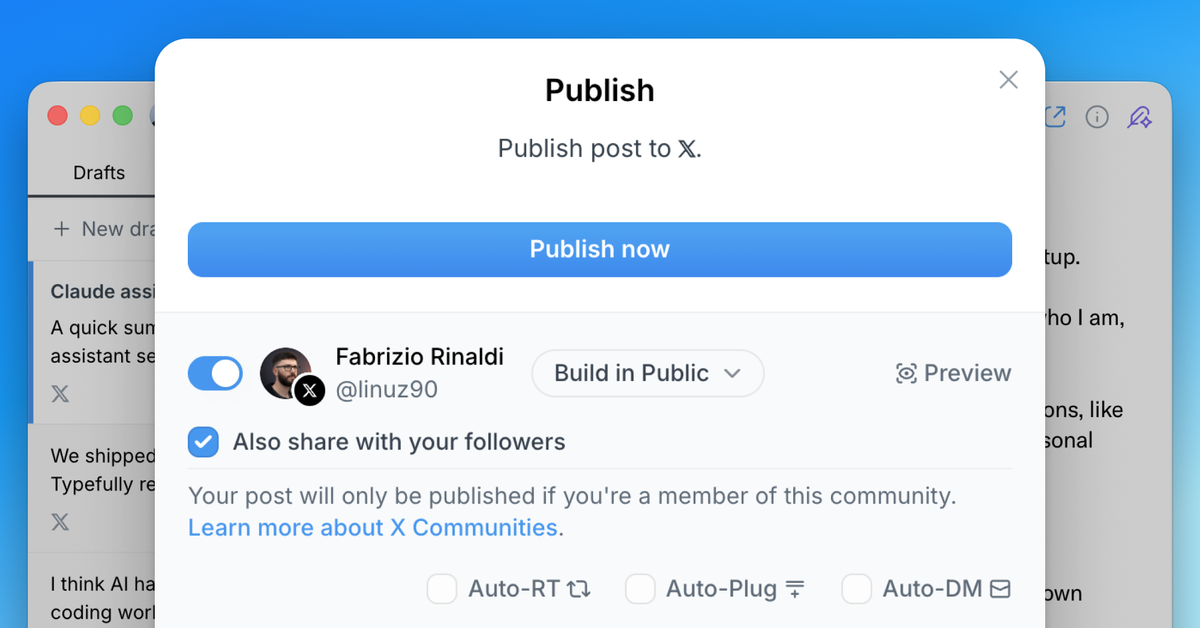
When posting to an X community, you can now choose whether to also share to your timeline.
Previously, posts to X communities were automatically shared to your timeline. Now you have full control—keep your community posts within the community, or share them with your followers too.
This option is available in the publish modal when you select an X community as your destination. Simply toggle the "Share to timeline" option based on your preference.
This feature is also available in our API, giving developers the same level of control when creating drafts programmatically.
Recent updates
Videos and Mentions in Substack Notes
Oct 28
Substack Notes in Typefully now support mentions and video. Tag people as you t…

Easier Bluesky Sign-In, Now with Custom PDS Support
Oct 26
Connect Bluesky by approving Typefully on Bluesky's own sign-in page. No app pa…
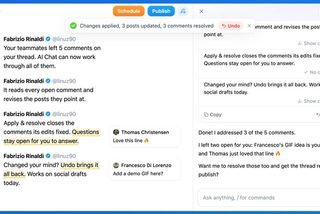
Address Feedback with Typefully's Assistant
Oct 20
The Writing Assistant can now revise your draft based on your team's comments, …
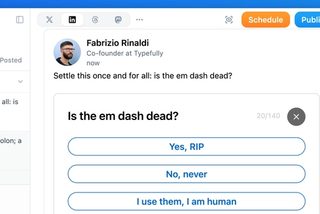
Polls on LinkedIn, Threads, and Mastodon
Oct 12
You can now add polls to your LinkedIn, Threads, and Mastodon posts, not just X…
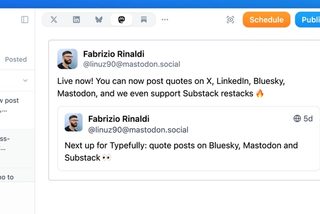
Quote Posts on Bluesky, Mastodon, and Substack
Oct 9
You can now quote posts on Bluesky, Mastodon, and Substack Notes, alongside X a…
Join 10,000+ customers to grow on 𝕏, LinkedIn, Bluesky and Threads.
Level up your content with AI and boost engagement 🚀
Join 10,000+ customers