Sep 15, 2022
Comments

Share your drafts and let anyone leave comments for free inside Typefully.
Just select any text or click the new comment button under the current tweet you're editing to leave a comment. Share your draft to let anyone else leave comments as well.
Learn more on the Sharing & Commenting help page.
Recent updates
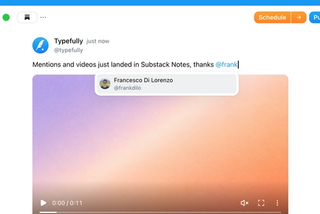
Videos and Mentions in Substack Notes
Oct 28
Substack Notes in Typefully now support mentions and video. Tag people as you t…

Easier Bluesky Sign-In, Now with Custom PDS Support
Oct 26
Connect Bluesky by approving Typefully on Bluesky's own sign-in page. No app pa…
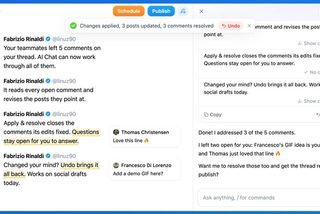
Address Feedback with Typefully's Assistant
Oct 20
The Writing Assistant can now revise your draft based on your team's comments, …
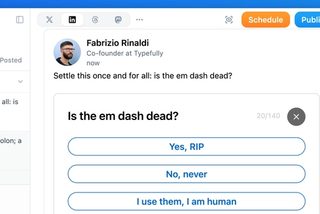
Polls on LinkedIn, Threads, and Mastodon
Oct 12
You can now add polls to your LinkedIn, Threads, and Mastodon posts, not just X…
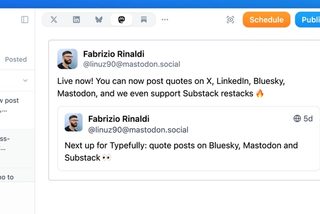
Quote Posts on Bluesky, Mastodon, and Substack
Oct 9
You can now quote posts on Bluesky, Mastodon, and Substack Notes, alongside X a…
Join 10,000+ customers to grow on 𝕏, LinkedIn, Bluesky and Threads.
Level up your content with AI and boost engagement 🚀
Join 10,000+ customers