
Struggling to juggle your crypto portfolio with a hectic schedule?
I've been there, facing losses due to lack of time and momentum.
But here's a game-changer: a nifty feature in my @PlenaFinance wallet that turned the tables
Follow this thread for an easy setup guide! 🧵👇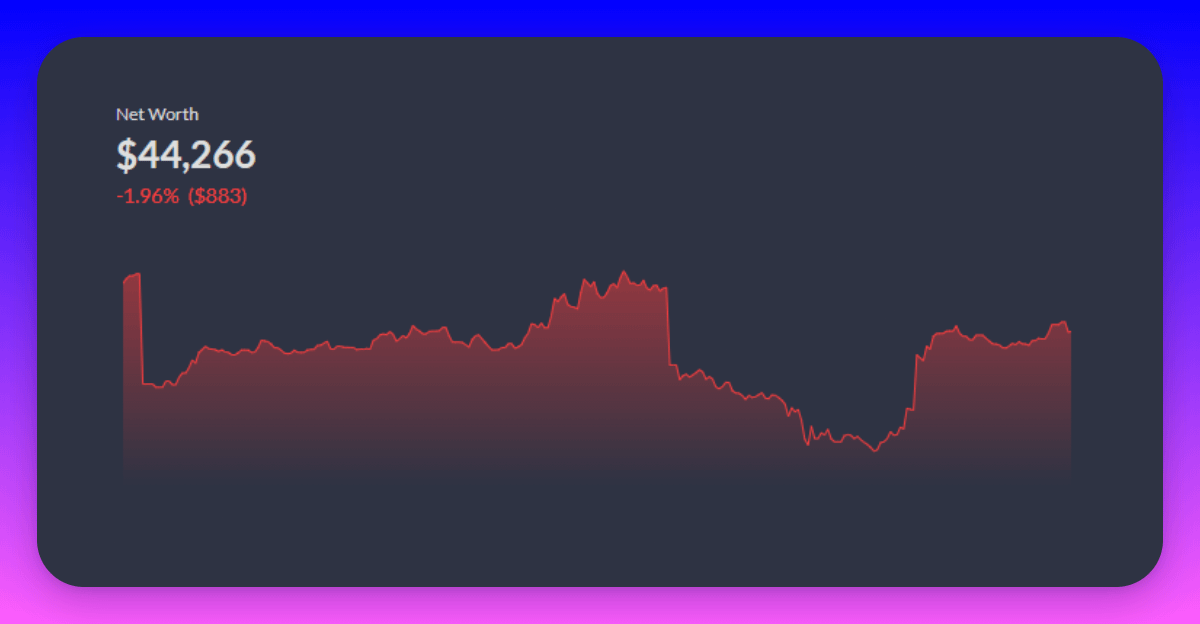
If you enjoyed the thread, please BOOKMARK, LIKE, RETWEET, and COMMENT on what you would like to hear next.
Your support will be greatly appreciated!
Disclaimer:
Kindly be advised that this thread is intended solely for the purpose of sharing information and should not be construed as financial advice.
Disclosure:
This thread was created in partnership with the @PlenaFinance team.
1st Step
Install the @PlenaFinance app from the @AppStore or @GooglePlay Store, and create an account for your smart wallet.
2nd Step
To set up your own portfolio vault, go to the portfolio tab and create a new strategy.
P.S.: You can also refer to the official guide on Plena for detailed steps.
3rd Step
Select the assets you find most interesting (up to 10 assets) and determine their weightage.
Once you have set the weightage percentage for each asset, the vault will automatically rebalance itself accordingly.
Lastly, remember to give your vault a name!
4th Step
Now, you can effortlessly invest in or withdraw funds from the portfolio vault that you have created.
It's incredibly simple because Plena utilizes account abstraction to handle all the necessary processes behind the scenes.
5th Step (Bonus!)
Feel free to show off your achievements by sharing your percentage with others using the share button.
Managing your created strategy is a piece of cake! You can effortlessly rebalance it, give it a new name, or even delete it, all from your phone.
With @PlenaFinance, you can easily set up your own portfolio vault and manage your assets more efficiently.
You no longer have to open your PC or laptop and manually sign each transaction using an EOA wallet.
Just a few simple clicks, and everything is good to go.
To understand more about Account Abstraction and how it boost UI/UX for crypto users, you can check our previous post here:
twitter.com/eli5_defi/status/1719713404569763860
Tagged Plena Chads for visibility:
- @DeFi_Made_Here
- @sayuj_kumar
- @SamuelXeus
- @OrtegasCrypto
- @Ebubechi_GMI
- @0xSalazar
- @TheDeFISaint
- @Only1temmy
- @ayyyeandy
- @InfoSpace_OG
- @CryptoShiro_
- @OrtegasCrypto
- @Joeconceptss
- @DOLAK1NG
Tagged Fellow DeFi educators:
- @rektdiomedes
- @JiraiyaReal
- @crypthoem
- @wacy_time1
- @matrixthesun
- @blocmatesdotcom
- @NickDrakon
- @ReveloIntel
- @crypto_linn
- @DefiIgnas
- @0xFinish
- @CryptMoose_
- @stakedqueen
- @stacy_muur
- @arndxt_xo