Tutorial Time: Run any open-source LLM locally.
Now we will run an LLM on your M1/2 Mac. And its fast.
All you need is @LMStudioAI let's get started.
Good to be back.
A thread
Head over to lmstudio.ai/ and download the build you need for your machine.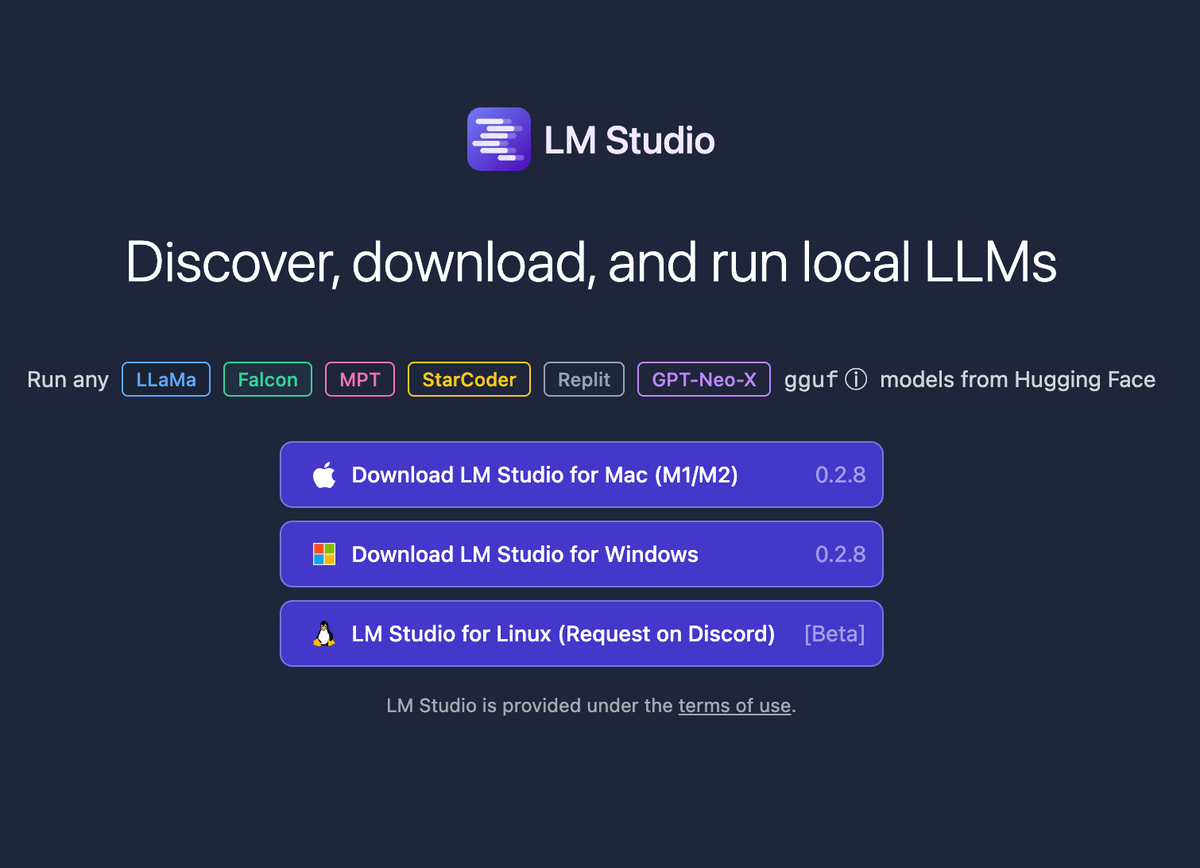
Once installed, go and search for a LLM you want to try.
Simply go to the search bar and put in something.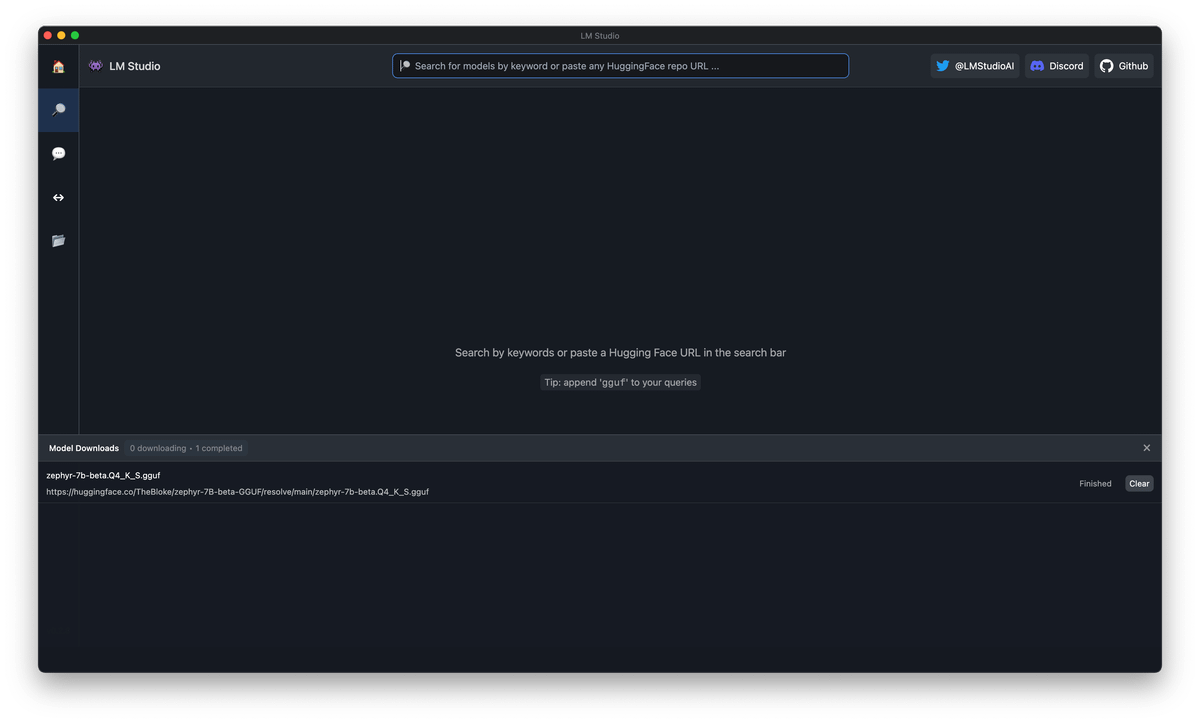
Here I'm looking for the "Zephyr 7B" model, and I'm grabbing the "zephyr-7b-beta.Q4_K_S.gguf" it weighs 4.1GB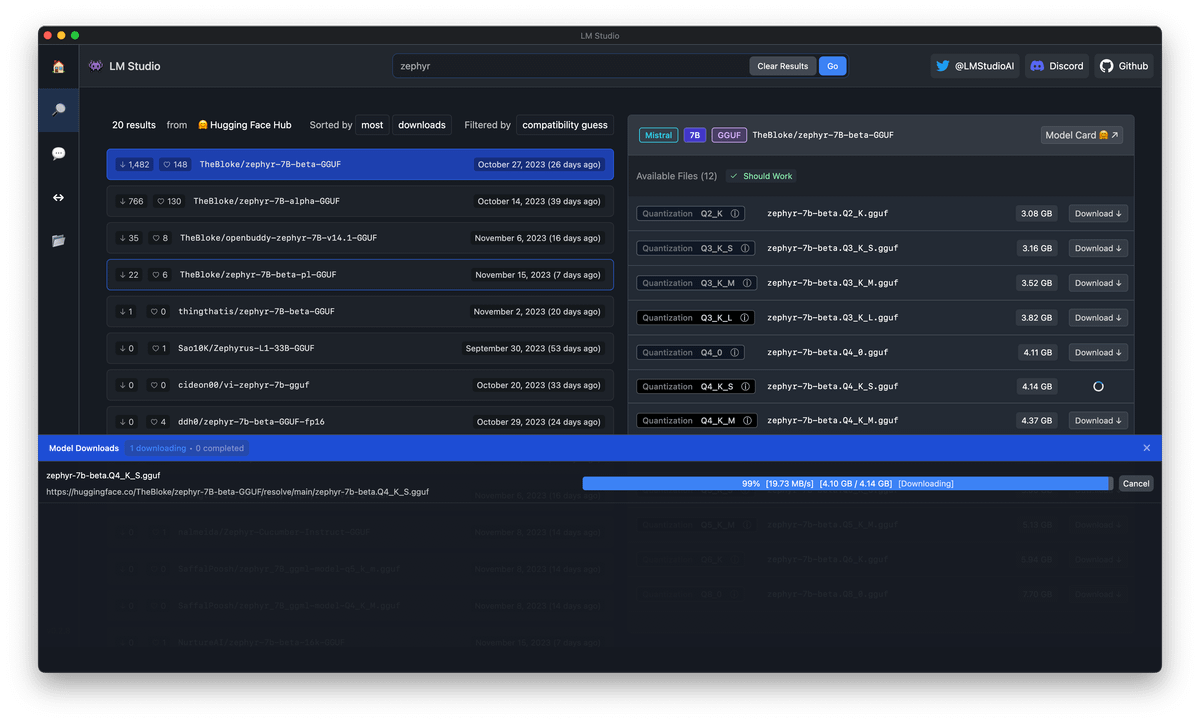
When the download is finished we just head to the 💬 icon, and select a model to load from the top center dropdown.
Here you can see the models you've downloaded.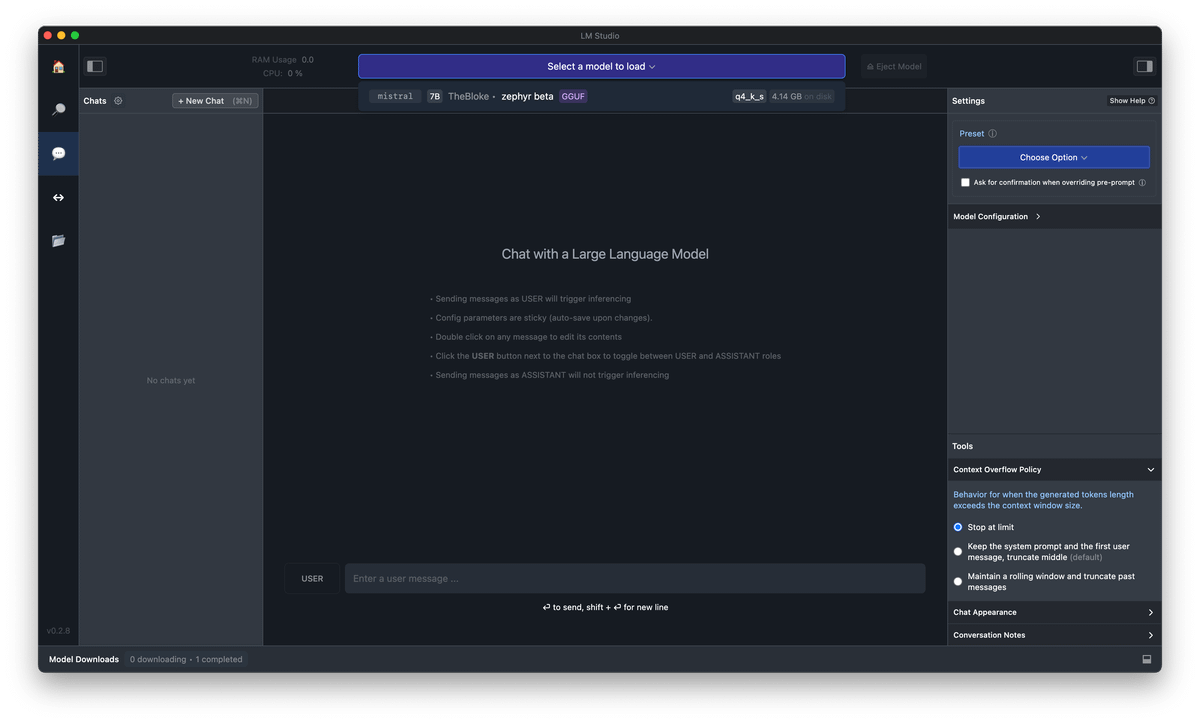
We can now talk directly to the LLM locally on our own machine without an internet connection.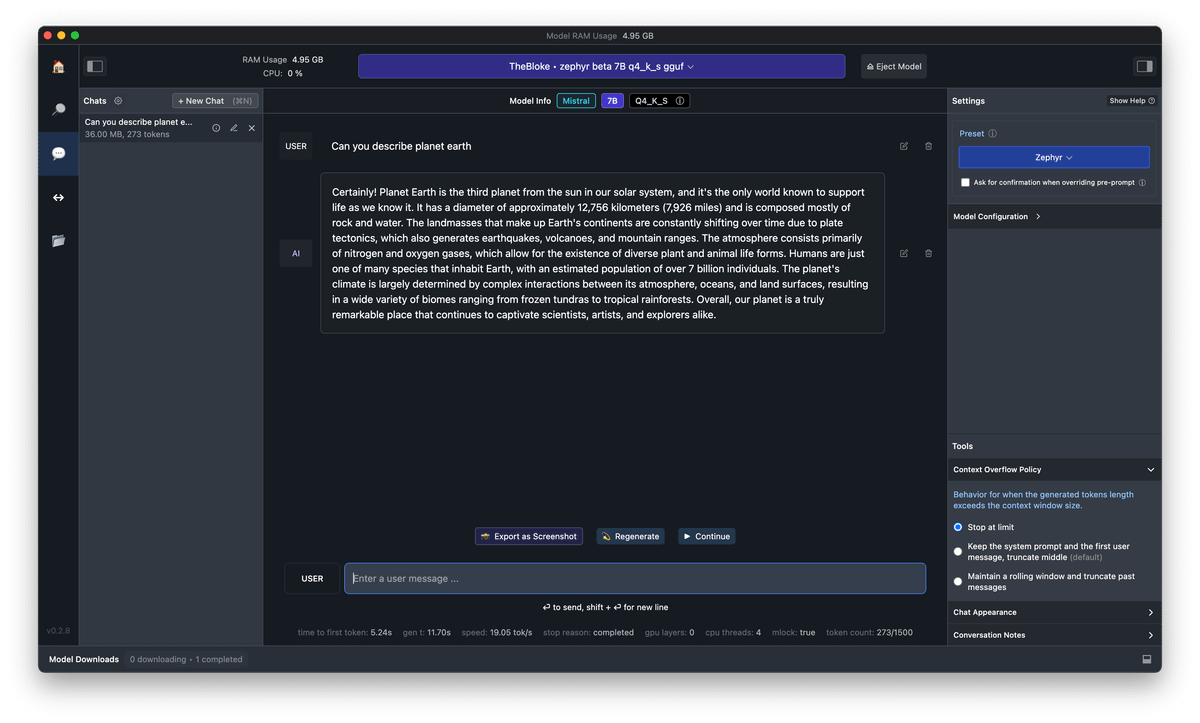
Super tip!
Turn on metal support to get super fast speeds.
Reduced time to first token from 5.2 seconds to 0.28 seconds by enabling metal support.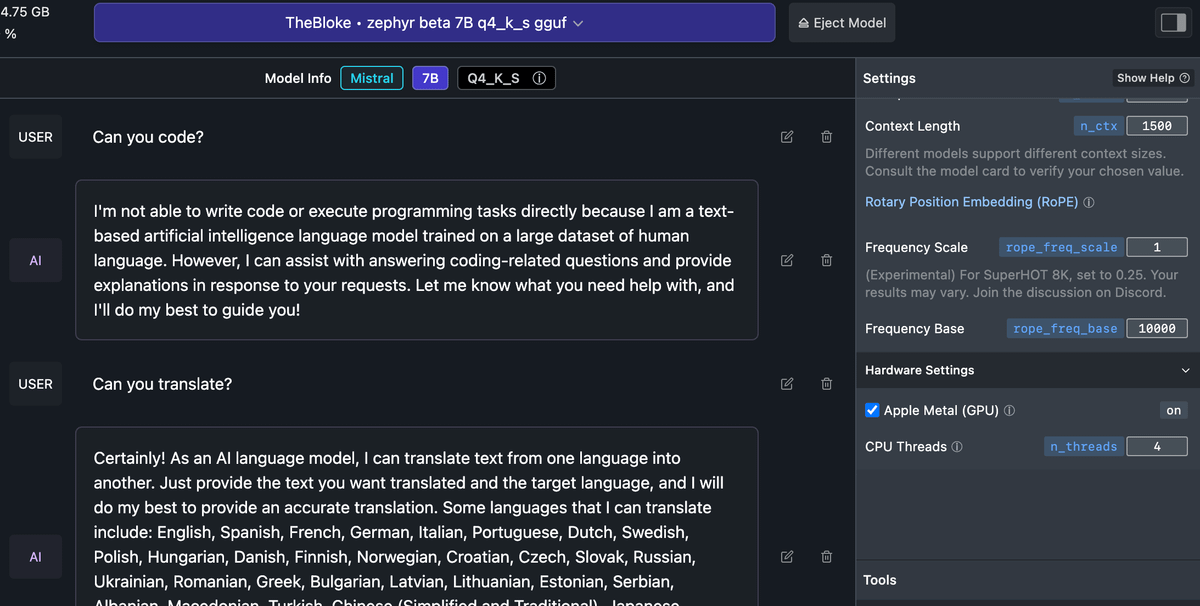
Do you want me to make a full video tutorial of this?
Let me know in the replies.

Linus Ekenstam
@LinusEkenstam
AI Evangelist & Optimist. Latest AI News, Trends and learn how to use AI tools to augment your abilities. eu/acc 🇪🇺 Co-founder @flocurve @bedtimestoryAI