How to Cached Download in Python🧵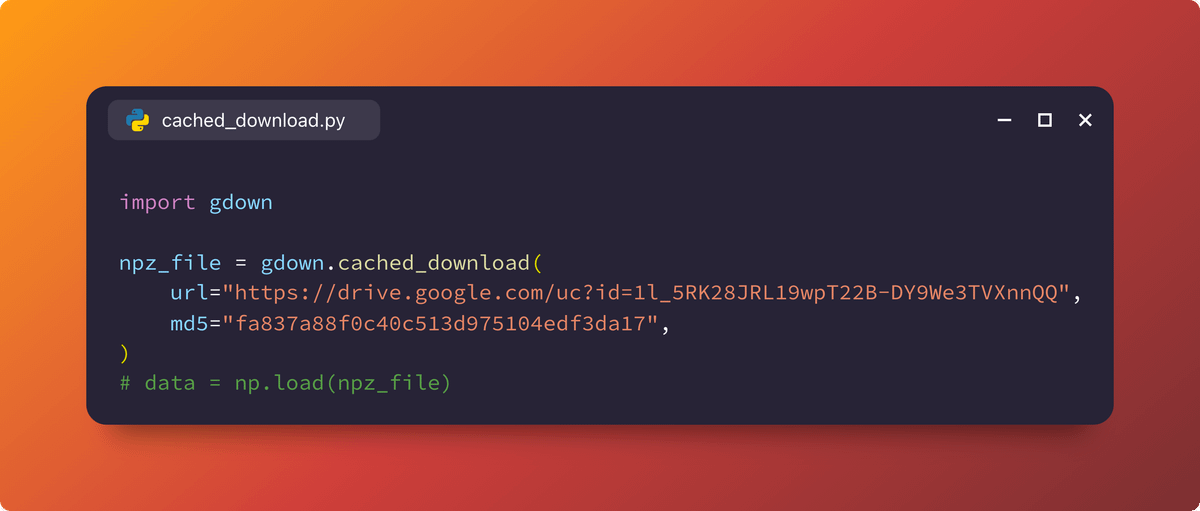
Certain Python applications require runtime download of files e.g., dataset, model. We'd like to do that once until the file becomes out-of-date.
Gdown (github.com/wkentaro/gdown) offers a concise API of cached download via:
gdown.cached_download(<URL>, <PATH>, <MD5>)
Although I created Gdown originally to download files from Google Drive (because curl/wget doesn't work for large files),
it supports any URL to download files from.
With just 4 lines of code, we can treat a remote file as if it were a local file:
npz_file = gdown.cached_download(
url="drive.google.com/uc?id=1l_5RK28JRL19wpT22B-DY9We3TVXnnQQ%22,
md5="fa837a88f0c40c513d975104edf3da17",
)
vs.
npz_file = "/Users/wkentaro/Downloads/fcn8s_from_caffe.npz"
As you may notice, <PATH> is optional.
gdown.cached_download(<URL>, [<PATH>], [<MD5>])
Unless passed, the URL is converted to a filepath in ~/.cache/gdown.
For a real app example, check how I do at @labelmeai:
github.com/labelmeai/labelme/blob/5b692a78ce6c5beb150fd24b15196b5b720893b4/labelme/ai/__init__.py#L12-L15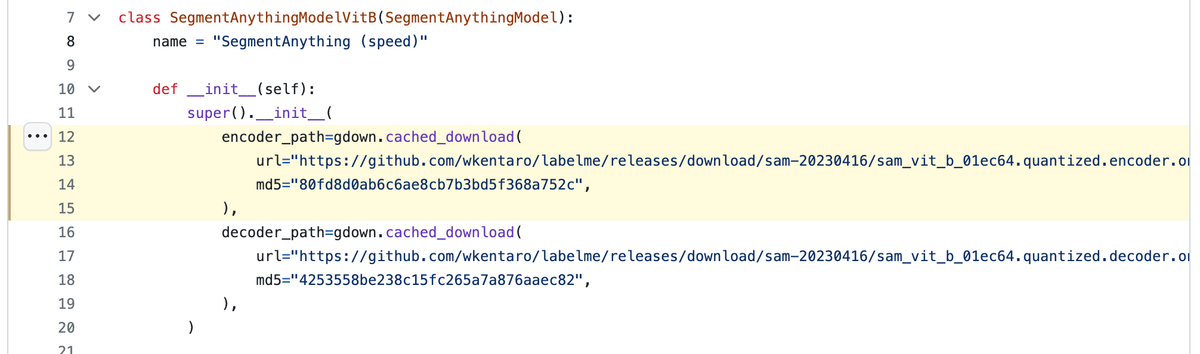

Kentaro Wada
@wkentaro_
I share my insights while building: • Flexible image labeling for AI @labelmeai🌎 • Robot vision for next-gen automation @mujin🇯🇵 ー prev: PhD at Imperial 🇬🇧