typing | ˈtʌɪpɪŋ | noun
• the action of pressing keys on a keyboard to input text
OR
• the use of hints & annotations in Python code to show the data types expected in any situation
Let's focus on the 2nd of these!
A step-by-step introduction to typing basics…
👇🪡🧵
Typing has been growing in prominence in the Python ecosystem recently.
There are times when you probably don't need to bother, and other times when you should.
Either way, let's explore some of the basics together as I learn more about type hints myself, too.
As this is a rapidly-changing field in Python, please note that all the content in this thread uses Python 3.10
Let's start with a basic function
```
def say_hello(name: str):
print(f"Hello {name}, how are you doing today?")
say_hello("William")
# Hello William, how are you doing today?
```
The parameter `name` in the function signature has a type annotation showing that a string is expected.
However, Python does not enforce this. You can confirm this by calling the following:
```
say_hello(27.5)
# Hello 27.5, how are you doing today?
```
But, a better way to see what's happening is to see a screenshot from my IDE. I'm using PyCharm but you get similar assistance from other tools, too
The IDE highlights the argument `27.5` and shows a warning saying the argument has a data type that's not what's expected
That's why they're called "type hints". They're just that: hints.
Let's look at a more detailed example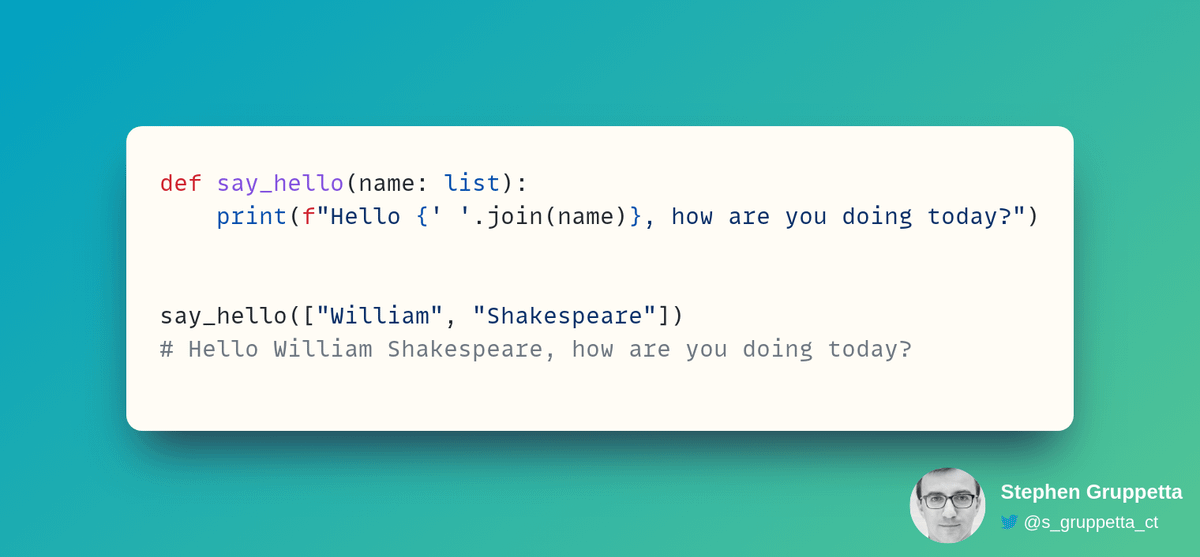
You're now showing that you're expecting a list as an argument. However, this is not sufficient in this case.
If you only include `list` as a type hint, the following will be considered an "expected data type":
```
say_hello([5, 23])
```
You'd like to specify that the argument should be a list of strings, and not just any list:
You can see the warning in the second function call in the IDE, since, although the argument is a list, it's not a list of strings:
But what if you have a tuple instead of a list? For example:
This is where the `typing` module comes in as it provides more options.
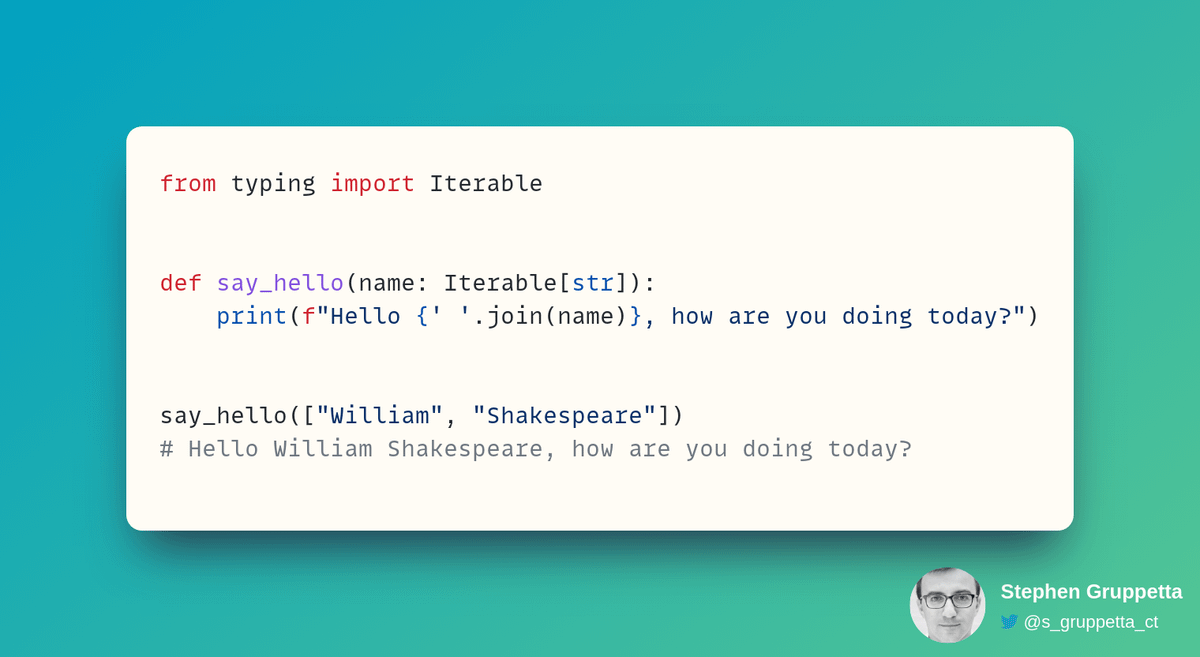
In this case, we can use `typing.Iterable` which shows that the expected argument should be any data type which is iterable
Now, using either lists or tuples is fine…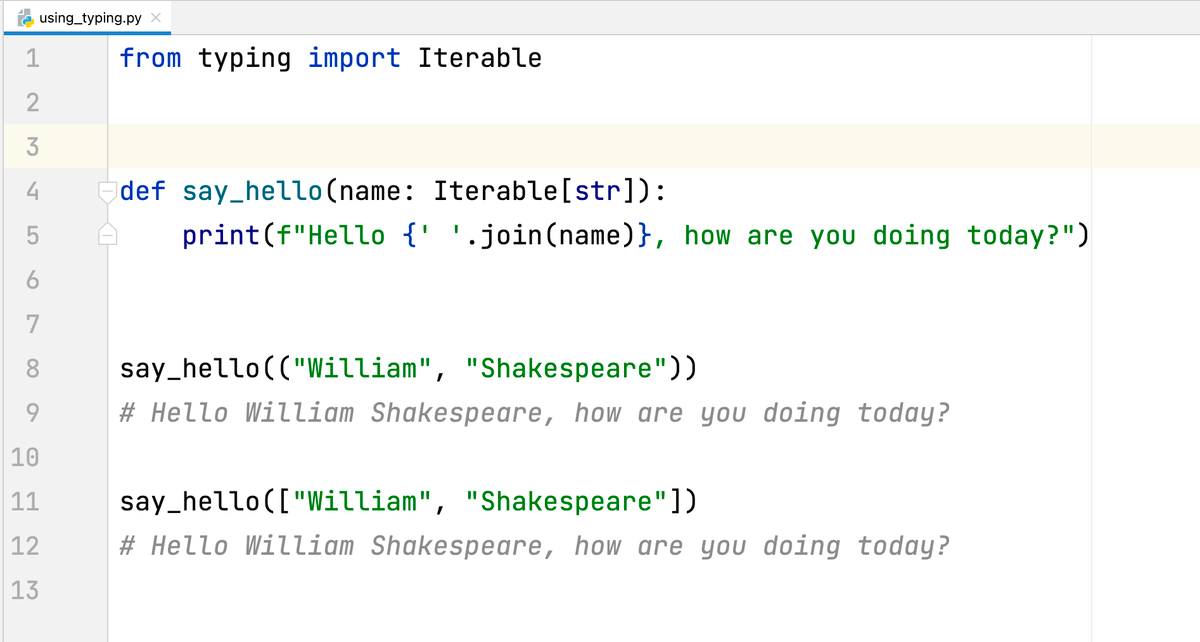

Stephen Gruppetta
@s_gruppetta_ct
Constantly looking for innovative ways to talk and write about Python • Mentoring learners • Writing about Python • Writing about technical writing