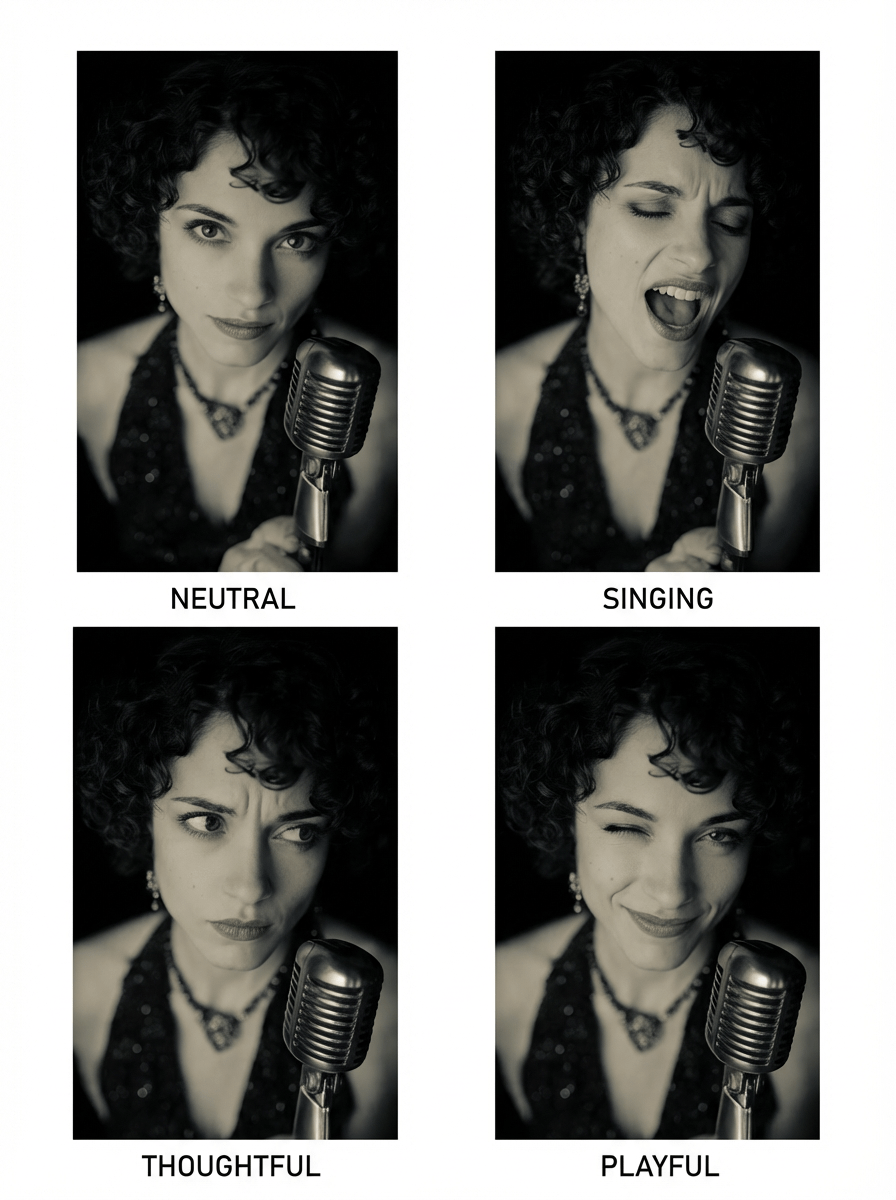
1/8 Nano Banana Pro Tutorial: Character Expression Sheet.
Sometime it's great to have a reference sheet with multiple expressions of your character, so you can use them in your comics or video.
First, we need character reference. See below👇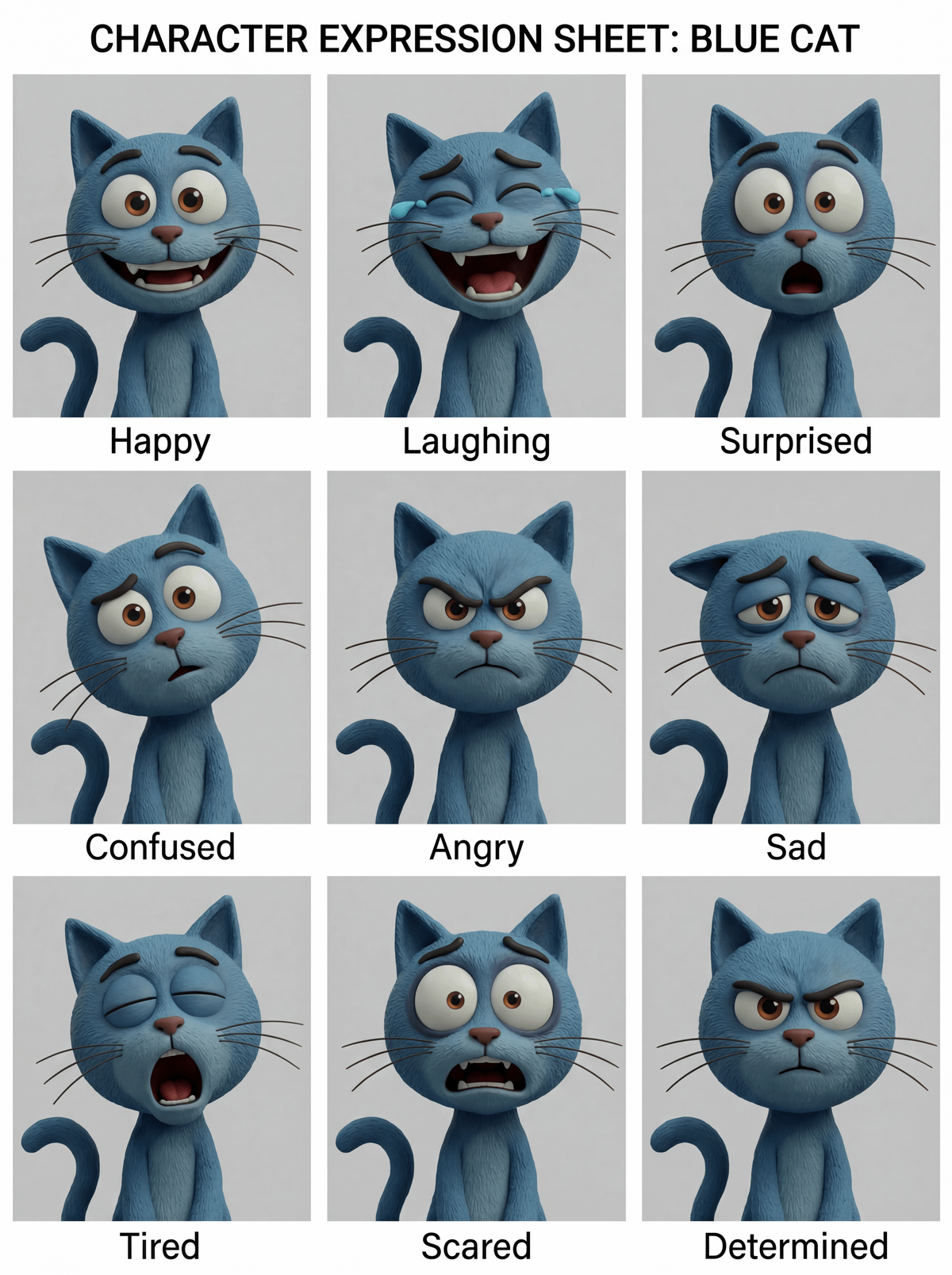
2/8 All we need is... a character!
It can be a human, an animal, a robot, an alien, anything that you want to be expressive. I will be easier if the character is facing the camera but i works even if he is not.
Let's prompt!👇
3/8 Prompt in Nano Banana Pro:
"Make a character design expression style guide of image"
And put the image of the character in reference.
Here is the result.
But there can be different style sheets... Look below👇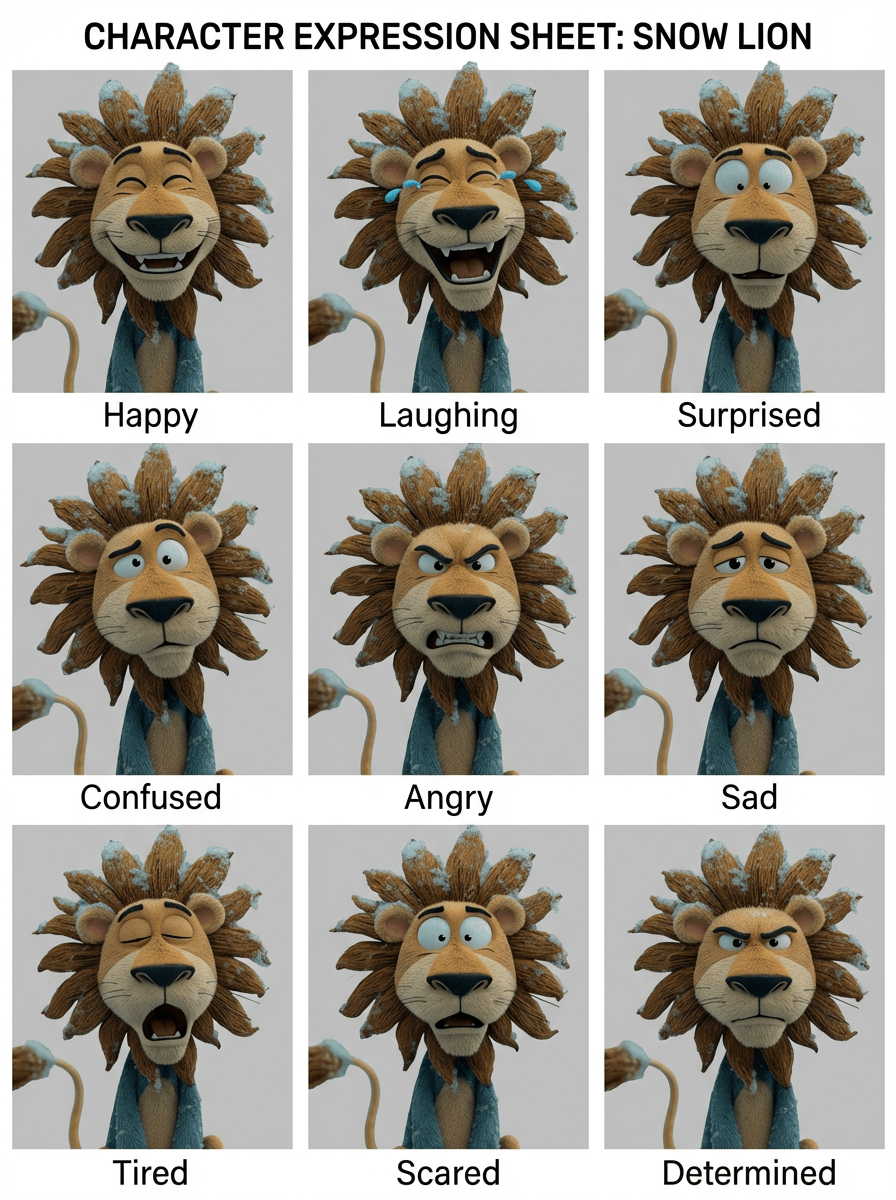
4/8 If you try with another character you may have a different style sheet like here, and for a design document you want consistency..
If you want the same design, you will find a new prompt below👇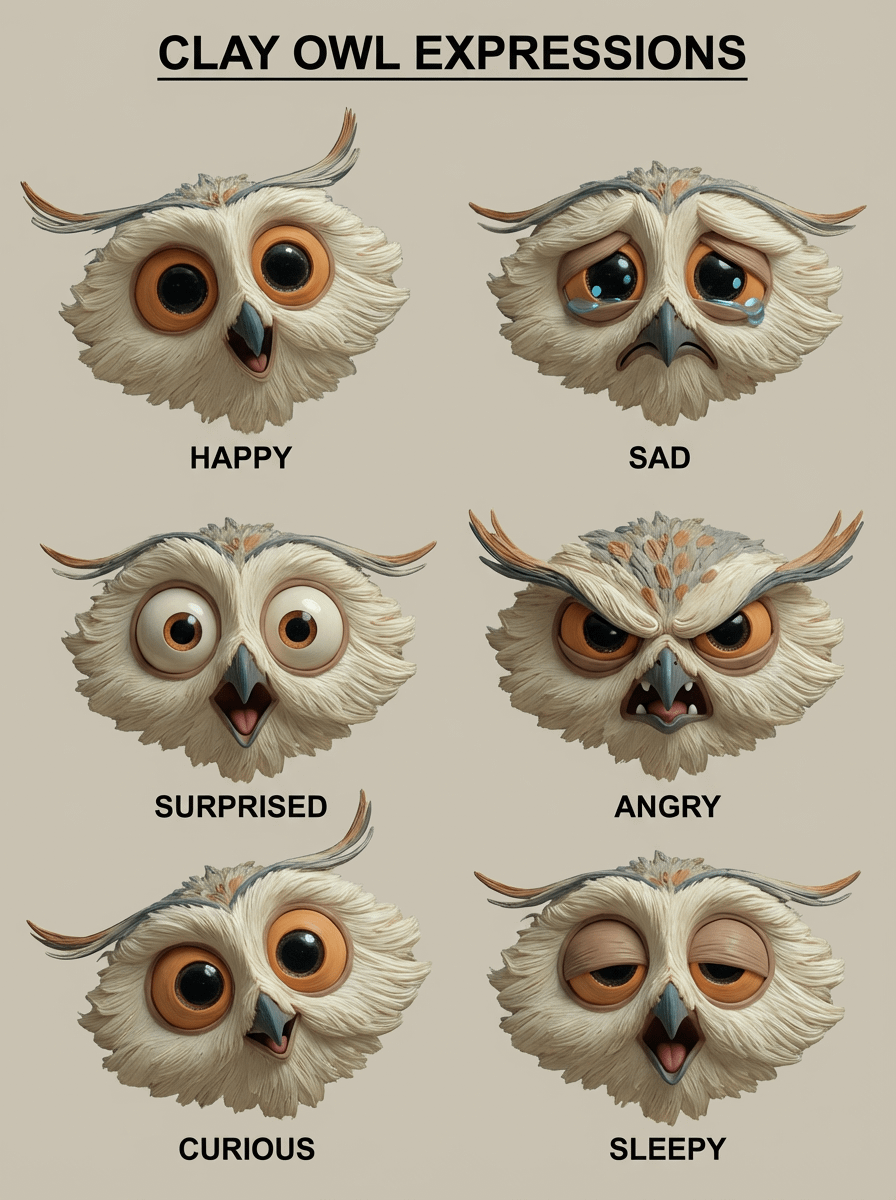
5/8 The new prompt:
"Make a character design expression style guide for @img1 using @img2 style as model."
Where @img1 is you character (the owl) and @img2 is your stylee sheet (the one with the lion in one of the previous post).
Now we have the same design sheet!
Next: Ideas to explore👇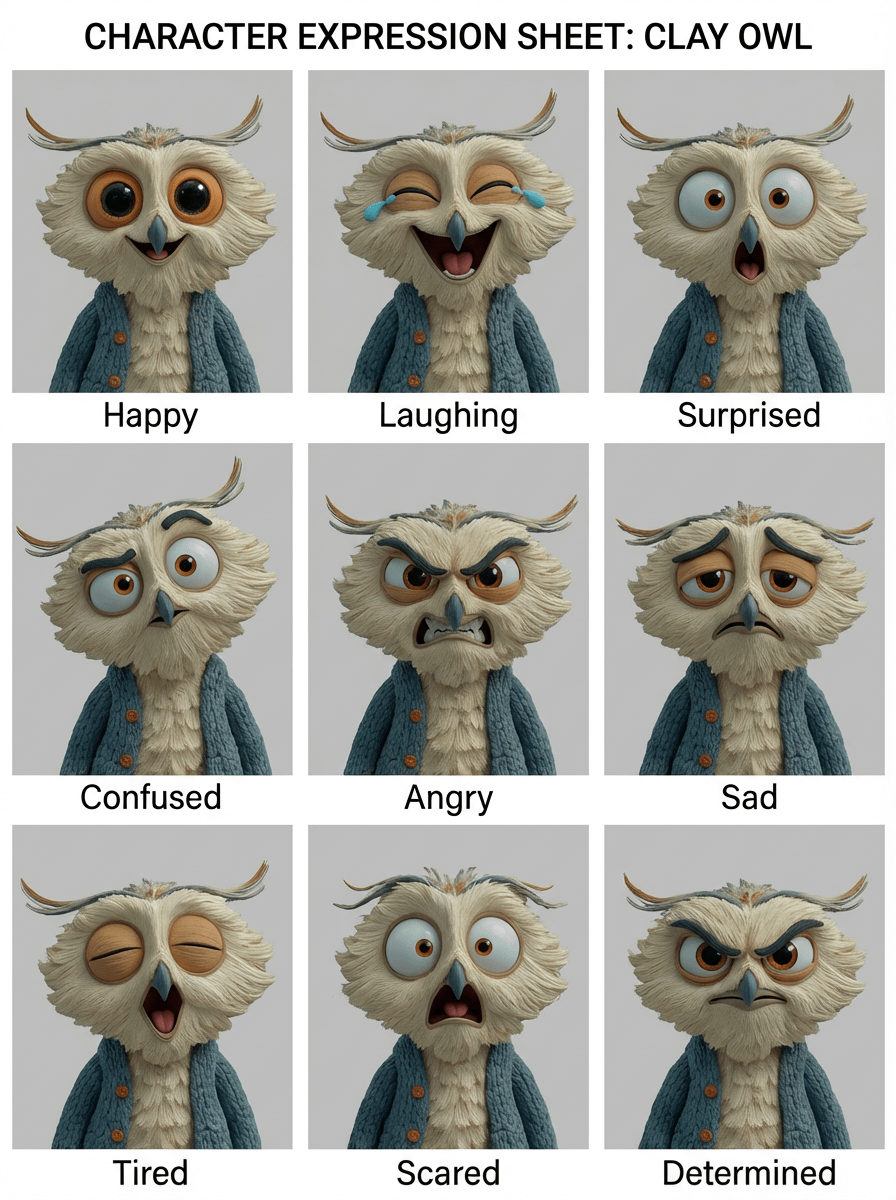
6/8 Now you can ask Nano Banana Pro to use a certain expression for a scene you generate.
You can even decide to build a style sheet with other expressions...
I let you think about this, if you need help to build it, ask in comments.
In conclusion👇