Linux tip of the day 💡
If you run the program in a terminal, it will be terminated as soon as your terminal session ends. To avoid this and keep the program running, use the nohup command, which stands for "no hangup."
For example, to compress large amount of data using tar command and ensure that the compression continues even if you close the terminal window accidentally, use the following command:
$ nohup tar -cf archive.tar file1 file2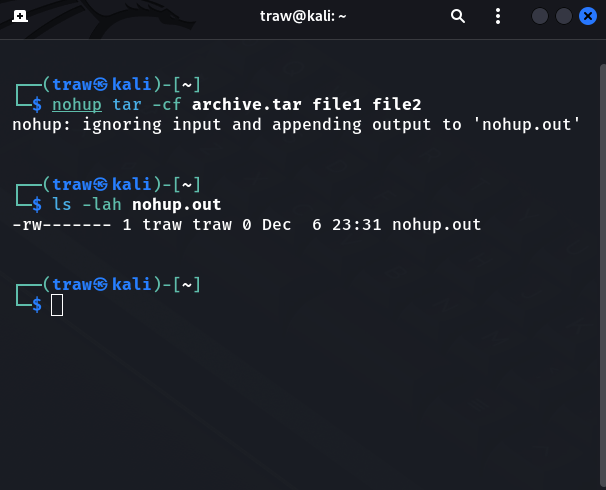
The nohup command also creates a file named nohup.out to store the command's output.
Continue to follow us(@linuxopsys) for more great Linux tips 🐧😎

Linuxopsys
@linuxopsys
Learn something new daily from our daily infographic tweets. What to expect to learn from us: Linux🐧, Sysadmin💻, and DevOps.