Create Engaging content effortlessly
Just drag drop, click, and done:
1. Introducing ChatSlide AI
→ Your ultimate tool for creating engaging slide, post, and video content with easy integration, diverse design choices, and streamlined workflow.
Get started for FREE at 👉 ChatSlide.ai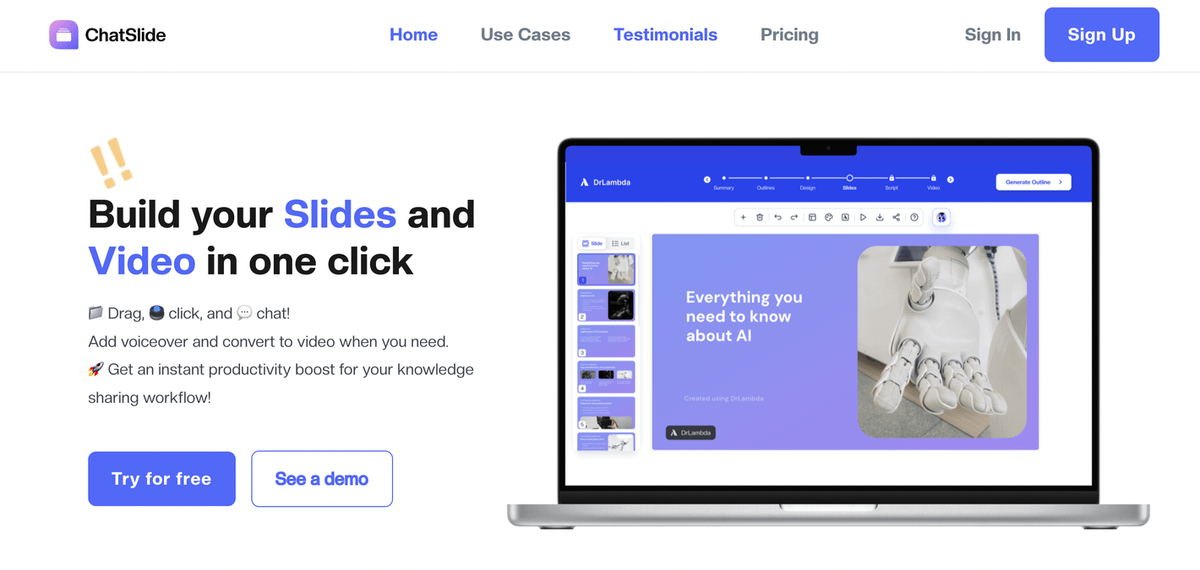
2. Create impactful slides fast for better communication and productivity.
Use tools like Slidebean or Canva to generate visually appealing slides with files, web pages, and links. Streamline the process for engaging presentations that captivate audiences.
3. Input your files, webpages, and social links.
See Chatslide. ai work its magic, turning your custom slides into avatar videos with ease.
4. Personalize Your Editing through AI chatbot
→ Highlight the email content, input your desired tone and key points, and tailor your reply effortlessly.
5. Effortlessly create social media posts from any source.
→ Just provide your topics, webpages, files, and social links to turn them into engaging social media posts.
6. Customize your slide with templates and branding
→ Utilize ChatSlide customizable templates to adapt your slides to various content types, catering to different use cases.
7. Customize your scripts with choices of tones, gender, and voices.
→ ChatSlide AI customizes your scripts and uses an AI chatbot to assist you in selecting voice tones and genders for a personalized touch.
8. Discover others’ projects share your projects with the community:
→ You can discover the trending posts in Chatslide community
→ You can repost others’ posts to social media channels
Try it for FREE
🔗ChatSlide.ai
♻ Opportunity:
Want to learn AI in 2 minutes a week?
Want to be a part of AI family?
Here's to subscribe for FREE
fakhr.beehiiv.com/subscribe

Fakhr
@iamfakhrealam_1
Content Creator | AI | TECH | Promotion | Collaboration || 📧 fakhrkhan1@gmail.com | inbox for PROMO