I’m in the middle of setting up a new MacBook. I’m so grateful to past-me for documenting all my little apps, tweaks, and scripts I run to make it cozier for me.
Here’s a thread of my favorite apps I can’t work without:
A clipboard manager and window manager is a must-have. Using a computer without them feels like operating with my hands tied behind my back.
In the past, I’ve used @alfredapp + rectangleapp.com, but I’m currently trying out @raycastapp for both of these needs.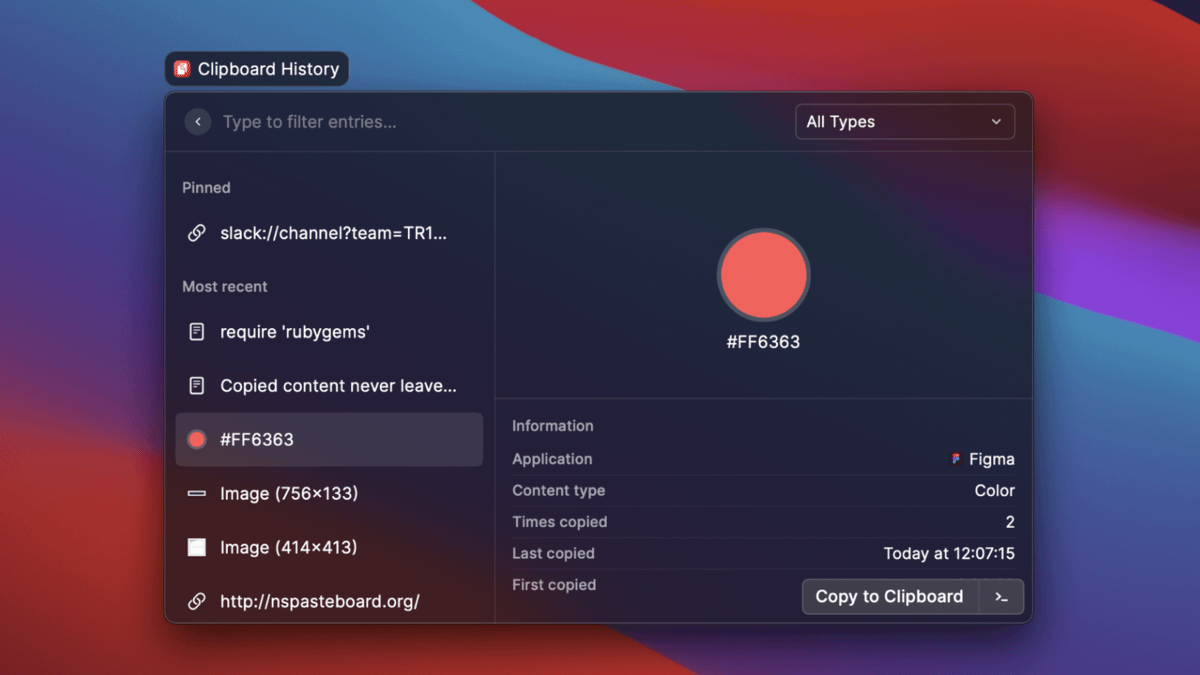
macOS’s new Live Text is a good first step, but it only works on images in Apple’s own apps, which just is not competitive compared to @TextSniperApp and @cleanshot which let grab text from anywhere: YouTube videos, Zoom calls, un-selectable text across the web, etc.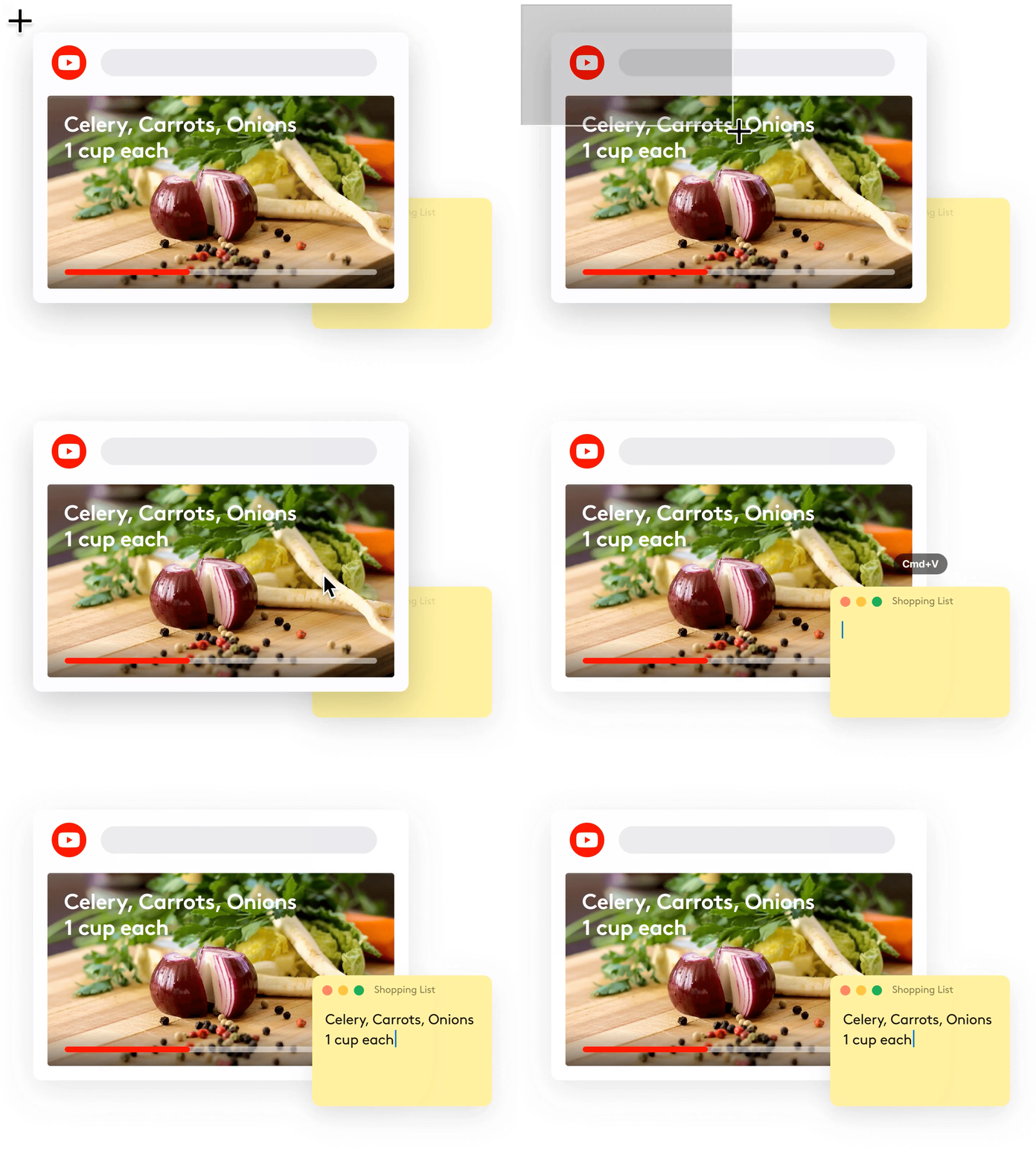
The built-in screen recording tool is okay, but it pales in comparison to @cleanshot:
• record to .mp4 or .gif (not just .mov)
• record my screen + camera at the same time
• record system audio and microphone
• record keystrokes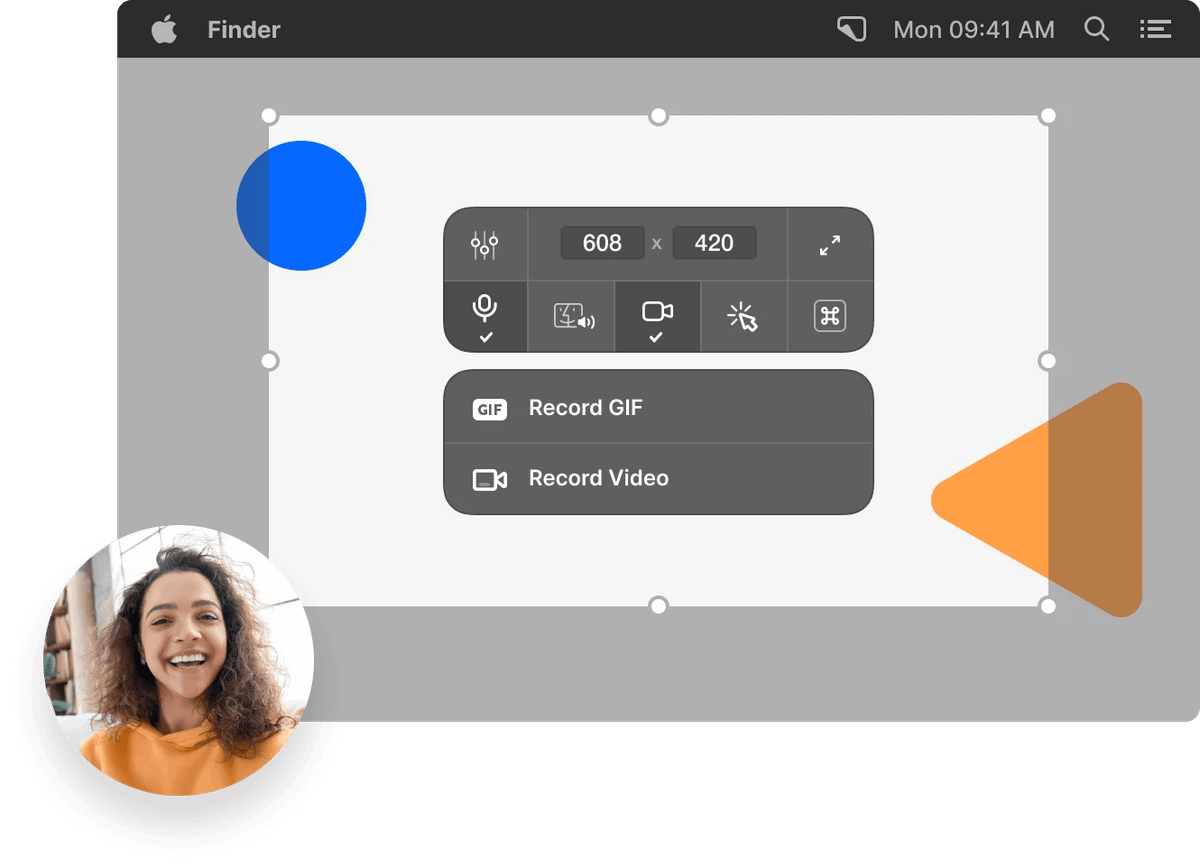
The system volume control is a bit simplistic for my needs. It doesn't have Per-App Volume Control, Fast Input Switching, or Multiple Output Destinations. @RogueAmoeba’s SoundSource steps into that gap.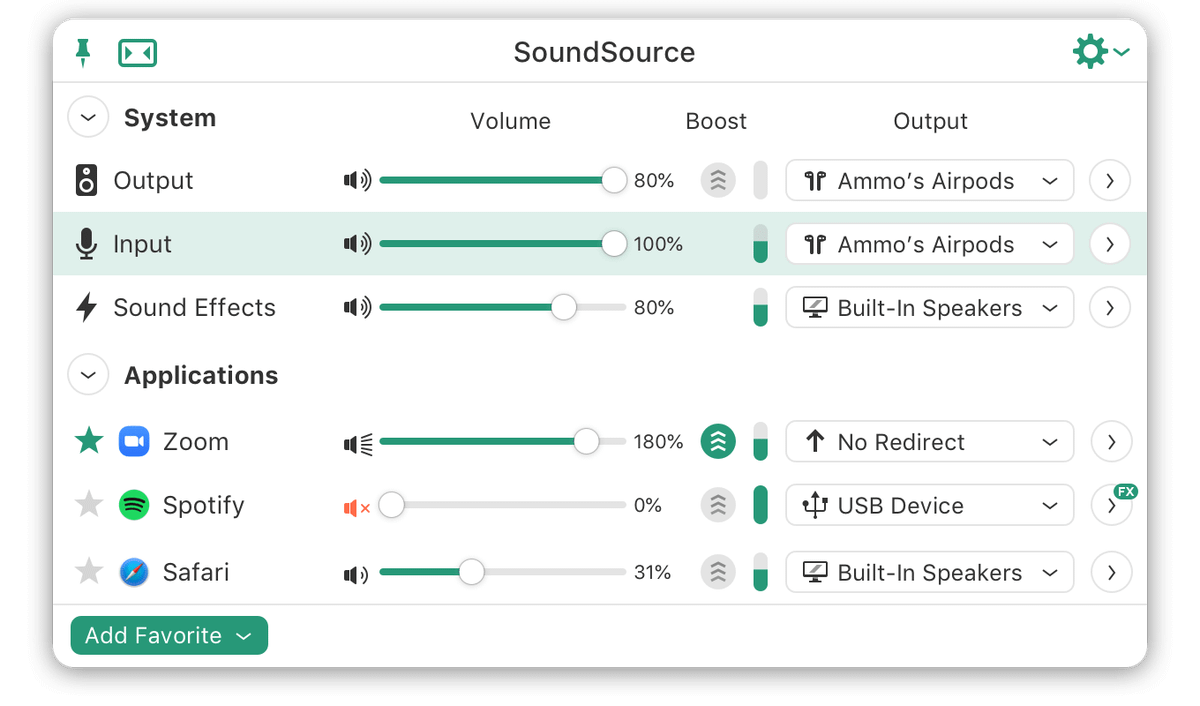
Working remote means I need easy access to Zoom links without opening my calendar. There's many good options in this category, including @MeetingBarApp, but my recommendation is @sindresorhus’s Dato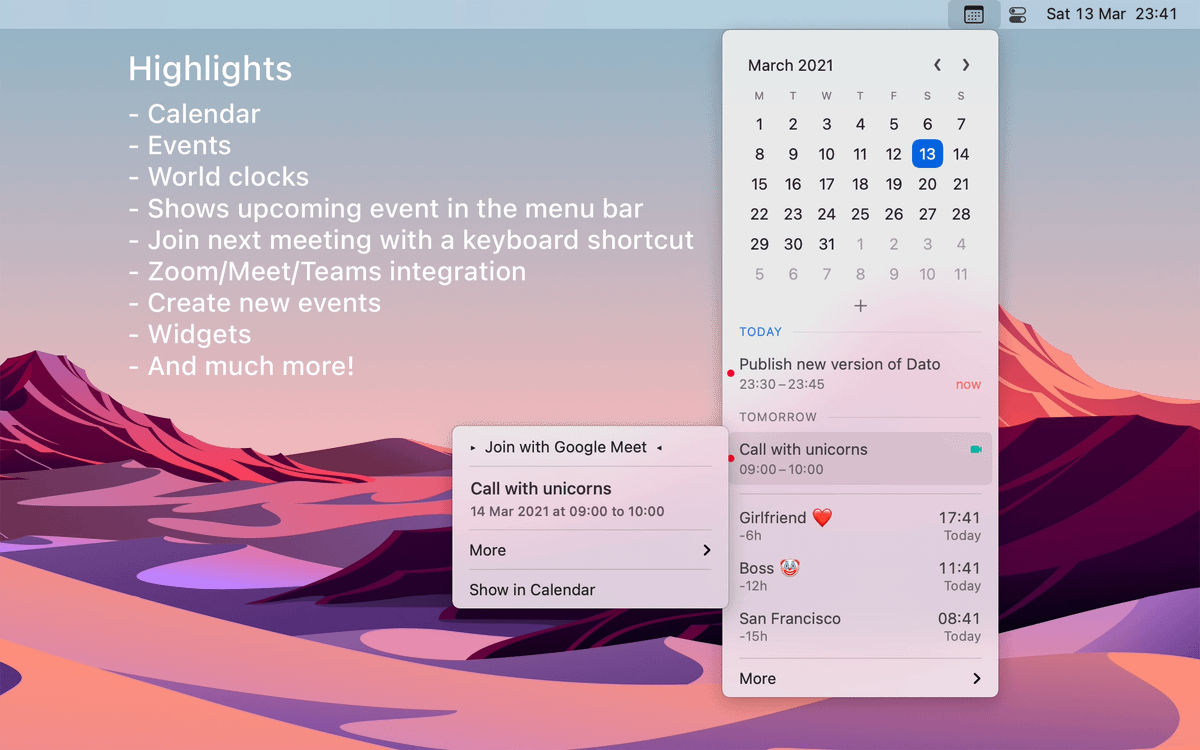
After installing enough of these apps, you’ll find yourself with a new problem: too many menu bar apps! The long-time king of this space is @macbartender, but people also like @_matthewpalmer’s Vanilla

Nathan Gathright
@NathanG
Chicago product designer ✦ Creator of pod.link (sold to Spotify) ✦ Building steno.fm ✦ Full of information. Some of it’s actually useful. ✦ he/him