🔷 About HTML Style Guide - 2
A Thread🧵 👇
📌 Always Quote Attribute Values
→ HTML allows attribute values without quotes.
→ However, we recommend quoting attribute values, because:
• Developers normally quote attribute values.
• Quoted values are easier to read.
• You must use quotes if the value contains spaces.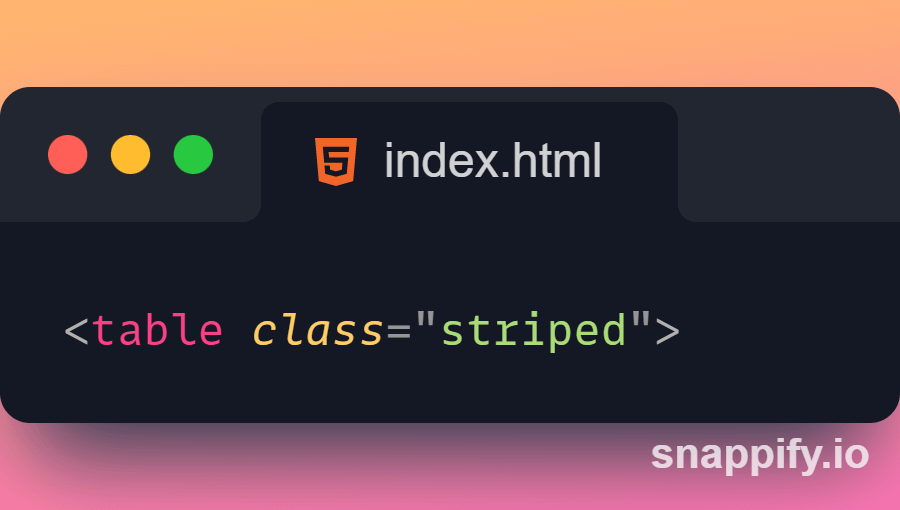
📌 Always Specify alt, width, and height for Images
→ Always specify the alt attribute for images.
→ This attribute is important if the image for some reason cannot be displayed.
→ Also, always define the width and height of images.
→ This reduces flickering, because the browser can reserve space for the image before loading.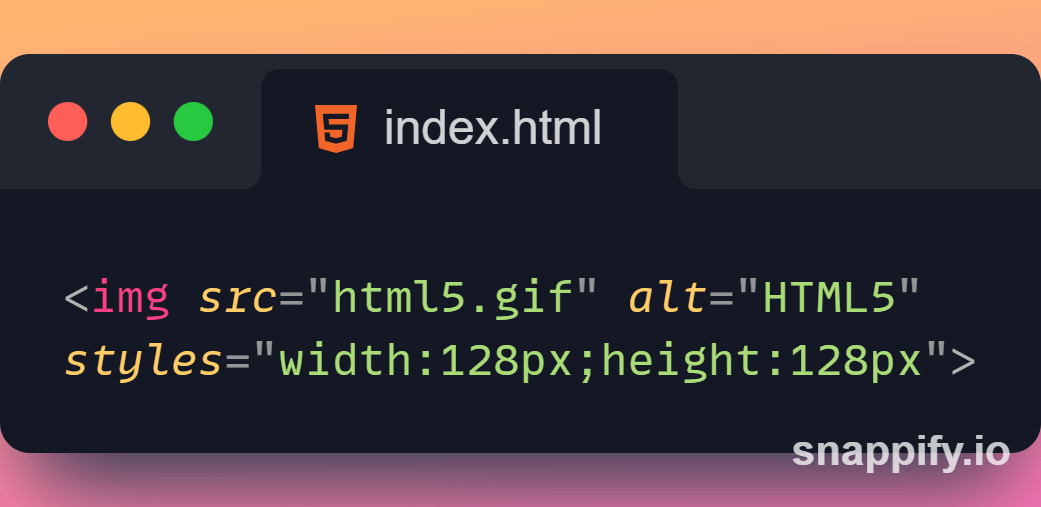
📌 Spaces and Equal Signs
→ HTML allows spaces around equal signs.
→ But space-less is easier to read and groups entities better together.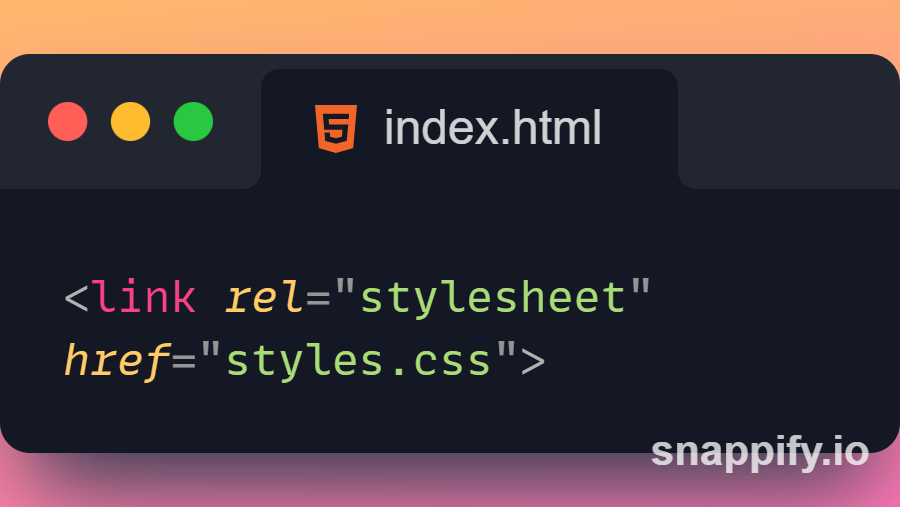
📌 Blank Lines and Indentation
→ Do not add blank lines, spaces, or indentations without a reason.
→ For readability, add blank lines to separate large or logical code blocks.
→ For readability, add two spaces of indentation.
→ Do not use the tab key.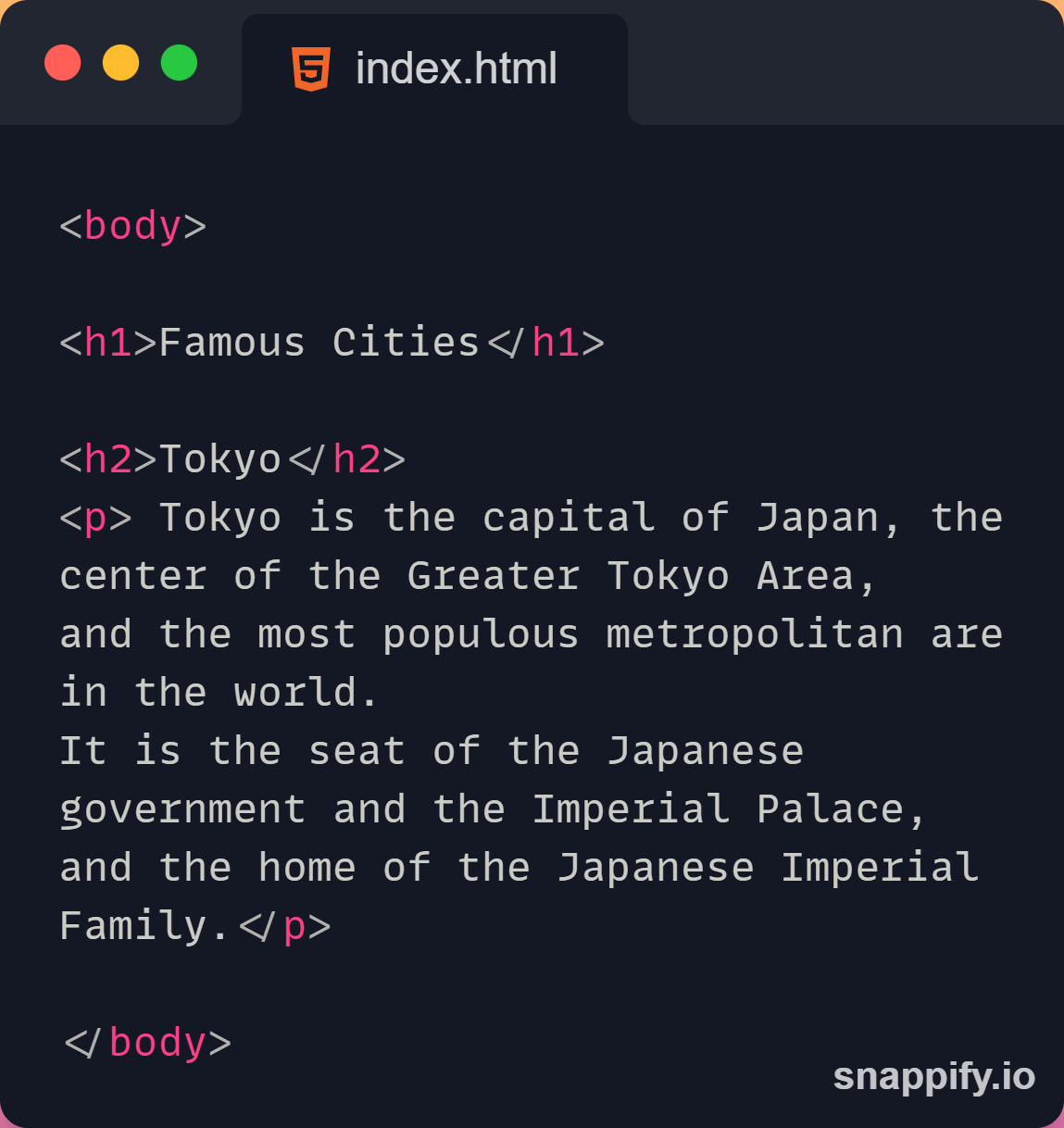
📌 Good Table Example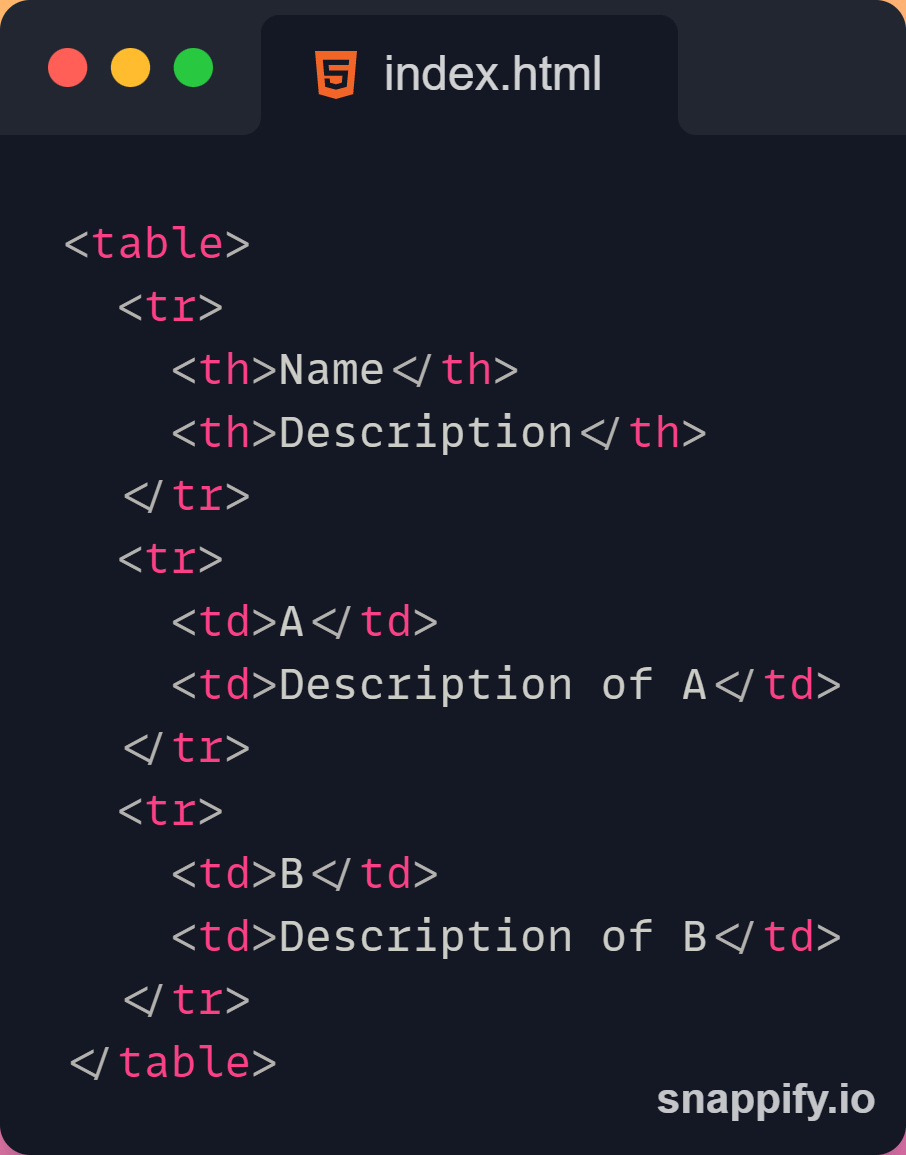
📌 Omitting <html>, <head> and <body>
📌 Add the lang Attribute
→ You should always include the lang attribute inside the <html> tag, to declare the language of the Web page.
→ This is meant to assist search engines and browsers.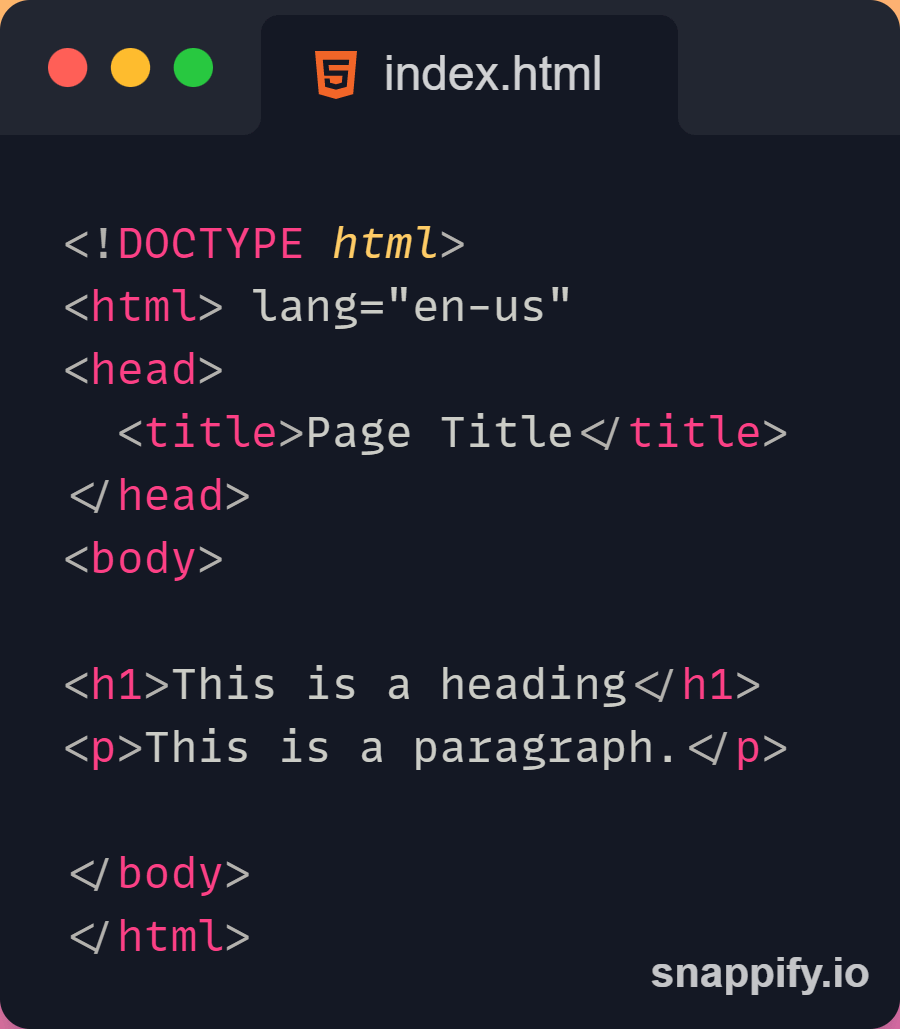
Thanks for reading this thread ❤️
If you like it , make sure you:
🔷 Like the tweet
🔷 Retweet the first tweet ⚡
For more content , follow:
@MrunayU

Mrunay Uttarwar
@MrunayU
🌐 Front End Dev 💻 Transitioning into Web3 🚀 Content Creator 📝 Always learning and sharing my journey 💻 Let's connect and geek out!