
Are you trying to import materials into your #blender Projects? #b3d #blendertutorial
Here is a step-by-step guide on how to do it:
1. Go to the top left corner and look for the "File" tab, then select "Append".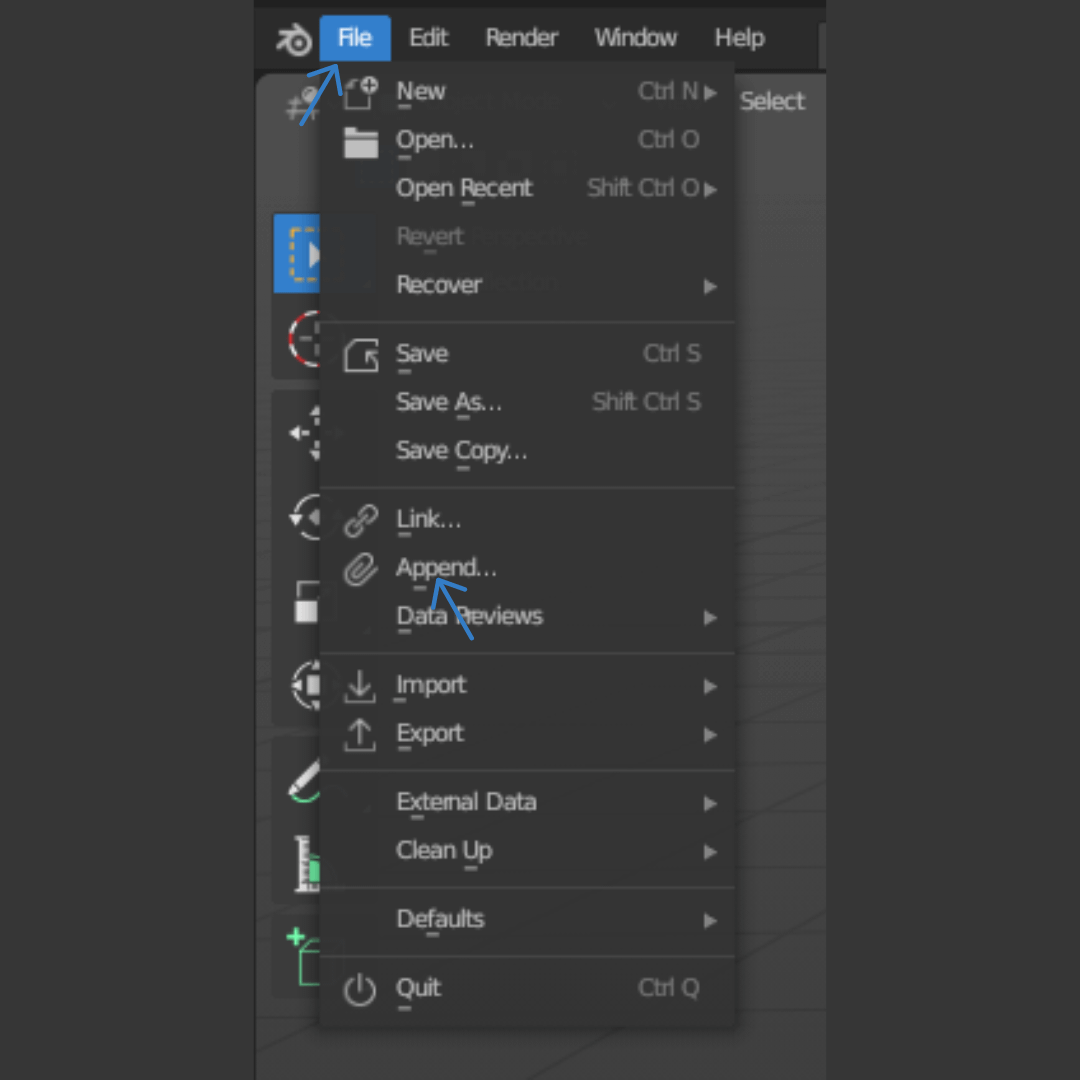
2. Search for the Blender File that contains the material you want to import.
3. Go to the "Material" folder.
4. Double-click on the material that you are looking for; in this case, it's called "Metal Rust".
Now, when you go to the Materials tab to select a material for your object, it will appear ready to use.
I hope this is useful for some people who are starting with Blender. Have a good day!😄.