99% of people are talking about the best AI tools like ChatGPT.
But no one is talking about the tools to build them.
Here is how to build an AI app that turns your sketches into stunning images in seconds:
1. Fork this repo:
github.com/leap-api/draw-it
100% free and open source by @leap_api.
Here's a quick demo:
2. Add your env variable
Rename the .envExample file to .env and replace `API_KEY` with your own API key.
You can grab your key by signing up for Leap AI here:
tryleap.ai
3. Run `npm install` & `npm run dev`
This will install all the necessary packages, including `@leap-ai/sdk` which we will use to remix images.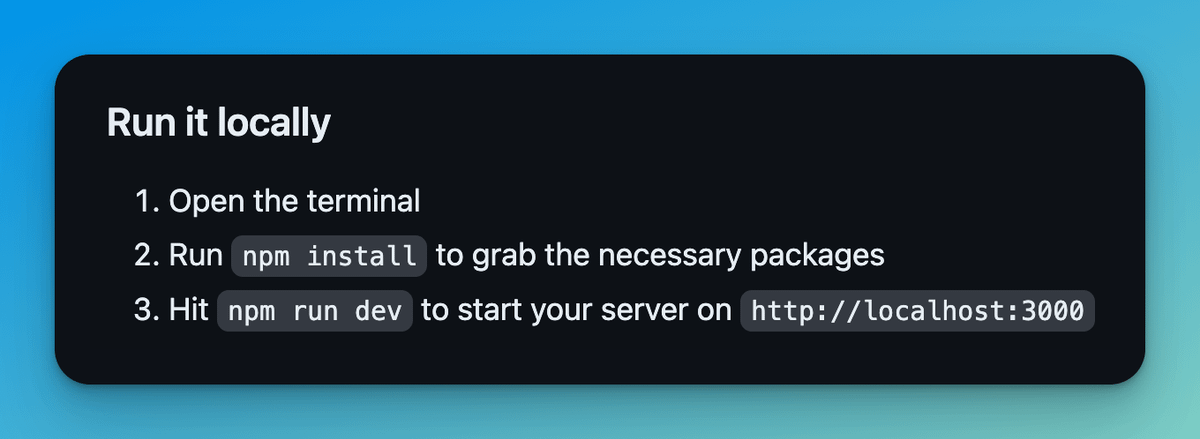
4. Open localhost:3000
You're now up and running and can draw a sketch to generate an image!
Great for graphic design, fashion, interior design apps, & more.
Here's an incredible image I generated from a sketch!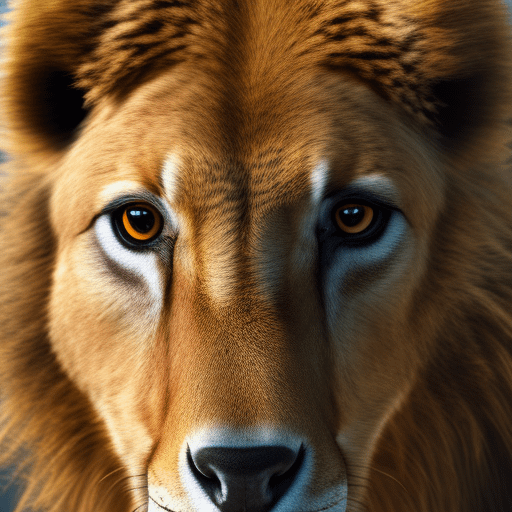
5. Deploy to Vercel
Import your repo to Vercel or @Zeet_Co and deploy in 1 click!
Bonus: add your own prompts and take it to the next level
Prompts 👉 /app/components/PromptSelector.tsx
Theme 👉 app/page.tsx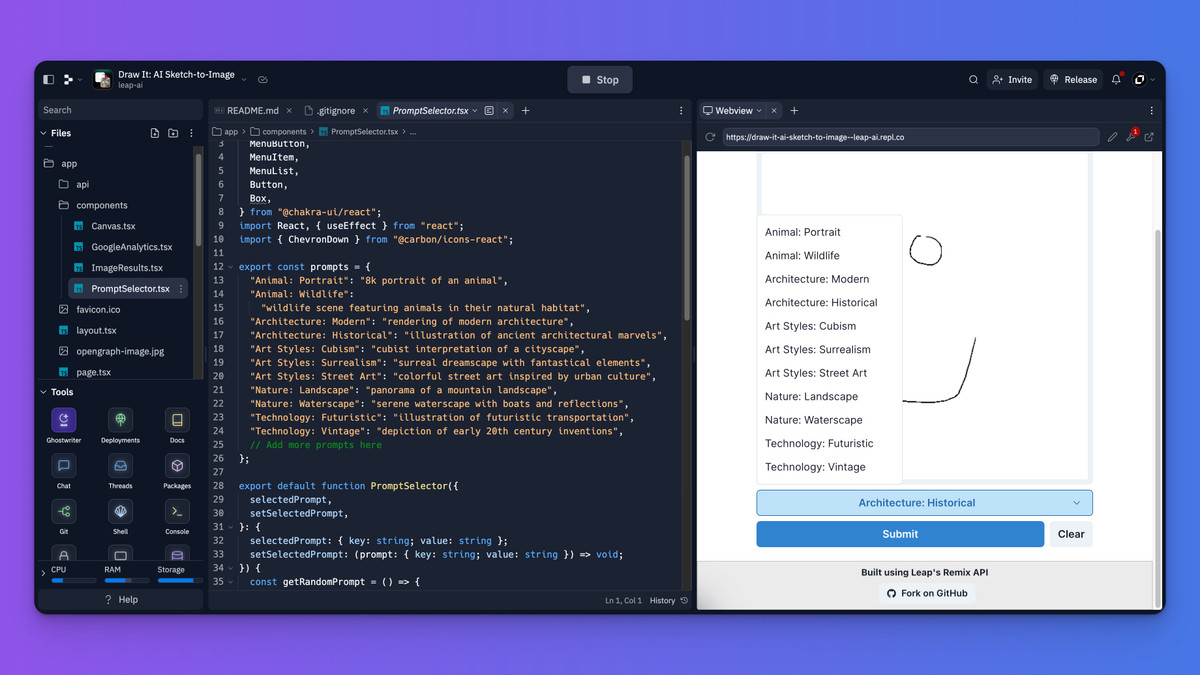
Leap AI has a Developer Hub to make integrating even easier!
See case studies, guides, and more working repos here: tryleap.ai/developers

Pradeep Pandey
@Div_pradeep
X about AI and Web development • Co-founder @AIInsights__ • DM for collaboration • 📥 Pandeybiz13@gmail.com